Key Takeaways
- The best AI video models are the ones that fit your production job and the inputs you already have: a reference image, a script, existing footage, or a requirement to run the model on your own hardware.
- Native audio, reference controls, output resolution, and access routes vary by model version and platform.
- Seedance 2.5 generates audio and video together for up to 30 seconds in one pass, including connected multi-shot sequences.
- Google Veo 3.1 generates sound and supports landscape or portrait output; the supported resolutions depend on the exact endpoint and configuration.
- Wan 2.2 comes with official downloadable weights and inference code, so running it locally takes suitable compute and compliance with the applicable license.
- HappyHorse 1.1 handles text-, image-, and reference-to-video in Alibaba Cloud Model Studio.
- Flova puts Seedance 2.5, Kling 4.0, and MiniMax H3 in one project, so the same references, script, storyboard, and timeline stay together while you switch models.
At a Glance
Eight Models and Their Practical Starting Points
Start with the source material you already have, then pick the controls and access route you need. The eight entries below make up the shortlist:
- Seedance 2.5 — reference-guided audio-video generation and connected sequences up to 30 seconds in one pass; Flova offers it inside its project workflow.
- Kling 4.0 — 3–30 second clips up to 4K, keyframe control, Omni Reference, and native audio; Flova offers it with its other models in one project.
- Google Veo 3.1 — text- and image-to-video with sound generation and supported landscape or portrait output.
- Runway Gen-4 — image-to-video using a required input image and a motion prompt.
- Wan 2.2 — downloadable model weights for teams building a local or custom inference workflow.
- Luma Ray3.14 — native 1080p generation and Modify Video workflows in Dream Machine.
- MiniMax H3 — multimodal references and native stereo sound; Flova offers it alongside its other models in one project.
- HappyHorse 1.1 — text-, image-, and reference-to-video through Alibaba Cloud Model Studio.
If a project also needs planning, visual references, and an edit, the workflow around the model matters as much as the model itself. Flova’s AI film-maker workflow links scripts, storyboards, shots, and assets in one project, and its Agent selects among supported models, so one production can combine models such as Seedance 2.5, Kling 4.0, and MiniMax H3 with generated music and narration while you review each step.
How to Compare the Models
Narrow the shortlist around your inputs, reference controls, sound, and deployment needs. A product shot built from an approved image calls for a different workflow from a dialogue scene or a self-hosted generation system. Use the comparison table to check those requirements before testing a small number of candidates.
Compare candidates on the same scene, source references, duration, and delivery format where supported. Record the model ID and settings alongside the result so you can distinguish a model difference from a change in configuration. Review identity, motion, framing, and audio together rather than choosing from an isolated preview.
Eight AI Video Models to Consider
Use the entries below to build a shortlist. They follow workflow roles rather than release dates.
1. Seedance 2.5
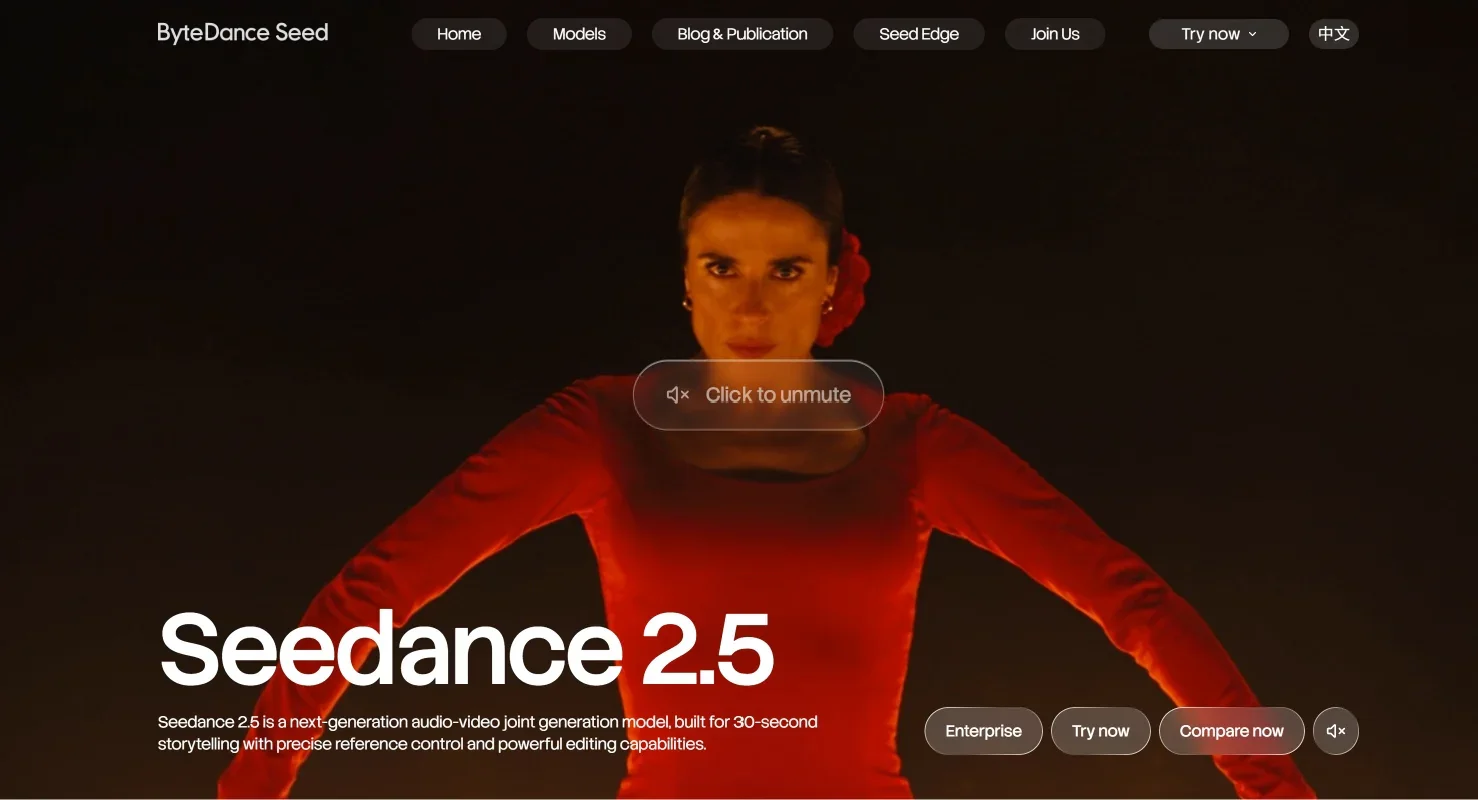
Seedance 2.5 suits projects that need reference-guided audio-video generation with room for a longer sequence. ByteDance’s launch documentation describes generation up to 30 seconds in one pass, up to 50 multimodal references, and up to two extensions, and a generated sequence can contain multiple connected shots. Because the duration does not imply a single take, say in the prompt whether you want one continuous camera move or a sequence with cuts.
Flova provides Seedance 2.5 inside its project workflow, with clips up to 30 seconds, reference controls, and partial edits that update one part of a video without regenerating the rest. Starter lists high-concurrency Seedance 2.5 and 2.0 generation, with 10 at a time. You can discuss the scene and approve its direction with the Agent before creating final assets.
2. Kling 4.0
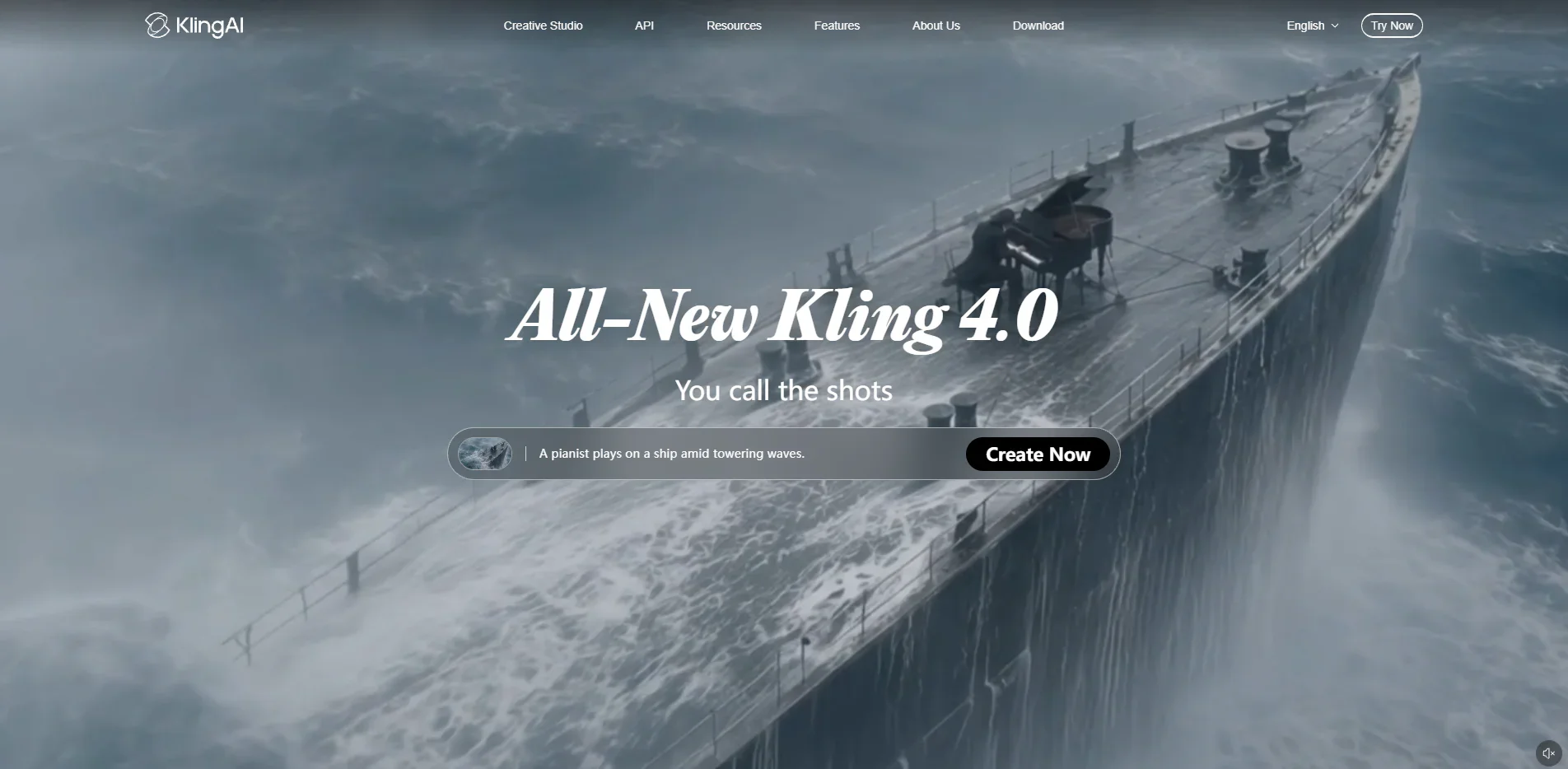
Kling 4.0 fits briefs built around directed motion, dialogue, and story beats you want to steer with keyframes. Kling’s release page and blog list text-to-video, image-to-video, up to 10 keyframes, and Omni Reference with up to 15 combined references across image, video, element, and voice, plus native clips of 3 to 30 seconds and native 4K output. Flova offers Kling 4.0 alongside its other models and notes that the reference limits Kling publishes, up to 10 images, five video clips, and seven subjects in one task, are model-level maximums that individual modes may not all expose.
3. Google Veo 3.1
Google Veo 3.1 is a good fit when you want text- or image-guided shots with generated sound and supported portrait or landscape framing. Google documents sound generation, first/last-frame inputs, reference images, and video extension for supported Veo 3.1 endpoints. The current veo-3.1-generate-001 documentation lists 4-, 6-, or 8-second clips, with reference-image generation restricted to 8 seconds, and it lists 720p, 1080p, and 4K output options, though not every mode or endpoint supports every combination.
4. Runway Gen-4
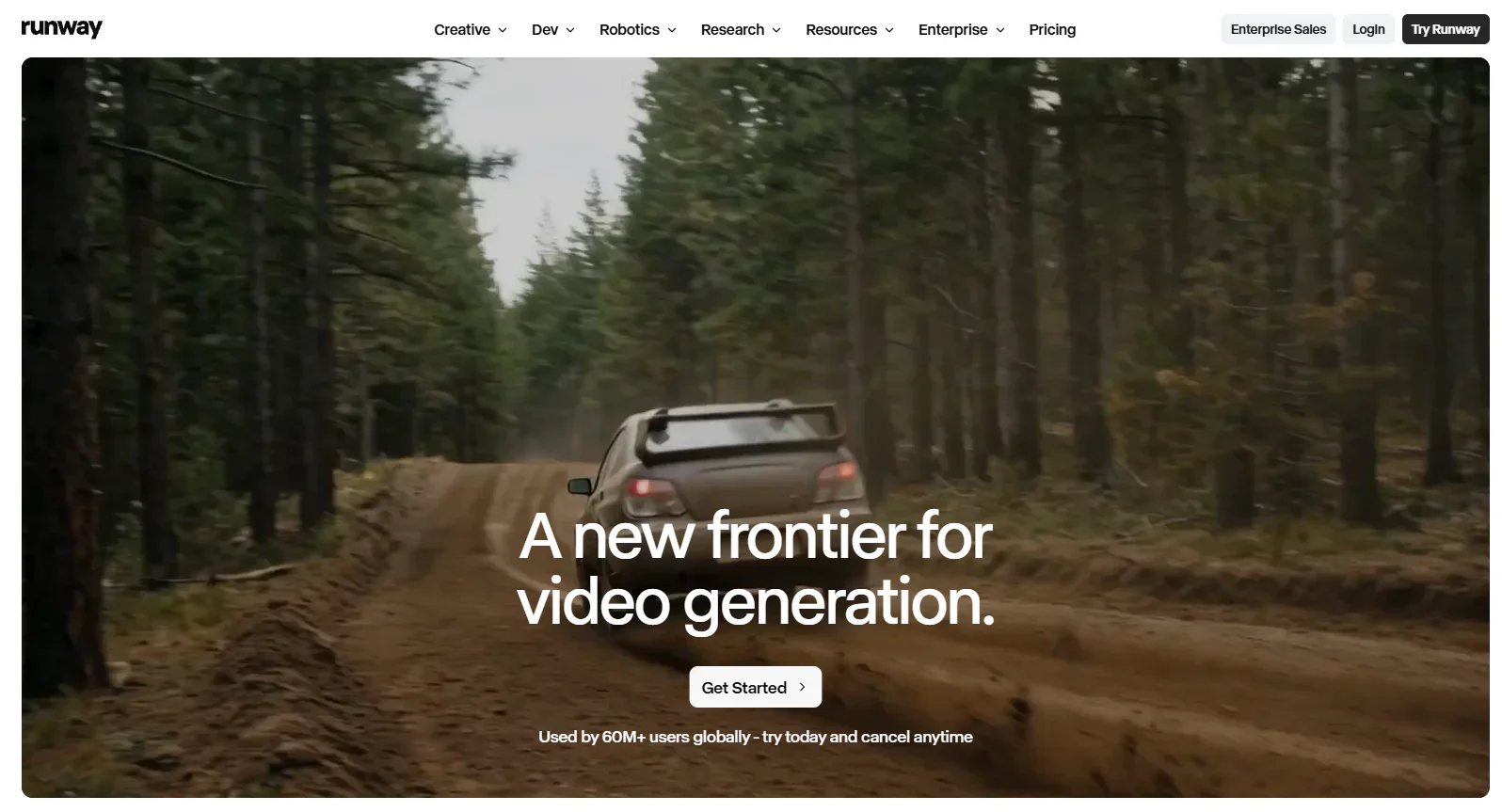
Runway Gen-4 works best when you already have a strong first frame and want to animate it with a motion prompt. Gen-4 and Gen-4 Turbo require an input image that sets the visual starting point, and the prompt describes the motion. Runway’s app also offers other models and editing tools, and its developer API lists newer models such as Gen-4.5 next to Gen-4 Turbo, each with its own inputs and pricing.
Runway offers app subscriptions and a separate developer API. The Standard app plan costs $15 per user/month on monthly billing, or $12 per user/month billed annually ($144/year), while Runway Dev sells pay-as-you-go credits at $0.01 each. Gen-4 Turbo costs 5 credits per second and Gen-4.5 costs 12 credits per second on the API. These are hosted access routes; Wan 2.2 below is the downloadable-weight option in this comparison.
5. Wan 2.2
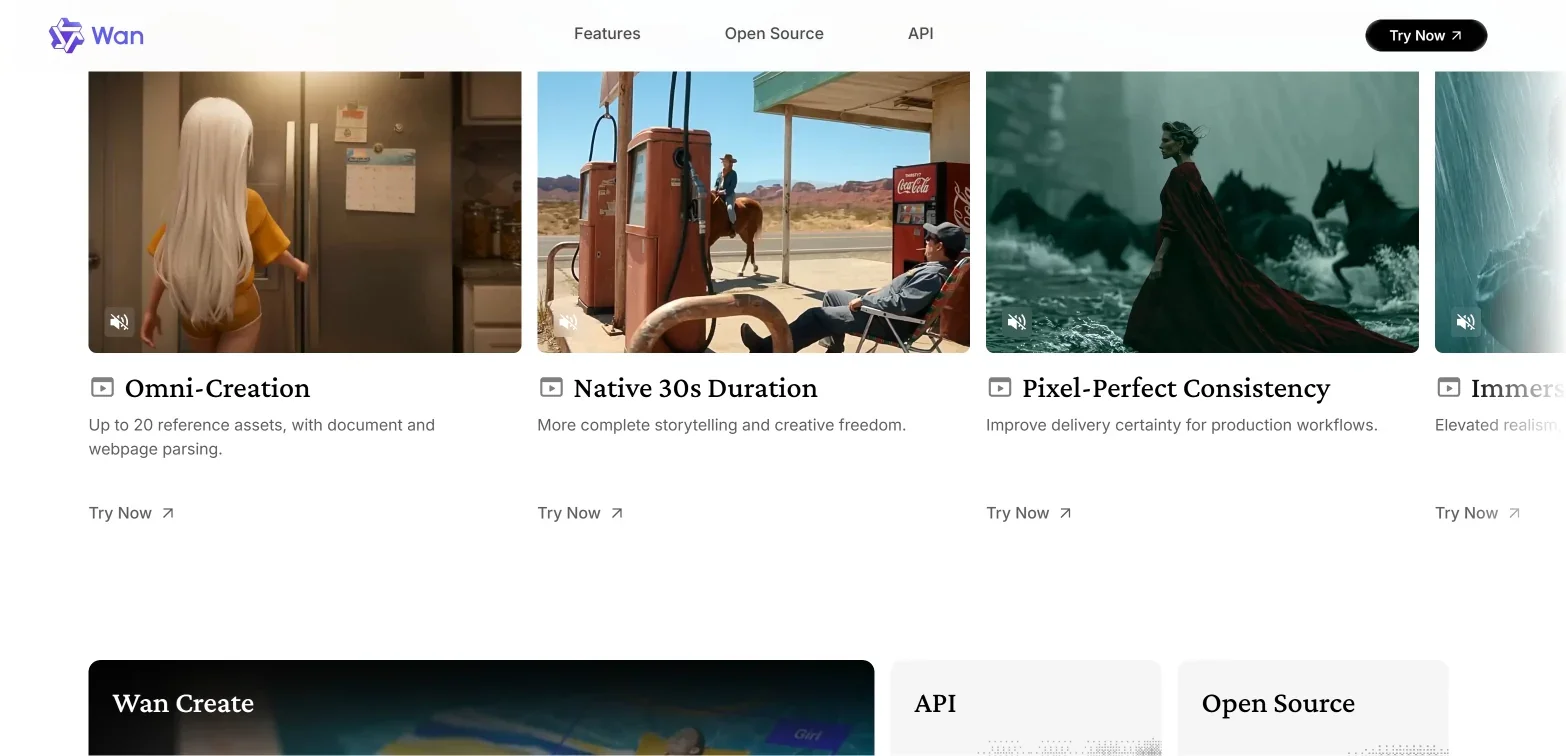
Wan 2.2 makes sense when downloadable weights and control over the inference environment matter more than a turnkey web workflow. The official Wan-Video repository publishes inference code and weights for text-to-video, image-to-video, and combined variants, released under Apache 2.0. The TI2V-5B documentation specifies 720p at 24 fps, and other variants have their own requirements and supported settings.
Downloading Wan 2.2 weights does not make production free: GPU capacity, storage, setup, and maintenance remain your costs. Flova also lists Wan 3.0 Prime in its hosted model pricing. Wan 3.0 Prime is a separate hosted version with its own access terms.
6. Luma Ray3.14
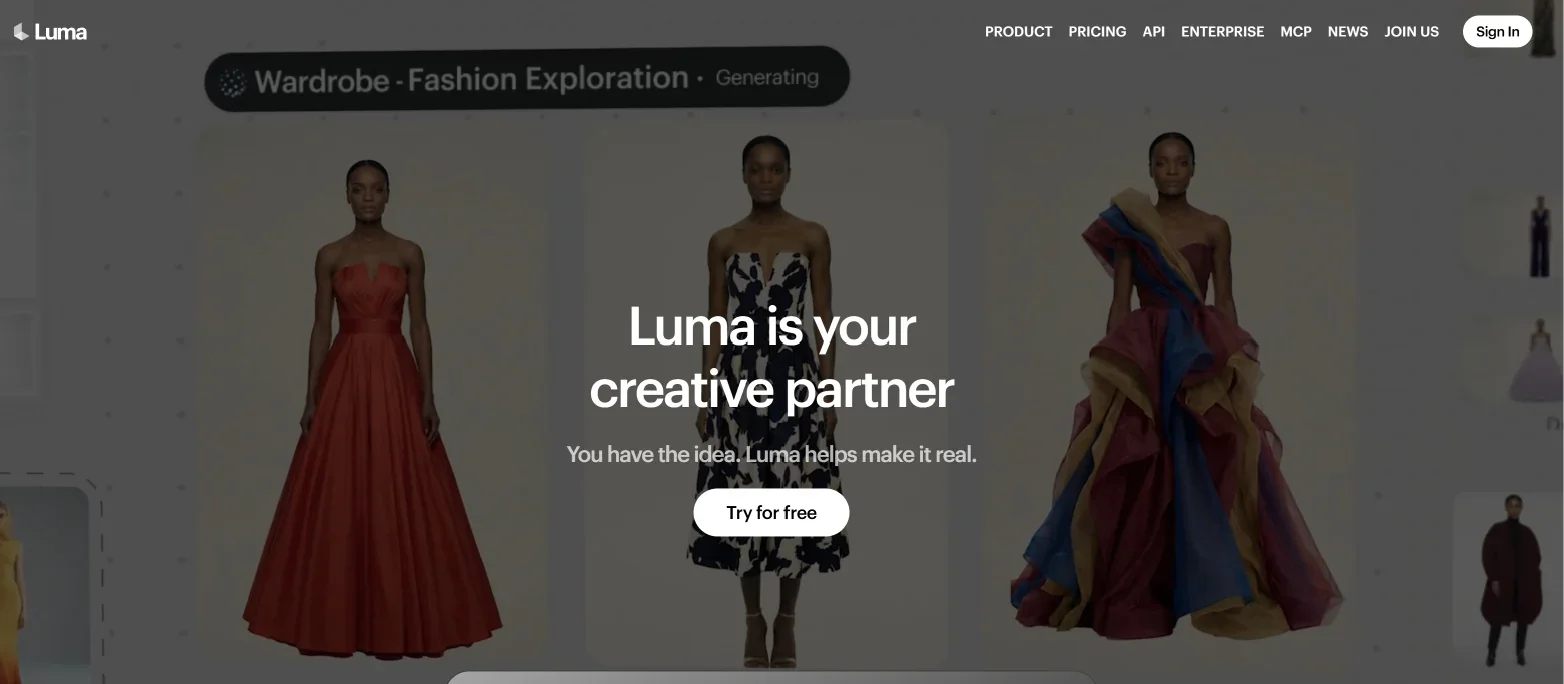
Luma Ray3.14 offers native 1080p generation and a Dream Machine workflow for modifying existing footage. Its documented Modify Video limit is up to 18 seconds; that limit belongs to the modification workflow, not every text-to-video mode. Use it when a shot needs to retain guidance from source footage while changing its appearance.
7. MiniMax H3
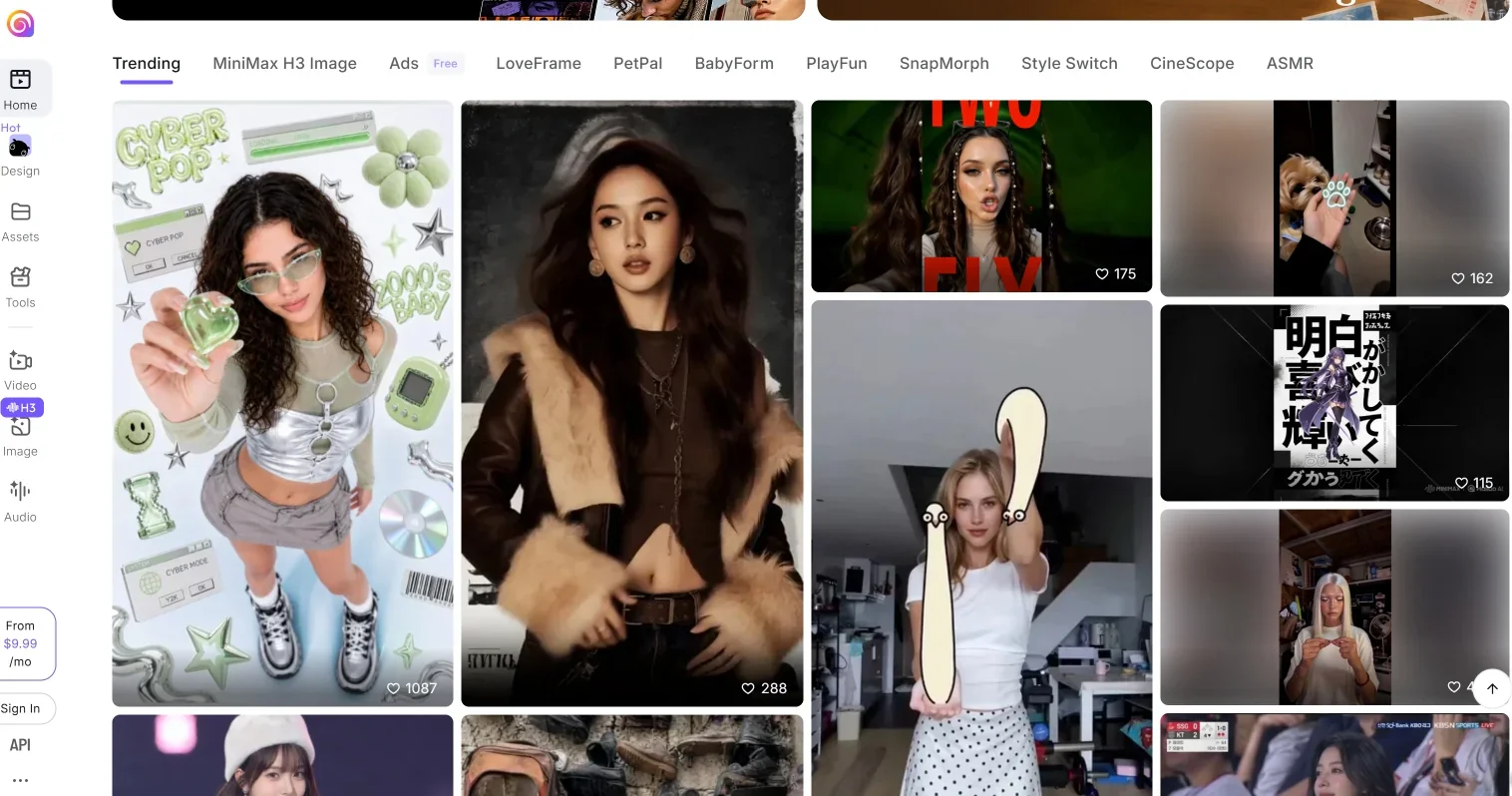
MiniMax H3 suits briefs that combine several kinds of reference material and call for generated sound alongside the picture. Flova’s H3 page describes text, image, video, and audio inputs, native stereo sound, and 2K video, and video references can guide movement and framing. Those capabilities make H3 a fit for reference-led production, and Flova offers it in the same project as its other models, with reusable Skills for H3 workflows such as music-video remixes and motion posters.
8. HappyHorse 1.1
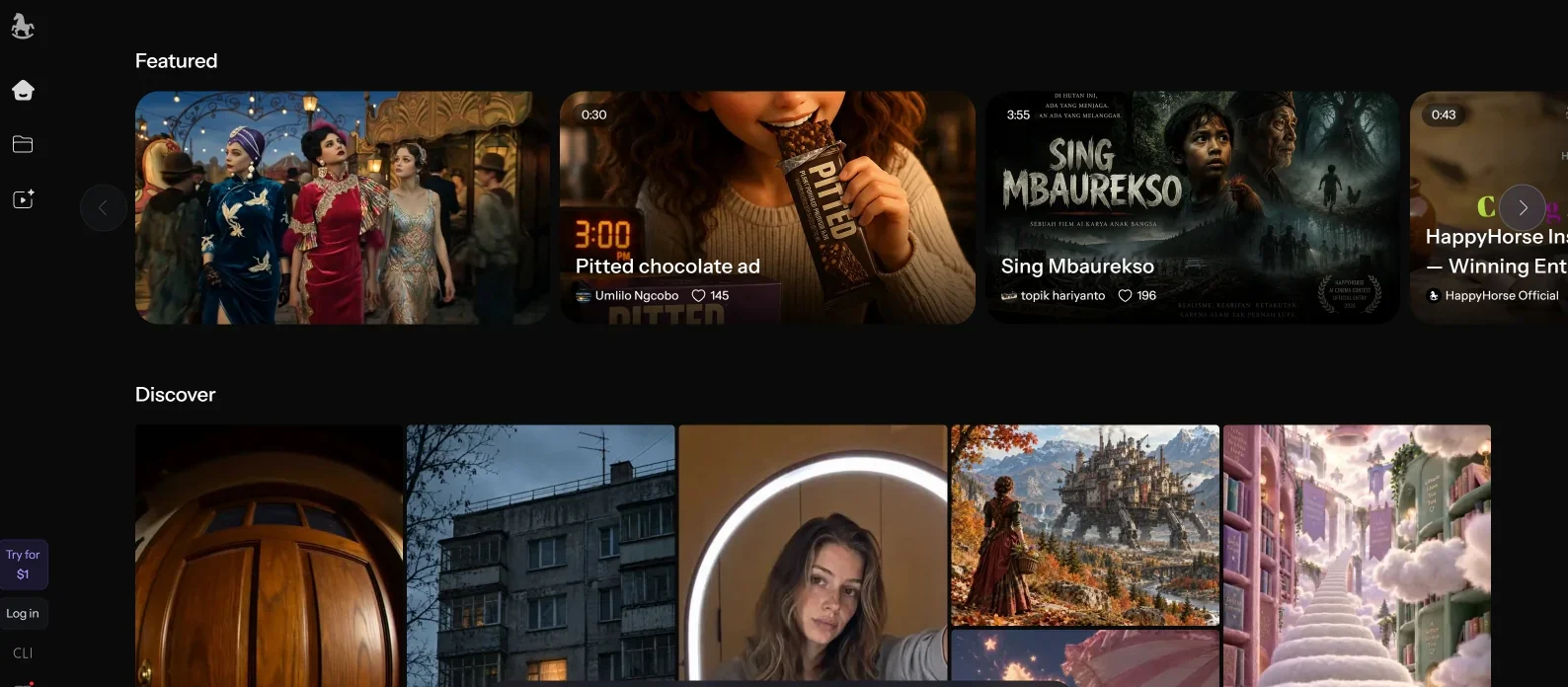
HappyHorse 1.1 is a documented cloud API covering text-, image-, and reference-to-video workflows with generated audio. Alibaba Cloud Model Studio lists happyhorse-1.1-t2v, happyhorse-1.1-i2v, and happyhorse-1.1-r2v, and its guide documents audio support, up to 1080p output, and 3–15-second clips for the relevant 1.1 modes. Choose the input route that fits your material, then review speech and motion in the result.
AI Video Model Comparison: Inputs, Access & Production Checks
Start by comparing input requirements and access routes, then check the output settings of the mode you plan to use. This AI video model comparison summarizes those practical choices; subscription and generation charges depend on the service you use.
Choose a Model for Your Production Job
The best AI video model depends on your most important production constraint, so use it to narrow the shortlist and then compare a small number of candidates on the same material.
Longer Reference-Guided Sequences
Seedance 2.5 supports audio-video sequences up to 30 seconds in one pass, which makes it a relevant candidate when a short-clip workflow would otherwise require extra assembly. Review the generated sequence for shot boundaries and continuity.
Multi-Shot Narrative and Animation
Kling 4.0 accepts up to 10 keyframe images and Omni Reference inputs, which suit sequences where story beats and recurring characters have to hold together. Define the character, costume, setting, and shot changes explicitly in the brief, and check identity across cuts before approving a sequence.
Text-to-Video Ads and Social Content
For an ad, choose the required aspect ratio and delivery resolution first; Veo 3.1 supports portrait and landscape output on the documented endpoint. Flova’s AI ad workflow is another option when the brief also needs planning, assets, and an assembled edit.
Image-to-Video
An input image gives the model a visual starting point. Runway Gen-4 requires one, and the other entries support their own image-guided modes. A photo-to-video workflow helps when product appearance or an approved composition must anchor the shot.
Character References and Performance
Compare the exact reference controls rather than just the model name. Give each candidate the same approved portrait and scene brief, then inspect facial identity, costume, hands, and interaction with objects. Flova lets you reuse character references, scene images, and style notes across shots to help keep faces, outfits, and locations consistent, and each result still needs a review against the reference.
Talking-Head and Dialogue
Veo 3.1, supported Kling 4.0 modes, Seedance 2.5, H3, and HappyHorse 1.1 all offer audio-related capabilities. Check pronunciation, speaker assignment, synchronization, and voice permissions on your own script, because native audio does not guarantee a finished dialogue scene.
Speed and Bulk Iteration
For concept drafts, try a shorter shot or a lower-cost supported mode. Luma documents Draft Mode in the Ray3 family, with availability depending on the version. Compare queue delay, generation time, failed outputs, and revisions under a fixed brief; the useful measure is time to an approved shot, including any reference preparation and editing. Flova Starter allows 10 concurrent Seedance 2.5 and 2.0 generations, which helps when you iterate on several drafts at once.
Hosted Models vs Downloadable Weights
Hosted services handle inference infrastructure for you, while downloadable weights let your team run a model in an environment it controls. Veo 3.1, Runway Gen-4, Seedance 2.5, and Kling 4.0 are offered as hosted services through their providers or supported integrations, and Wan 2.2 is the model in this guide with weights you can download.
Hosted access reduces infrastructure setup but leaves availability, quotas, pricing, and model updates with the service provider, and the terms for input retention and commercial use vary by service. Three examples of hosted access routes:
- Veo 3.1 — Google services and supported integrations; capabilities depend on the endpoint.
- Runway Gen-4 — Runway’s app (subscription plans) or the Runway Dev API (pay-as-you-go credits).
- Seedance 2.5 — provider services and platforms such as Flova, with configuration-dependent generation costs.
Wan 2.2 is the downloadable-weight option in this guide. Its official repository provides model weights, inference instructions, and Apache 2.0 licensing. Local deployment gives you infrastructure control but still requires GPU resources, security, maintenance, and compliance with the applicable terms. Wan 2.2 variants differ by the inputs they accept:
- T2V-A14B — text-to-video variant with its own compute and inference requirements.
- TI2V-5B — combined text/image-to-video variant documented for 720p at 24 fps.
Choose hosted access when you want to begin without maintaining an inference stack, and choose downloadable weights when deployment control or a custom technical pipeline justifies the operational work. Local inference still carries hardware and operating costs, and content rights follow the license terms.
Pricing, Credits & Free Tiers Explained
Separate three costs when you budget: subscription access, the credits consumed by a generation, and the revisions needed to reach an approved shot. A low headline monthly price does not show what a finished sequence costs. For per-second billing, multiply the configured rate by the duration and add charges for references, resolution, sound, or extensions where applicable; for credit plans, compare the selected model’s consumption with the monthly allowance. Promotional rates may require a particular plan or input type.
Flova Starter costs $20/month on monthly billing, or $17/month billed annually, with 2,000 credits per month, watermark-free export, and commercial use. Runway Standard costs $15 per user/month on monthly billing, or $12 per user/month billed annually ($144/year), while its developer API uses a separate pool of pay-as-you-go credits at $0.01 each. Compare the cost of the models and revisions needed for an approved video, not just the subscription.
Free plans and trial credits let you evaluate selected models before committing to production. Flova offers new users credits to try select models, while its paid plans include watermark-free export and commercial use. Budget the finishing settings and revisions as well as the first generation.
When a Multi-Model Platform Makes Sense
Flova brings scripts, storyboards, reference assets, generated shots, sound, and an editable timeline into one project. For a series, reuse approved character and scene assets, then save a repeatable creative workflow as a Skill. Its CLI also lets external agents such as Codex and Claude Code create a project, inspect its storyboard and media state, and export the result. These project controls help connect different production stages while you review each step. Because the references and approved shots stay in the project, you can send the same character or product images through Seedance 2.5, Kling 4.0, or MiniMax H3 and compare the results without rebuilding the brief.
Frequently Asked Questions
What is the best AI video model in 2026?
There is no single best AI video model for every job, so match the model to your inputs and the output you need. Seedance 2.5 suits longer reference-guided sequences, with up to 30 seconds per pass and up to 50 multimodal references. Kling 4.0 covers 3–30 second clips at up to 4K with keyframes and Omni Reference, Veo 3.1 adds generated sound with portrait or landscape output, and Wan 2.2 is the option when you need downloadable weights. If one project calls for several of them, Flova offers Seedance 2.5, Kling 4.0, and MiniMax H3 in the same project workflow, with the script, references, and timeline kept together.
Is there a free AI video model or a free trial?
Yes, though free means different things depending on the route. Wan 2.2 weights and inference code are free to download under Apache 2.0, but you pay for the GPU time, storage, and setup. Hosted services usually offer trial credits instead: Flova gives new accounts free credits to try select models, with limits on model access and resolution, and its paid plans from Starter up include watermark-free export and commercial use.
Can I use AI-generated video commercially?
Flova’s Starter plan and above include commercial use and watermark-free export. Runway states that users can use the content they create without non-commercial restrictions from Runway, and Wan 2.2 is released under Apache 2.0. For other hosted models, commercial rights depend on the service’s own terms.
How much does it cost to generate one AI video?
As one reference point, Runway Dev lists Gen-4 Turbo at 5 credits per second and sells credits at $0.01 each, which is $0.05 per second, or $0.50 for a 10-second generation before retries. Flova works from monthly credit allowances instead: Starter is $20 a month on monthly billing, or $17 a month billed annually, with 2,000 credits, and the credits a clip uses depend on the model and settings you choose.
How do I keep a character consistent across AI video shots?
Start with reference controls, because no model removes the need to review every shot. Kling 4.0 accepts Omni Reference inputs and up to 10 keyframe images, and Seedance 2.5 accepts up to 50 multimodal references across images, video, and audio. In Flova you can reuse character references, scene images, and style notes across shots in the same project, and save the approach as a Skill for the next one. Whatever you use, compare each result against the approved reference for identity, outfit, movement, and contact with objects.
Can I use more than one AI video model in the same project?
Yes, on platforms that host several models. Flova’s Agent selects among supported models such as Seedance 2.5, Kling 4.0, and MiniMax H3 inside one project, with images, video, and audio assembled on a timeline, and Runway Dev sells several third-party video models, including Kling, Seedance 2.5, and Veo 3.1, through one pool of credits.
Which AI video model is fastest for bulk drafts and social content?
No model is fastest in every case, because speed depends on the mode, the queue, and how many revisions a shot needs. Measure time to an approved shot with matched settings rather than judging the first preview. For Wan 2.2 running locally, your GPU and configuration set the speed directly, while on Flova Starter you can run 10 Seedance 2.5 or 2.0 generations at once to work through several drafts in parallel.