Flova Logo

Create Video Ads with Flova AI Ad Generator

Flova Agent: Turn Your Brief into a Video Ad

Flova AI Ad Generator helps you turn a product, offer, or rough idea into a complete video ad. Tell Flova Agent what you want. Add product images, footage, logos, or music if you have them. Flova can help plan the script and build the storyboard. It can also create scenes, add audio, and assemble the final cut. You can review each step and change one shot without starting over. Below, see how the workflow handles your brief, product assets, ad scenes, and final edit.

Create an Ad

Benefits of Flova's AI Video Ad Generator

Making a video ad takes more than one good-looking clip. You need a clear idea, a strong opening, accurate product details, and an edit that fits the channel. Flova brings those steps into one connected project.

Turn a Short Brief into a Full Video Ad

Start with a few lines about your product, audience, offer, and goal. Flova Agent can help shape the concept, write the script, plan the shots, and build the storyboard. You can check the idea before generation starts. This keeps the message clear and helps you catch weak scenes early.

Create an Ad
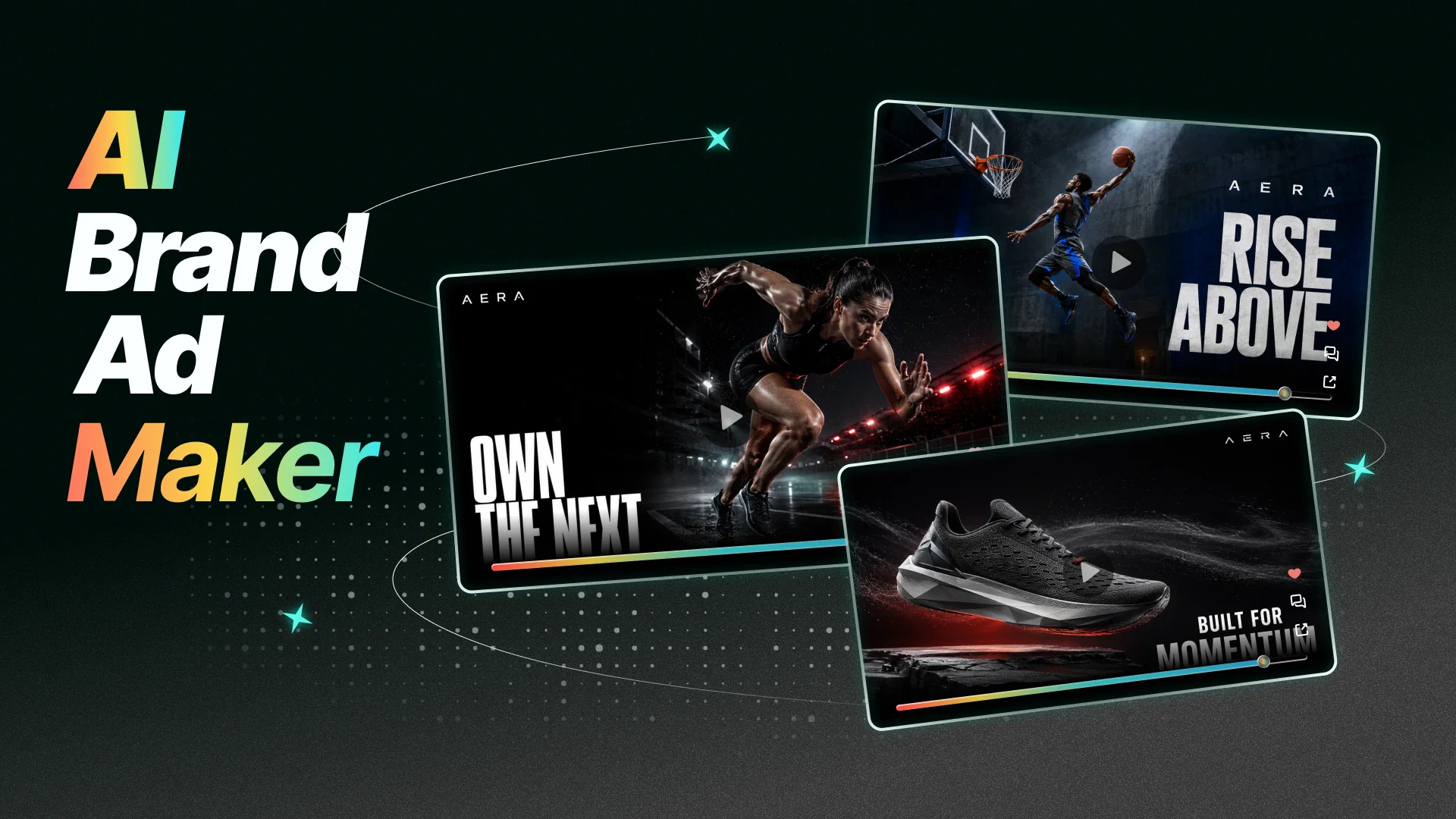
AI ad generator turning a product brief into a video storyboard

Keep Your Product and Brand Consistent in Every Shot

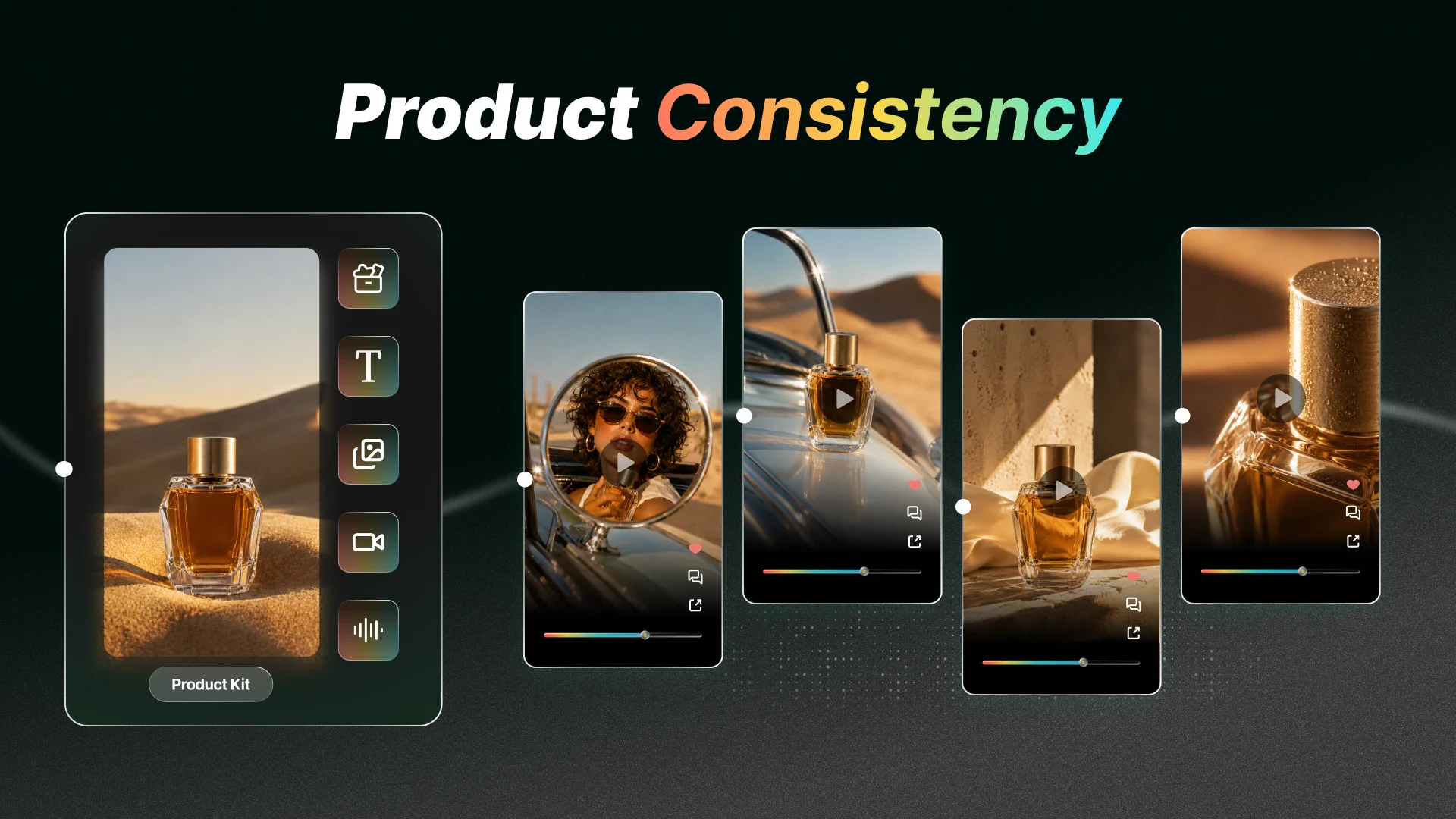
Upload product images, logos, packaging, footage, or music. Tell Flova what each file is for. The Agent can use those assets while it plans and creates the ad. For better consistency, approve the product reference and keyframes before generating every shot. AI cannot guess every hidden product detail, so add exact information when it matters.

Create an Ad
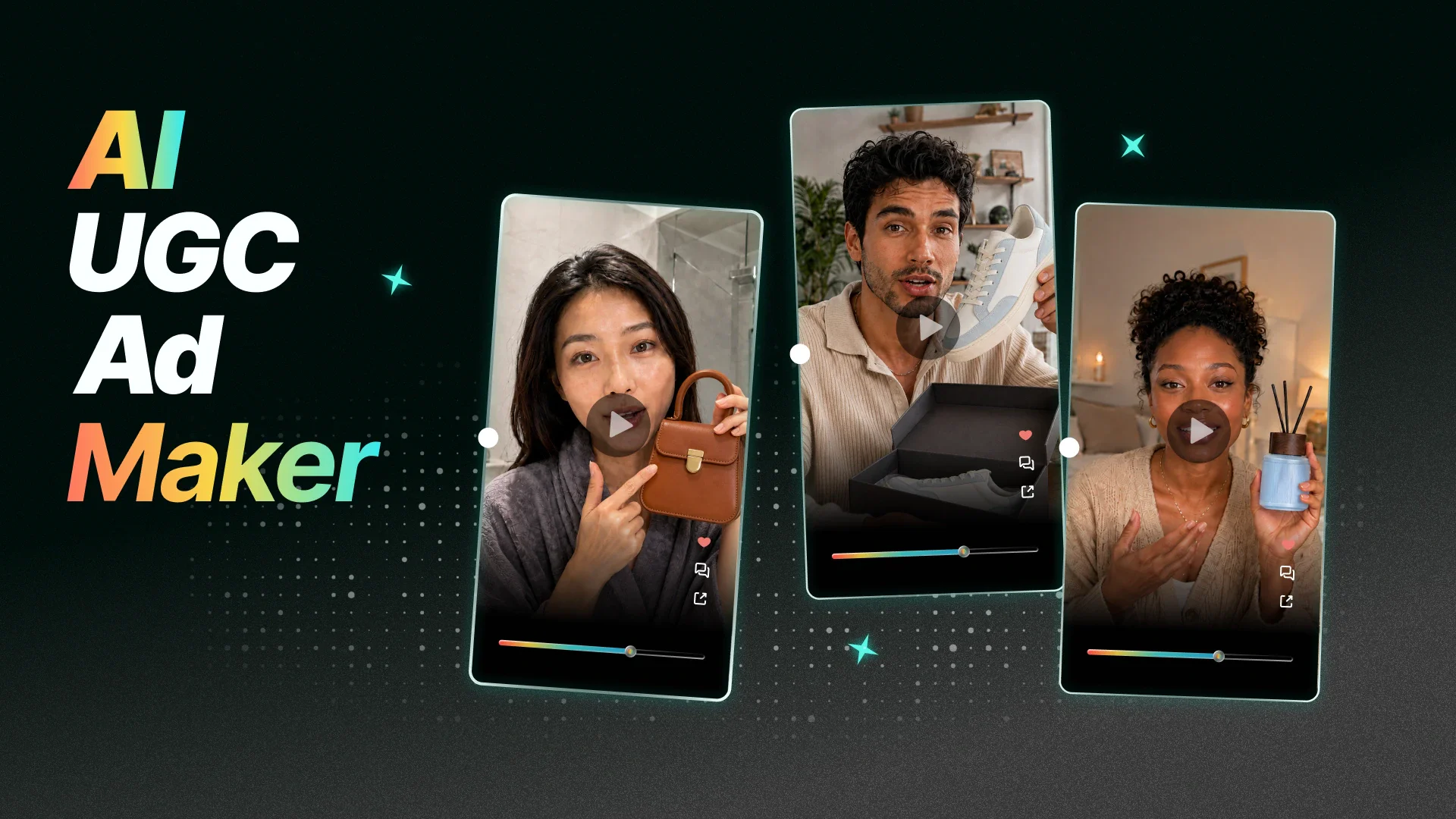
Product references keeping brand details consistent across video ad scenes

Create More Ads with Less Production Work

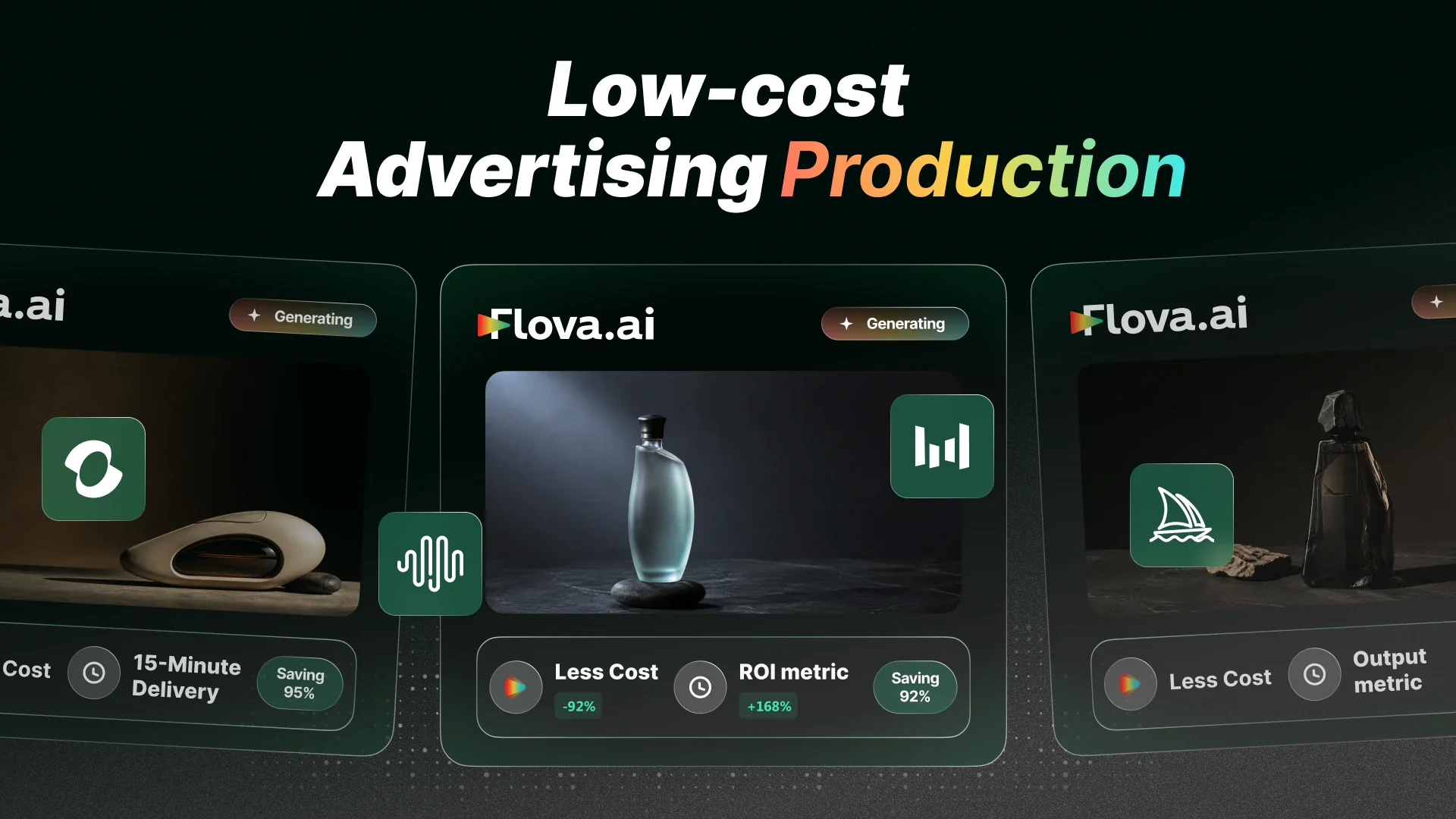
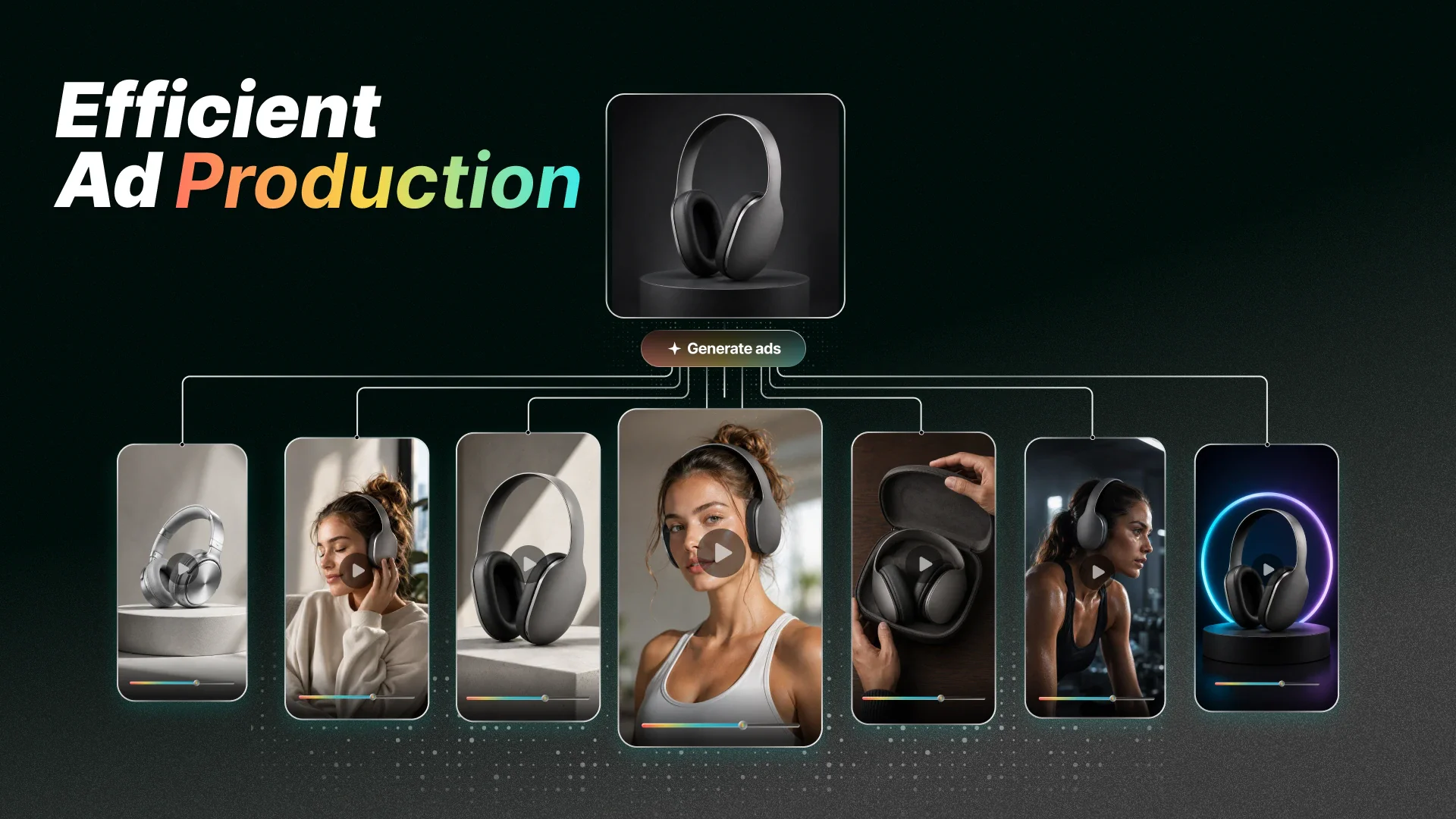
Start with one campaign brief and a set of approved assets. Flova Agent can help you turn them into several AI ad creatives in one workflow. Reuse the same product references across each version instead of setting up every ad from scratch. This gives your team more ideas to test without repeating the same setup every time.

Create an Ad
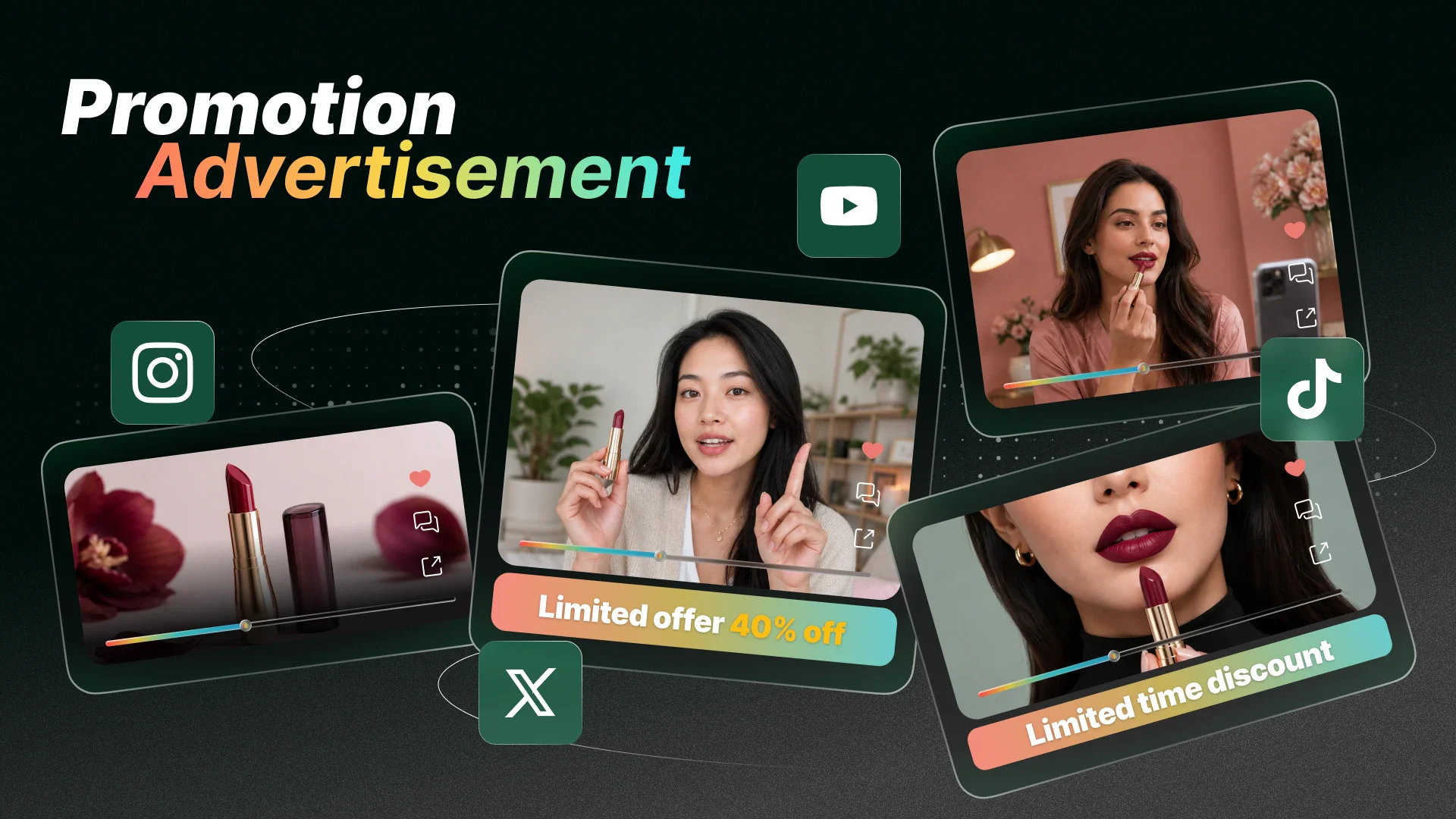
Vertical and landscape video ads made for different campaign channels

Recreate Viral Ads

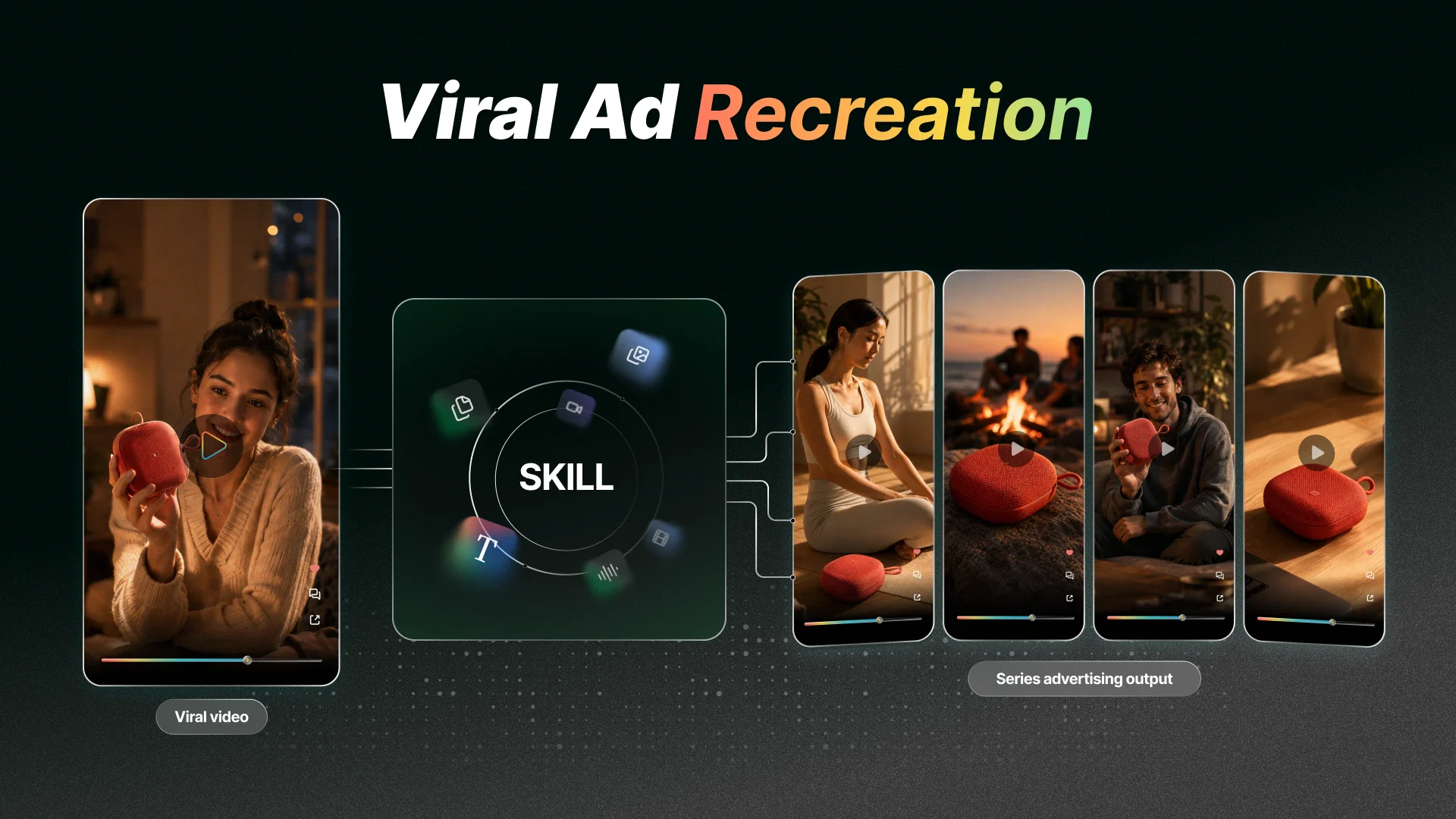
Start with a viral product video whose format you want to recreate. Add it as a reference and use a Flova Skill to follow its shot order, pacing, and transitions. Replace the original product with your own images and brand assets. Flova helps you build a new ad with a similar rhythm while keeping the visuals and message focused on your product.

Create an Ad
Editing one video ad scene without remaking the full project

Flova Skills for Faster AI Ad Creation

Use a Skill when you want a repeatable way to make product promos, social ads, or campaign variations. A Skill gives Flova Agent a workflow for planning, prompts, storyboards, media generation, and editing. Start with a featured Skill, then add your product and campaign details. If your team follows the same process often, save a custom Skill and use it again.

Explore More Flova Skills Explore More Flova Skills

Ads You Can Create with Flova AI Ad Generator

Product Showcase Ads

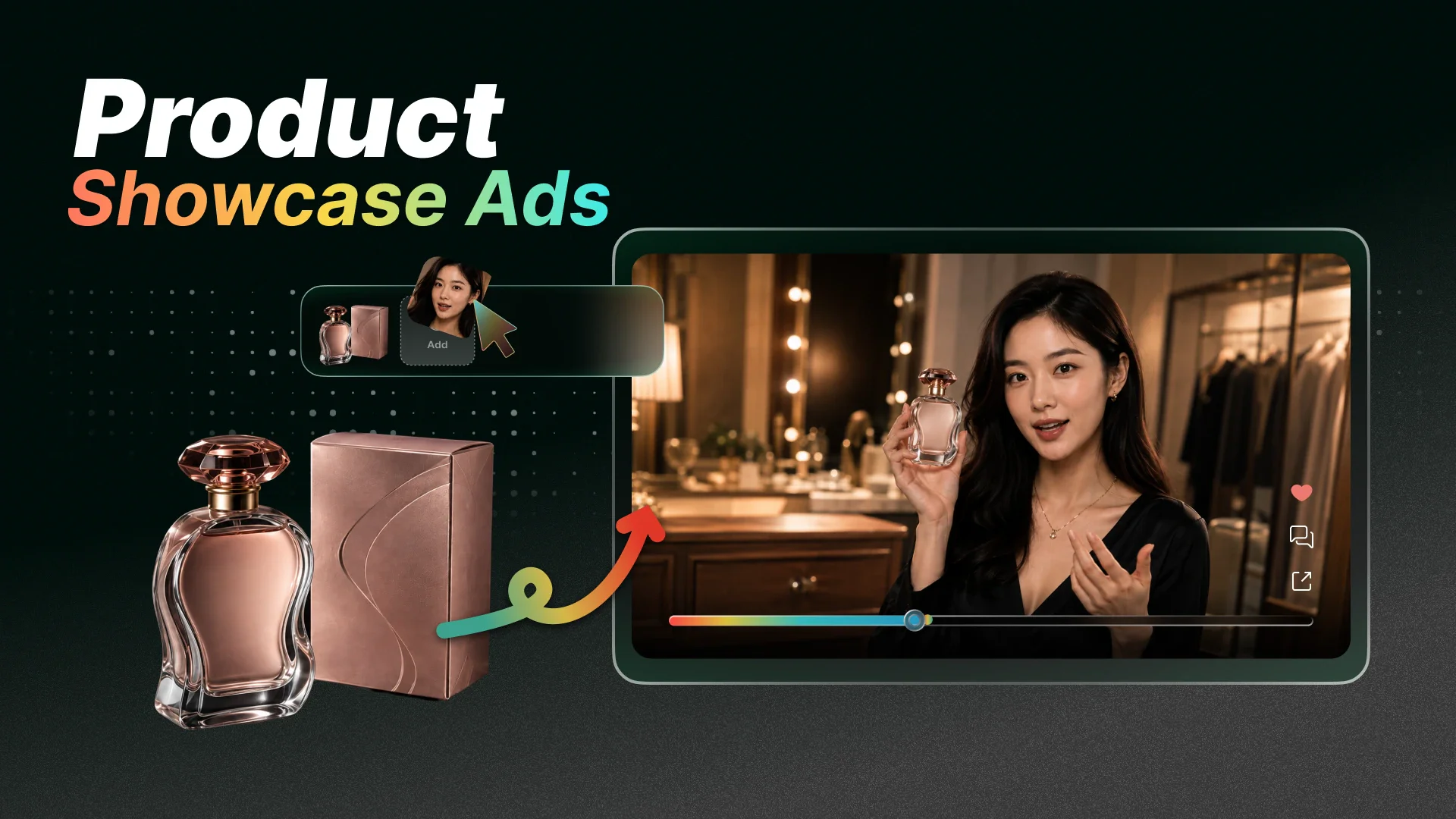
Show your product from the angles that matter. Use close-ups, feature demonstrations, lifestyle scenes, and clear end cards to explain what it looks like and how it works. Keep the same approved product references across every shot for a consistent result.

Product showcase ad with product close-ups and feature demonstrations
Create an Ad

How to Create Ads with AI in Four Steps

  1. Start a Project on Flova

    Sign in or create an account. Start from the home prompt or open an ad-related Skill.

  2. Add Your Brief and Brand Assets

    Tell Flova what you sell and who the ad is for. Add the main benefit, target channel, duration, format, and call to action. Upload product images, logos, footage, music, or approved copy.

  3. Review the Concept and Storyboard

    Pick the direction you like. Check the script, shots, product details, and end card. Approve key product references before full generation starts.

  4. Generate, Edit, and Export

    Create the scenes and audio. Replace any weak shot and adjust the pace, text, voiceover, or music. Play the full timeline, check the brand details and call to action, then export the finished ad.

Create an Ad

Frequently Asked Questions About AI Ad Creation

What is an AI ad generator?

An AI ad generator helps plan or create advertising content from a brief and reference files. Flova focuses on complete video ads. It can help with concepts, scripts, storyboards, generated media, audio, and the editing timeline in one project.

Can I make a video ad from one product image?

Yes. One image is enough to start a product video, but Flova cannot know every hidden detail. Add accurate logos, package text, dimensions, materials, and extra views when possible. Review and approve the product reference before generating all the scenes.

Can Flova create the script, voiceover, and music?

Flova Agent can help design the script and shot list. It can generate or use uploaded music and narration, then connect them to the storyboard and timeline. Review all product claims, prices, and brand text before you publish.

Can I use Flova as an AI Instagram ad generator?

Yes. Ask for a short vertical video ad made for Instagram, then adapt it for other social channels. Tell Flova the target channel, duration, audience, tone, and call to action. Export the finished video, then upload it through the ad platform you use.

Can I edit one part without starting over?

Yes. Select the scene, shot, or storyboard part that needs work. Tell Flova what to change. The Agent can update that part while leaving the rest of the project in place.

Can I try the AI ad generator for free?

Flova may offer free or bonus credits. Video creation uses credits based on the model, duration, resolution, and other settings. Check your account and the current pricing page before you start because offers and rates can change.

Can I use my AI-generated ad for commercial work?

Commercial use is included with eligible Flova plans. Check your current plan before publishing. You also need permission to use uploaded logos, music, people, products, and other reference files.

Creator reviewing a finished video ad with product scenes, voiceover, and music

Create Your Next Video Ad with Flova AI

Bring a product image, campaign brief, or rough idea. Flova helps you plan, generate, edit, and finish your ad in one connected workflow.

Create an Ad