Soft multicolored light against a dark background
Flova Logo

Product Video Generator for Product Showcases and Launches

Turn product photos and selling points into showcase videos with Flova’s AI product video generator. Plan the story, create product-focused shots, and combine visuals, voiceover, and music in one project for your next launch or product page.

Create with Flova

Build Product Videos Around Your Actual Product

A useful product video starts with what makes the item worth showing. Connect each capability to a specific production need: accurate references, a focused message, directed shots, and a coherent final edit.

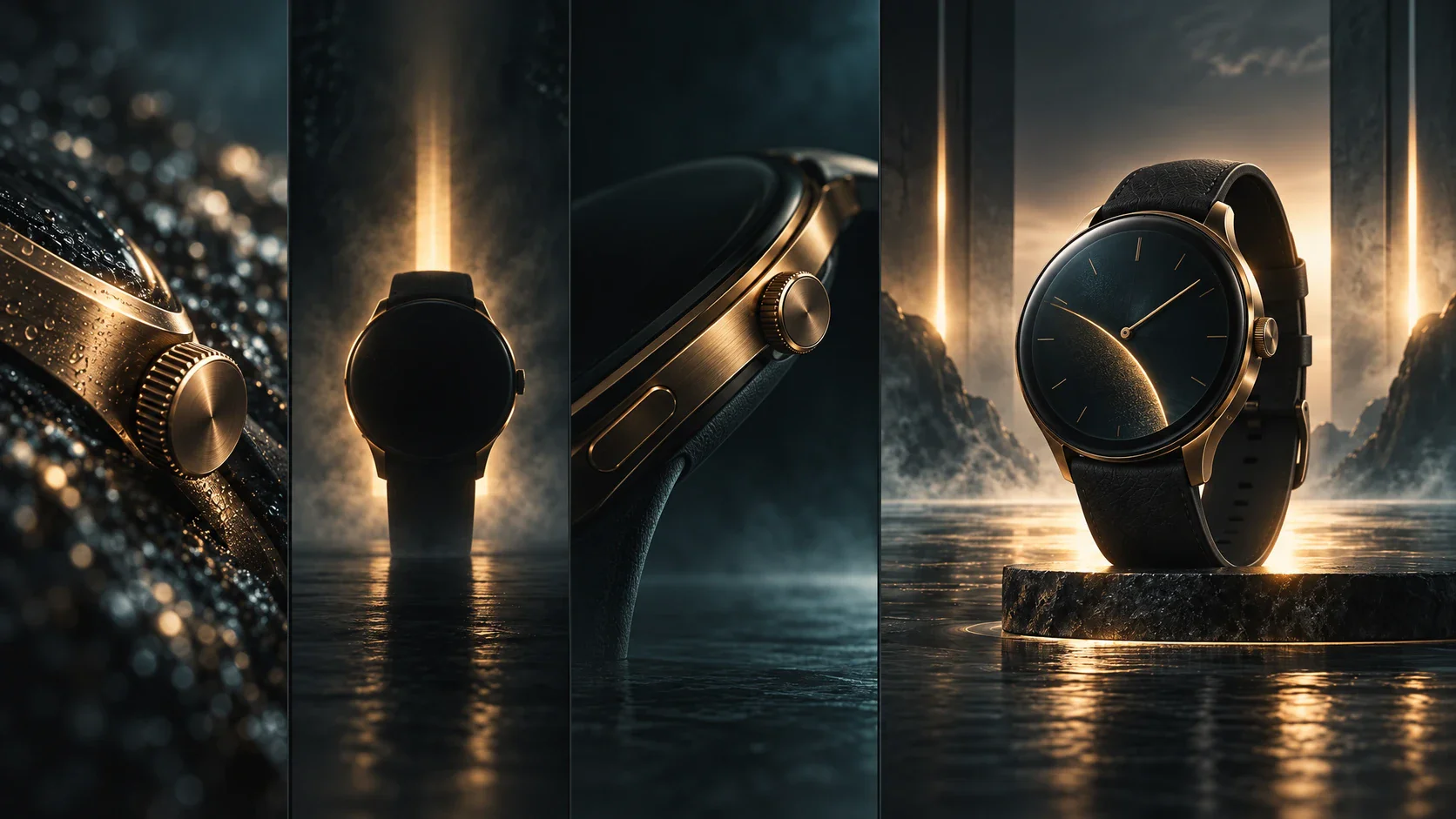
Give Every Shot a Product Reference

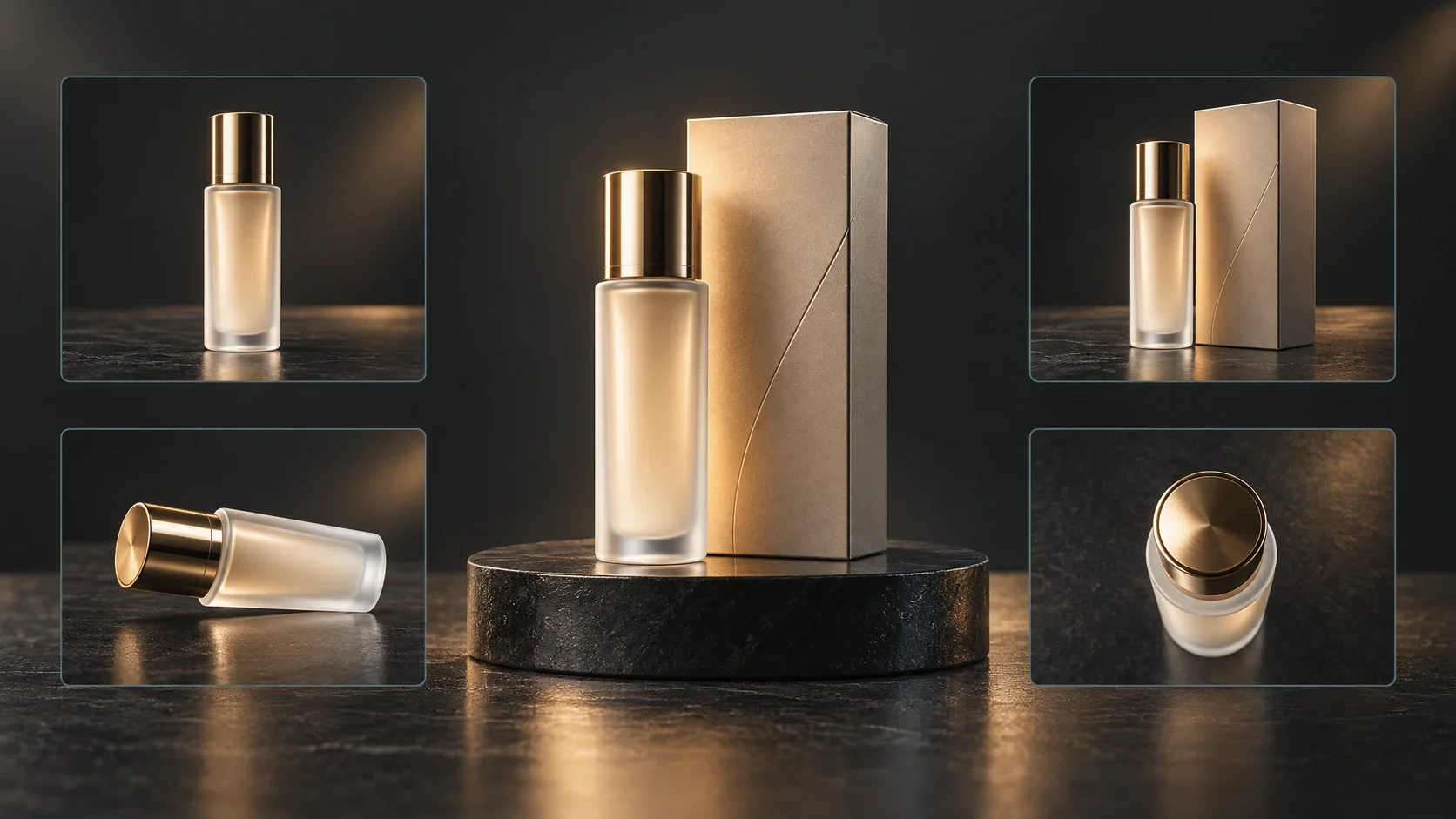
Bring product photos and approved details into Flova to guide scenes around the item’s shape, materials, and packaging. Build a shared visual starting point for product reveals, detail shots, and launch stories. Use the product-image workflow to develop references for the planned sequence.

Create Now
Concept illustration of a cosmetic product shown from multiple reference angles

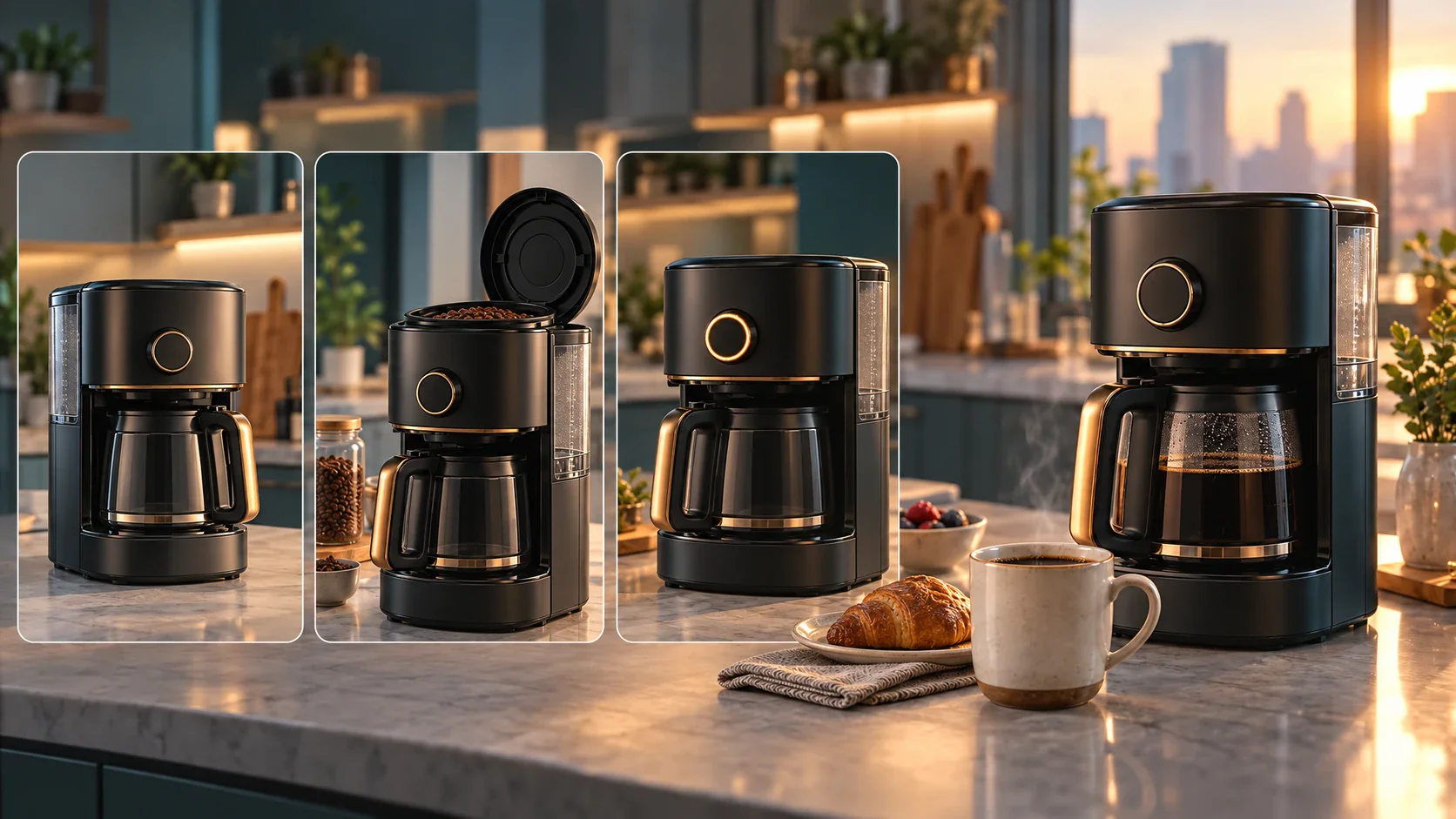
Turn Selling Points into a Scene Plan

Ask the Flova Agent to organize the product brief into scenes before generating footage. Assign one communication job to each shot: reveal a detail, explain a benefit, or show context. This helps prevent attractive but unrelated visuals from replacing the actual product story.

Create Now
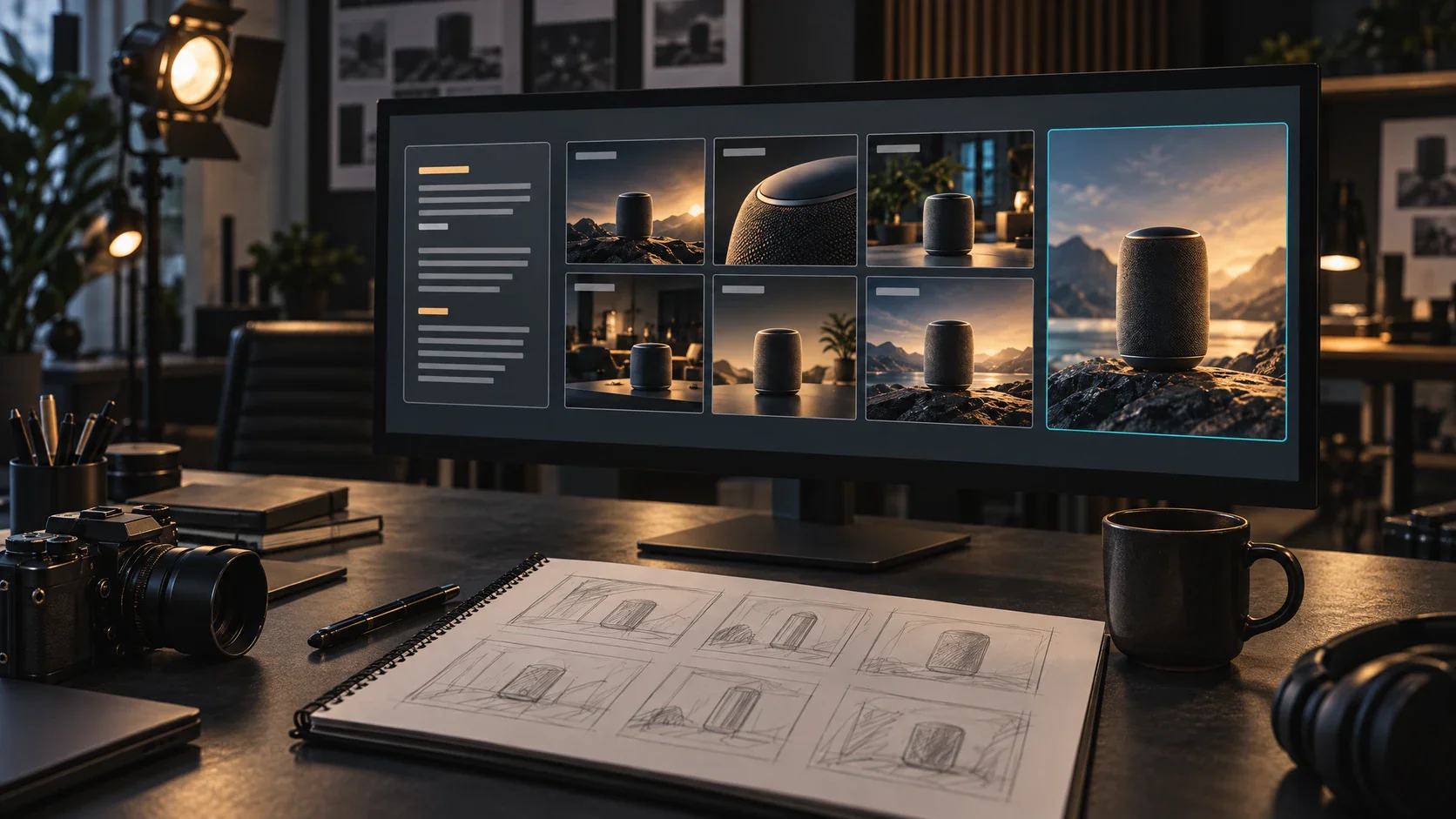
Concept illustration of a speaker and physical photo cards arranged as a product storyboard

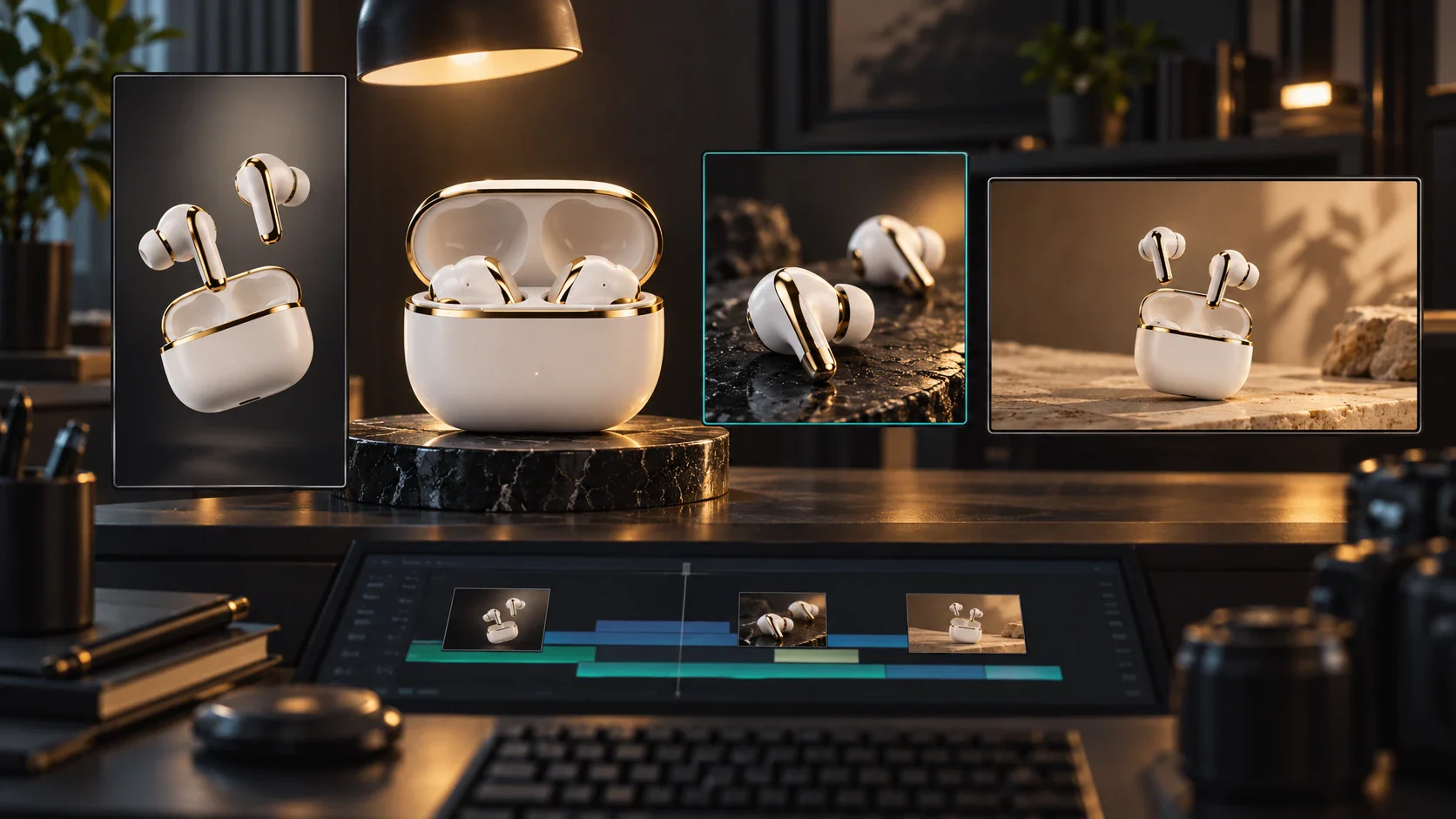
Direct and Revise Individual Product Shots

Use image-to-video generation to build motion around product imagery. Describe the framing, action, and camera direction, then compare the result with the reference. Keep acceptable shots and revise weak ones rather than approving a complete sequence with inconsistent product details.

Create Now
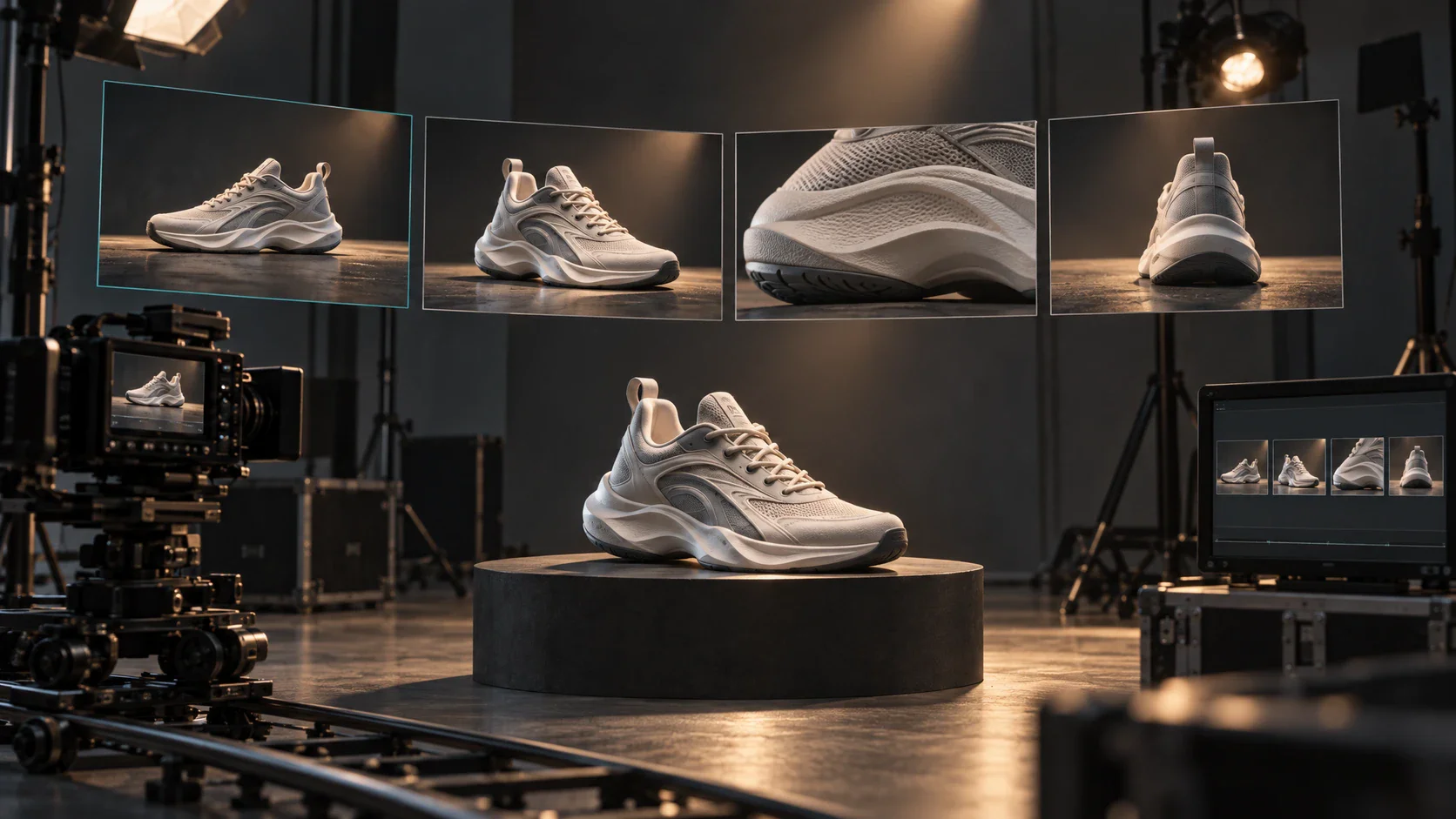
Concept illustration of a shoe reference surrounded by close-up and camera-angle studies

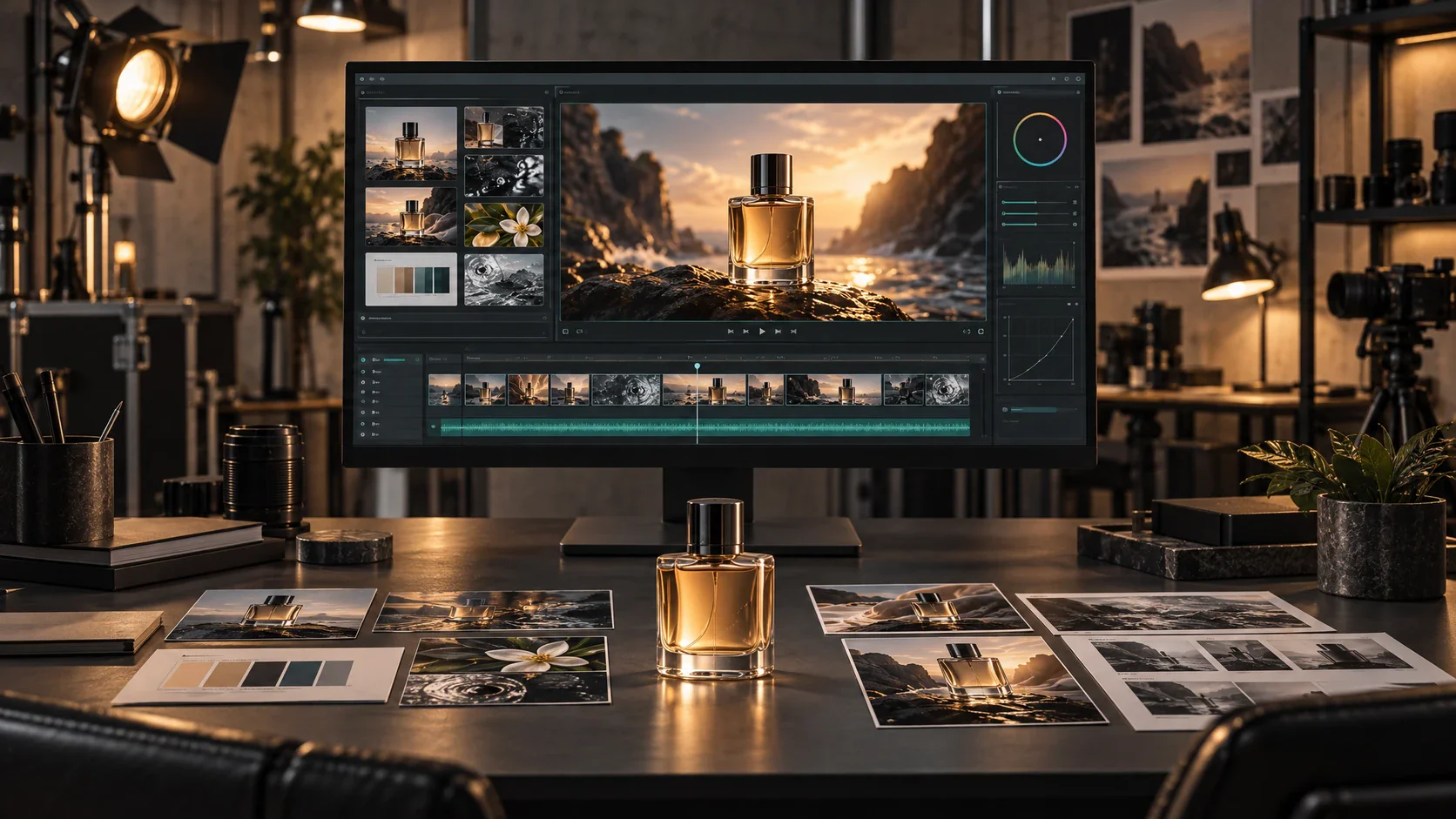
Bring Pictures and Sound into One Edit

Combine selected shots, music, and narration in Flova Edits. Adjust order, duration, and volume while reviewing the whole sequence. The benefit is a connected finishing workflow: you can judge whether the sound supports the visible product instead of treating audio and visuals as separate deliverables.

Create Now
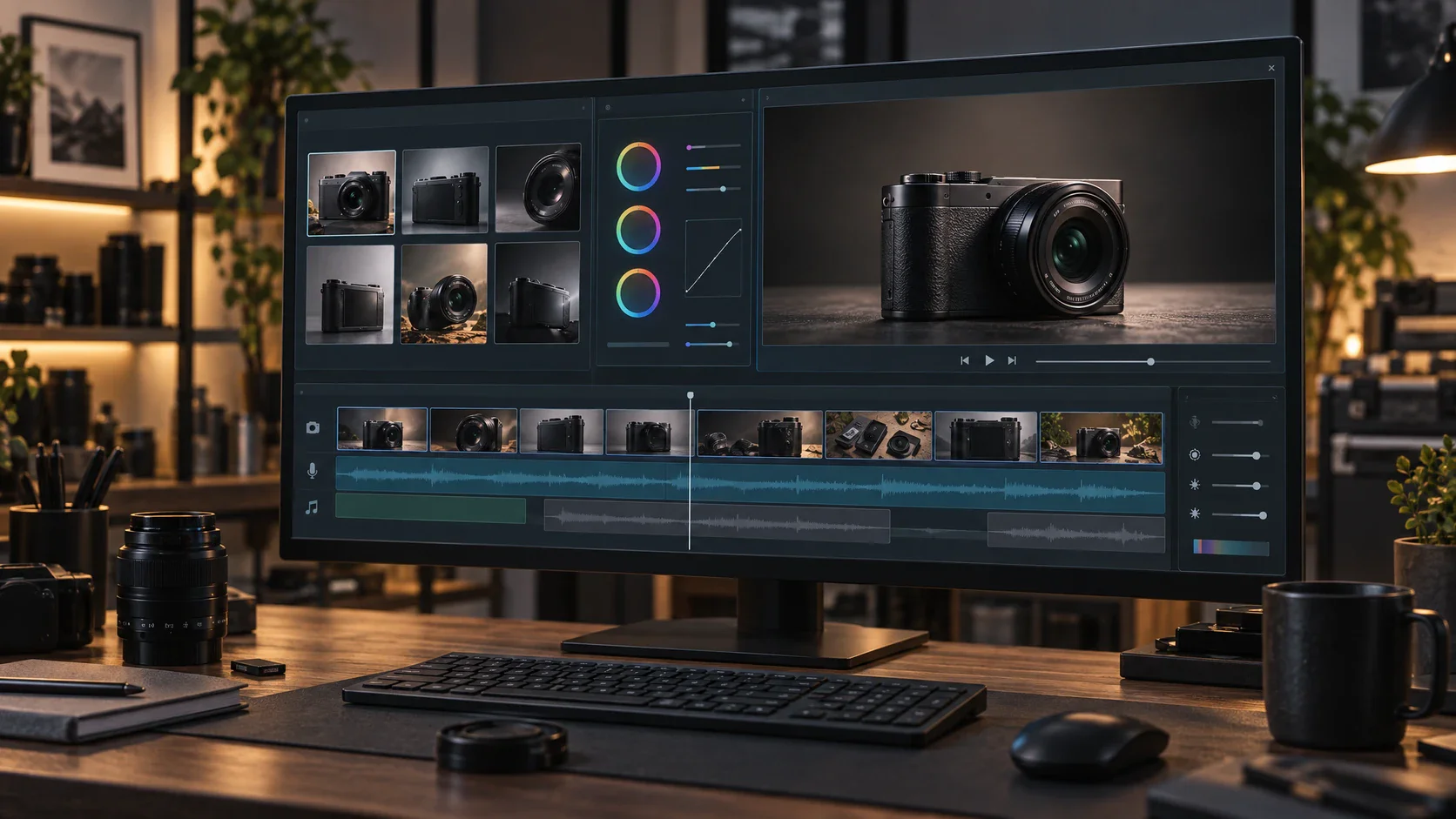
Concept illustration of product-shot prints beside a camera, microphone, headphones, and studio speakers

Reuse a Product-Focused Creative Workflow

Explore product-video Skills for a reusable production method. Bring your product photos, approved selling points, and visual direction into a defined workflow for the next showcase or launch.

Explore Flova Skills Explore Flova Skills

Choose the Product Story Your Audience Needs

AI product videos can serve different buying moments. Choose the question the audience needs answered, then define the result the video should communicate. Build AI product videos around the detail your audience needs to see, from the item’s finish to its role in a launch story.

Show the Product on a Shopping Page

Help a shopper understand form, finish, and visible details that a static thumbnail cannot show together. An ecommerce product video should make the item easier to evaluate, not invent performance claims. Plan which real surfaces and features deserve attention before choosing a dramatic setting.

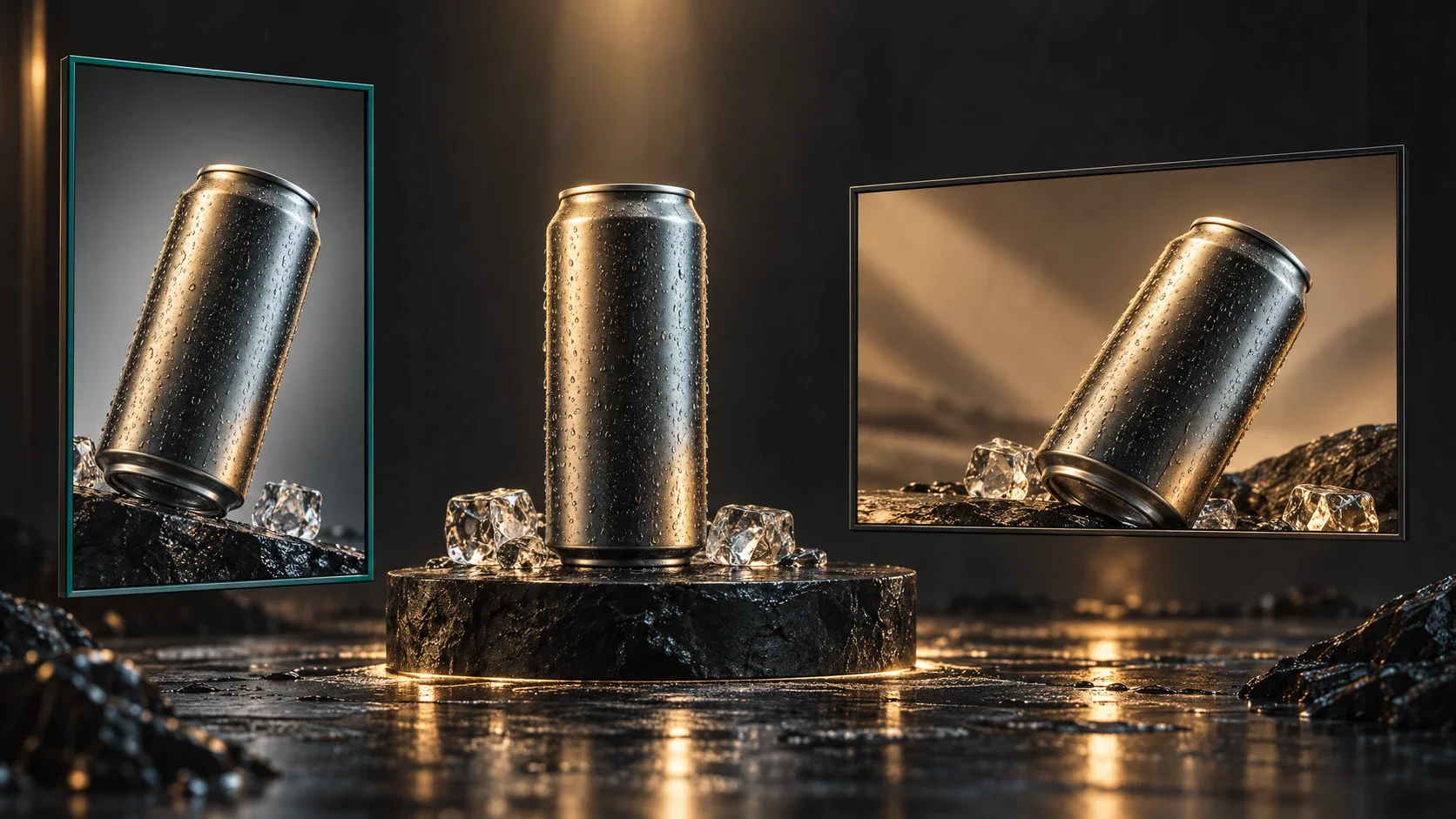
Concept illustration of a beverage can presented in several product-focused compositions
Create Now

How to Create Product Videos with AI

Start with product photos and verified selling points, then shape them into a clear scene plan. Review each shot before bringing the visuals, narration, and music together in the final edit.

  1. Add Product Images and Verified Details

    Upload product photos and supply the name, approved benefit, audience, and intended placement. Include extra views or real demonstration footage where accuracy depends on details the main image does not reveal.

  2. Approve the Product Views and Storyboard

    Ask Flova to organize the brief into a scene plan. Confirm product appearance and what each shot communicates before generating motion. Remove unsupported claims and unnecessary scenes while the plan is still easy to change.

  3. Generate and Review the Product Shots

    Describe the movement and framing for each planned shot. Compare generated product details with the supplied references. Retain acceptable scenes and revise or replace any shot that changes the item or obscures the intended benefit.

  4. Assemble, Listen, and Export

    Arrange selected shots with narration and music. Review visible product details, spoken claims, pacing, and the final frame. Follow the export workflow once the complete cut is approved.

Create Now

Build a Product Story Around the Details That Matter

Choose the Product Details to Bring into View

Start with the features a customer needs to see: silhouette, controls, connectors, material, color, or packaging. In a product video AI workflow, real reference images give each shot a specific visual foundation. Choose a wide view for the overall design and closer views for the details that explain it. Add side or back references when those angles matter to the story, then develop the sequence around that supplied information.

Choose a Setting That Explains the Product’s Role

Give the product a setting that makes its purpose easy to understand. A desk can establish scale, a room can show how an item fits into daily life, and a restrained studio scene can draw attention to form and finish. Use real demonstration footage when the sequence needs to show a specific physical function. Combine it with product-focused scenes so atmosphere and useful information work together.

Pair Selling Points with Specific Visual Moments

Turn accurate product information into a sequence viewers can follow. Introduce the item, give one selling point a clear visual moment, and let narration explain what the image adds. A close view can reveal texture while a wider shot establishes context. Keep supplied specifications and approved wording with the project so the selected images and spoken message describe the same product.

Make Versions That Answer Different Questions

Develop different versions around the questions your audience brings to the product. One can introduce the design, another highlight a specific detail, and a third build a launch reveal. Keep the product references and selected scenes in the same project, then change the opening, order, or emphasis for each placement. This gives every version a distinct purpose while keeping the item and core message recognizable.

Product Video Generator FAQ

What is an AI product video generator?

  • An AI product video generator turns product photos, accurate selling points, and creative direction into a showcase video project. With Flova, develop the scene plan, generate product-focused shots and audio, and assemble the video for a launch or product page.

Can I start with one product image?

  • Yes. Upload a clear product image and describe the showcase you want to create. Add side or back views when the planned shots need those details.

How Can I Keep the Product’s Appearance Consistent?

  • Use the same approved images and describe the item’s defining shape, color, materials, and details. Keep those references available across scenes and ask for a focused revision when a shot needs a change.

Can I create product videos with AI from selling points?

  • Yes. Share accurate selling points with Flova Agent and add product images to guide the visuals. Develop a scene plan that gives each benefit a specific moment in the showcase.

Can I include narration and music?

  • Yes. Generate narration and music, then combine them with the selected product shots in an Edit. Adjust clip order, duration, and volume so the spoken message and pictures work together.

Does this workflow create presenter-led UGC?

  • This workflow focuses on the product, its details, and its setting. A presenter-led UGC video is a separate creative brief centered on a speaker and their script.

Can I publish AI product videos commercially?

  • All four Personal plans include commercial use and watermark-free export. With annual billing, Starter costs $17/month, Basic $42/month, Plus $84/month, and Pro $167/month. Use only product images, logos, music, and other source material you have permission to use.
Product video planning and editing workflow

Create Your Next Product Video in Flova

Bring the product photos, verified benefit, and audience question into one project. Use Flova to develop and review a product-focused sequence, then approve the details and complete edit before it reaches customers.

Create Now