Flova Logo

Chibi Maker for Custom Characters and Avatars

Create a Chibi Character from Text or a Reference Image

Describe a character in everyday language or begin with a reference image you have permission to use. Flova's chibi maker helps you shape the face, hair, outfit, expression, accessories, pose, colors, and setting through conversation. Chibi art uses a large expressive head, compact body, simplified features, and a clear silhouette, making the result readable as an avatar or sticker while leaving room for distinctive clothing, props, and moods. Start with a close-up avatar, full-body character, expression set, mascot concept, or scene illustration, then review each result and request one focused change at a time.

Create a Chibi

Four Ways to Shape Your Chibi Character

A useful chibi maker should help you make recognizable creative decisions instead of applying the same face and outfit to every result. Define the character's identity first, then refine one layer at a time. Hair, clothing, expression, palette, props, and background should support the same idea.

Start from Text or a Reference Image

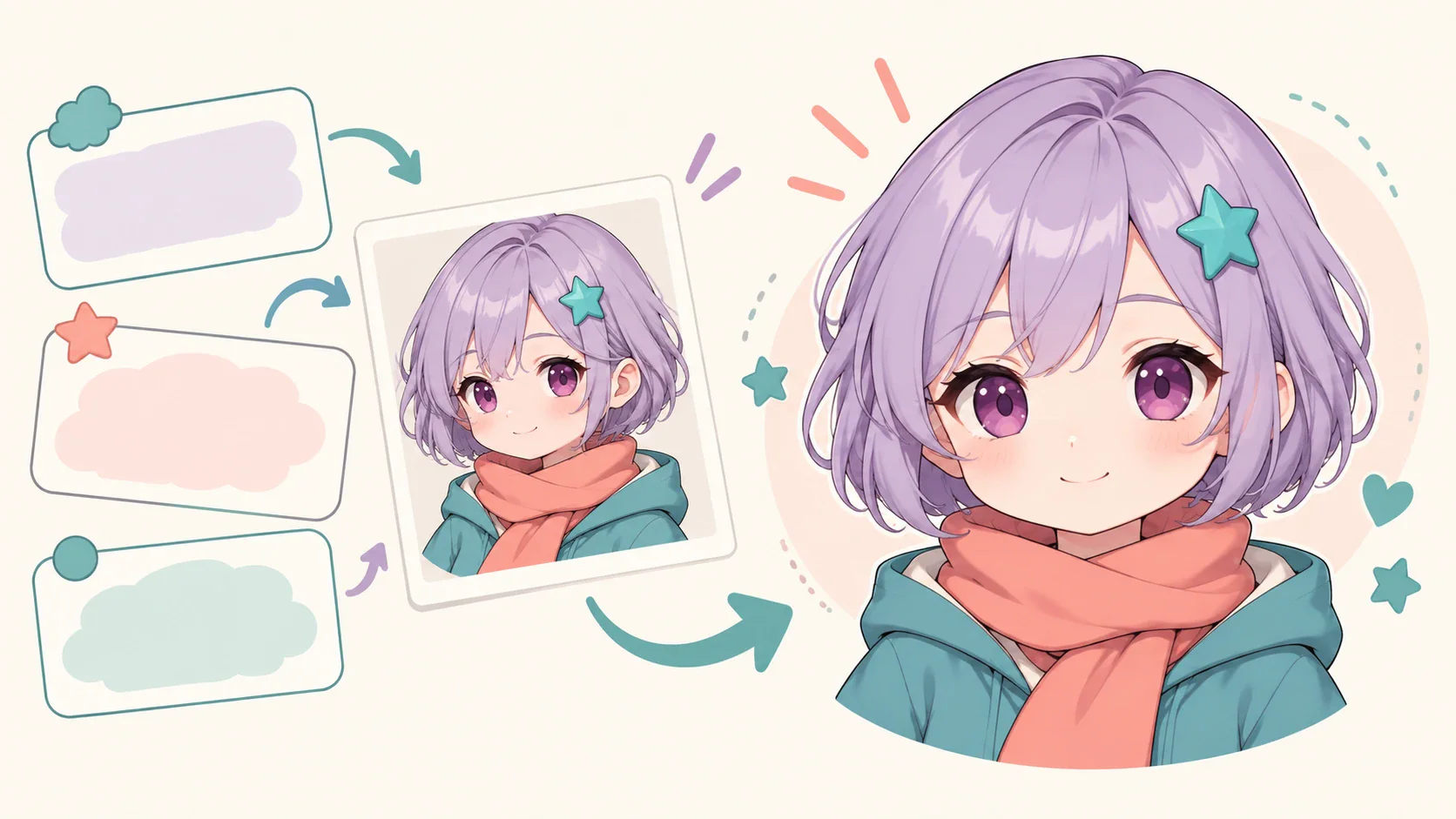
For a new original character, describe the visible traits that matter: approximate age range, hair shape and color, eye color, outfit, expression, pose, accessory, and setting. Add the desired medium, such as soft 3D rendering, flat cel shading, clean line art, or painted storybook texture. For a personalized chibi, upload a clear portrait or full-body image and tell the chibi maker which details are essential and which may change.

Create a Chibi
Original chibi character developed from a written idea and visual reference

Shape the Face, Hair, and Expression

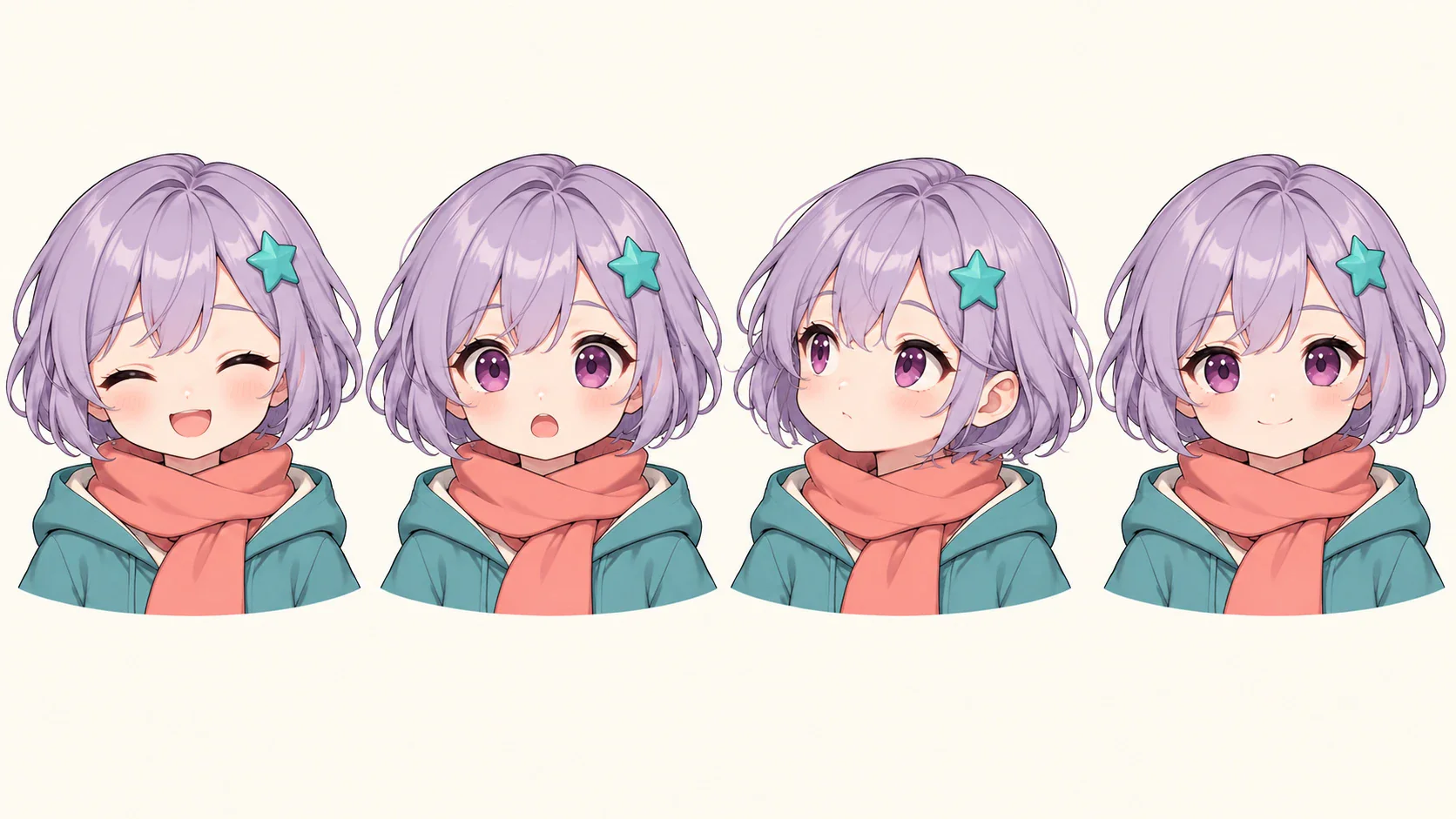
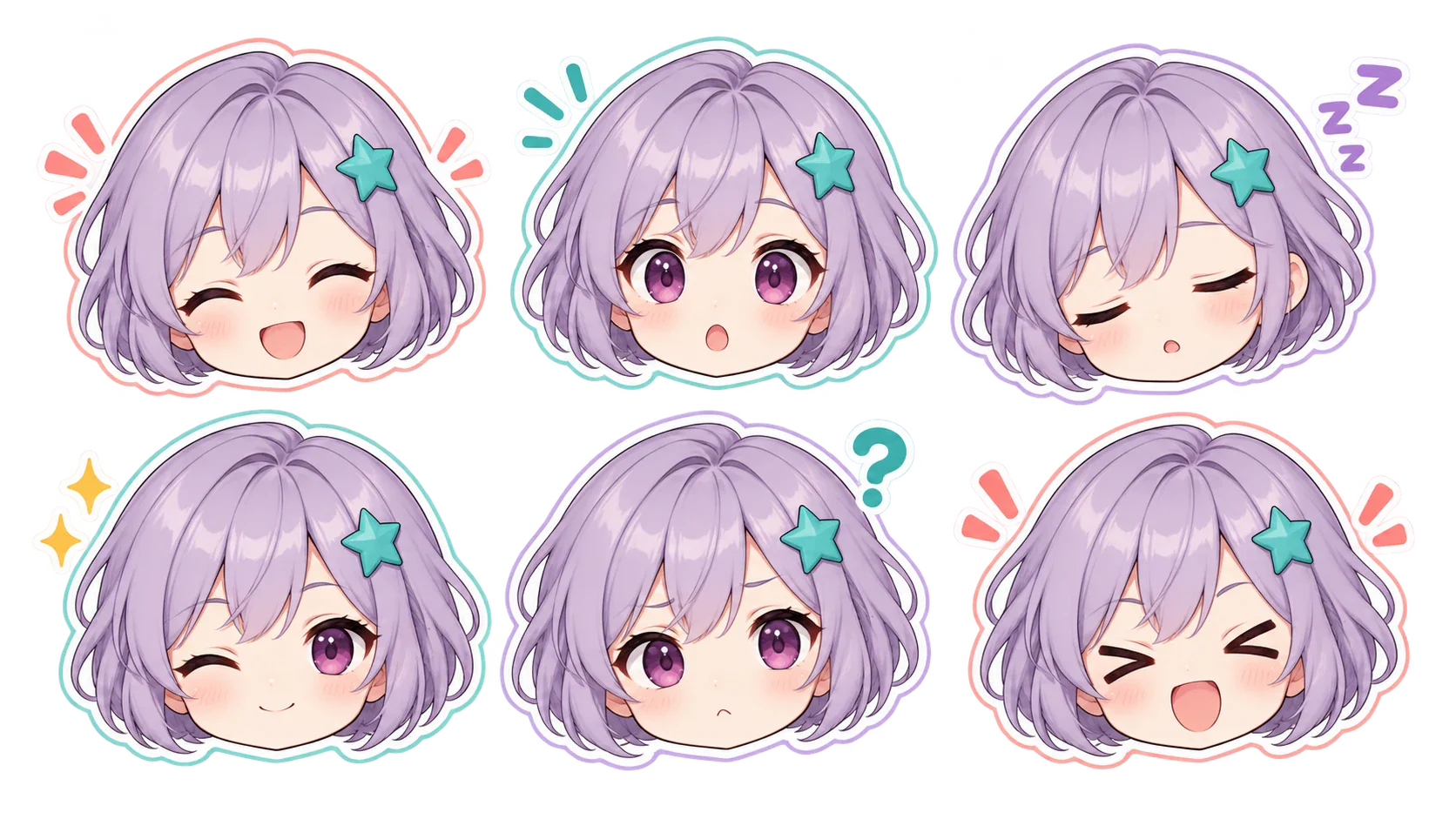
Chibi proportions simplify anatomy, so a few details carry more identity than they would in a realistic portrait. Specify the fringe, curls, braids, hair volume, eye shape, eyebrows, freckles, glasses, and other recognizable traits. A profile avatar may need one confident expression, while a sticker set benefits from stronger emotional contrast. Keep the same essential face and hair description across versions so the emotion changes without redesigning the character.

Create a Chibi
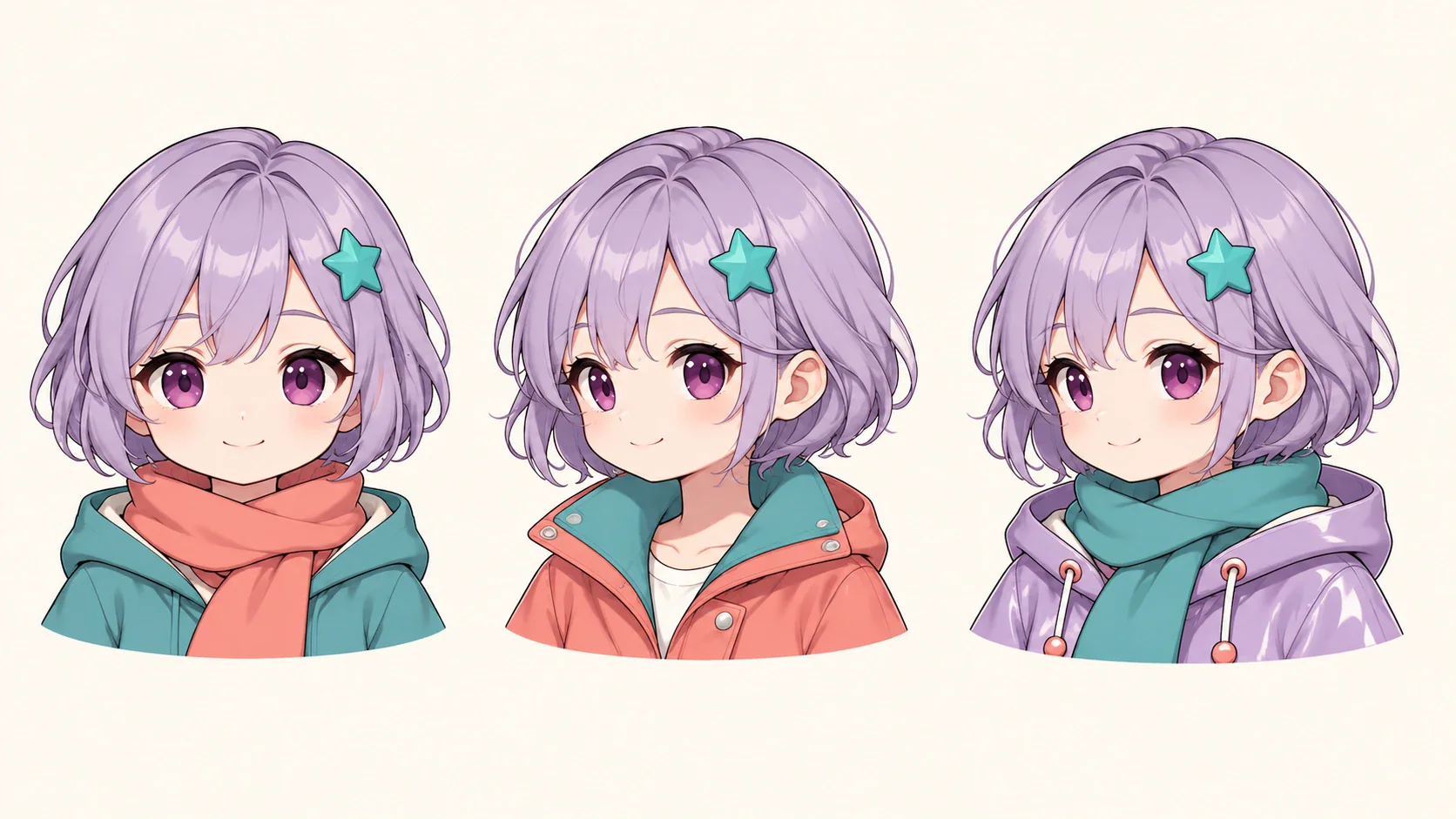
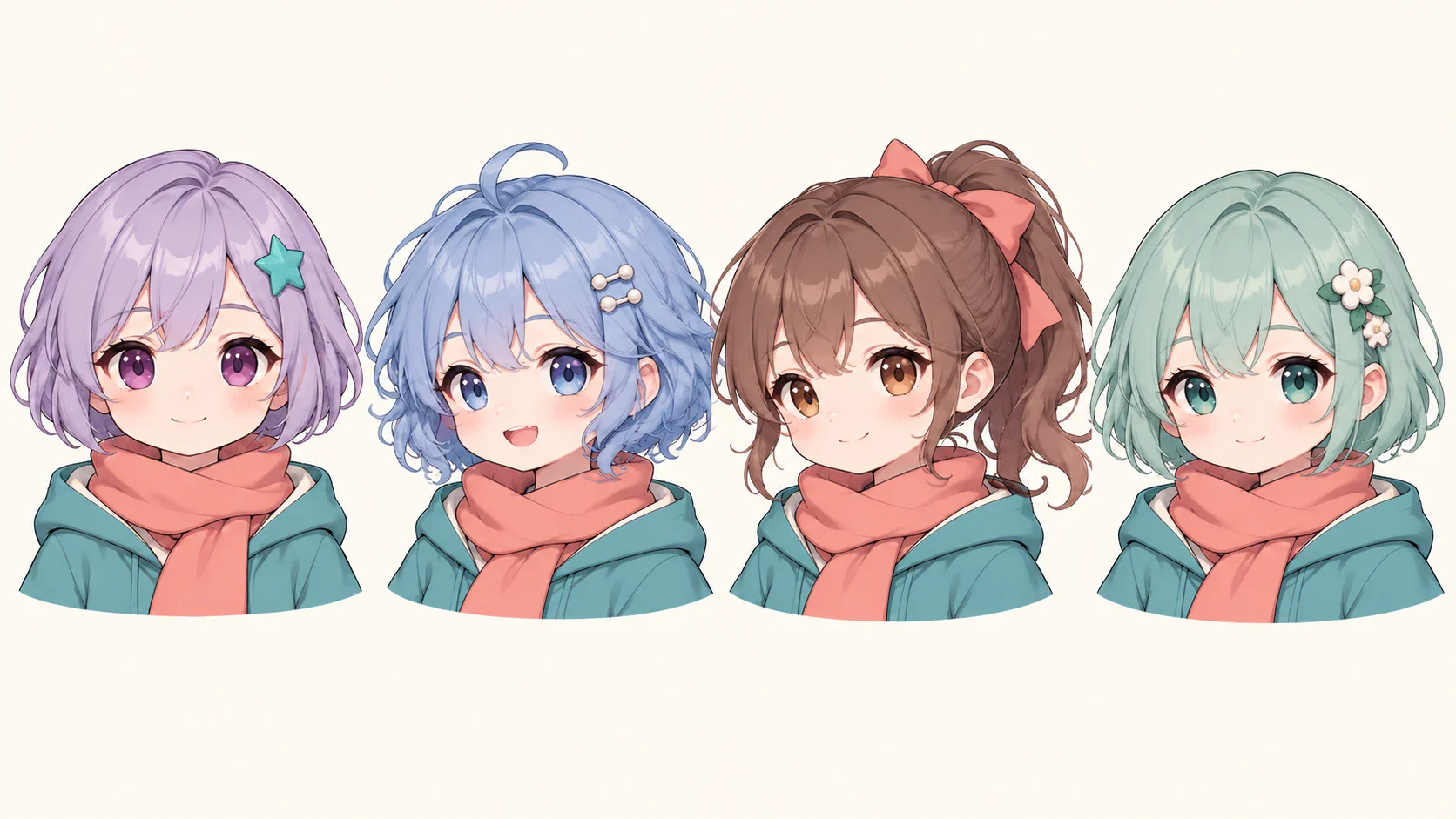
One original chibi character explored in three coordinated shoulder-up outfit variations

Build an Outfit and Accessory System

Describe clothing by visible structure rather than broad labels alone. Include the garment type, silhouette, color, material, footwear, and one or two key accessories. Pick one dominant color, one supporting color, and a restrained accent, then repeat that palette across the outfit and props without making every object identical. This gives the character a more deliberate design and makes related versions easier to recognize.

Create a Chibi
One consistent chibi character shown in four distinct head-and-shoulders expressions

Create a Character Sheet for Consistency

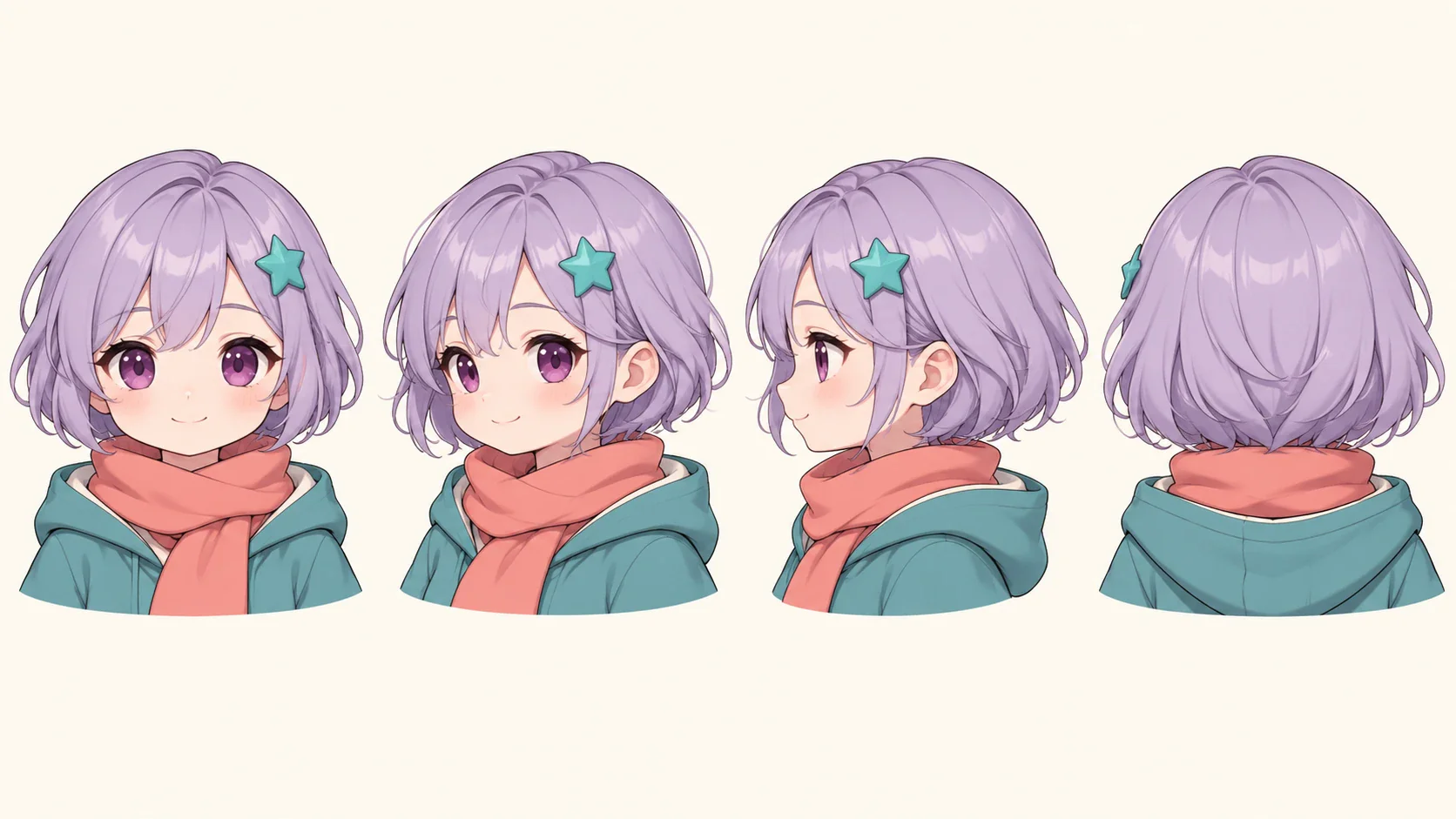
Once the main design works, ask for front, three-quarter, side, and back views. Add a small expression row or a few pose studies if the character will appear in several images. Compare every view for drift in the face, colors, accessories, and body proportions. Keep the strongest approved image available as a reference and change only one design element at a time.

Create a Chibi
Consistent chibi character sheet with front, three-quarter, side, and back-of-head portraits

Find a Starting Point with Flova Skills

Flova's Image to Anime Converter supports broader anime transformations and original visual directions. The chibi maker is more specific: it centers on compact proportions, expressive faces, character sheets, avatars, and reusable identity details.

Once a chibi design is approved, Flova's AI Animation Generator can help develop storyboards and animated scenes. Reuse the same character image and core description, then add one action, setting, camera choice, and emotional beat per shot. Review continuity before assembling a longer sequence.

More Flova Skill More Flova Skill

What Can You Make with a Chibi Character?

The strongest use cases begin with a clear format and audience. Choose the type of artwork before refining small details so the composition remains useful.

Profile Pictures and Community Avatars

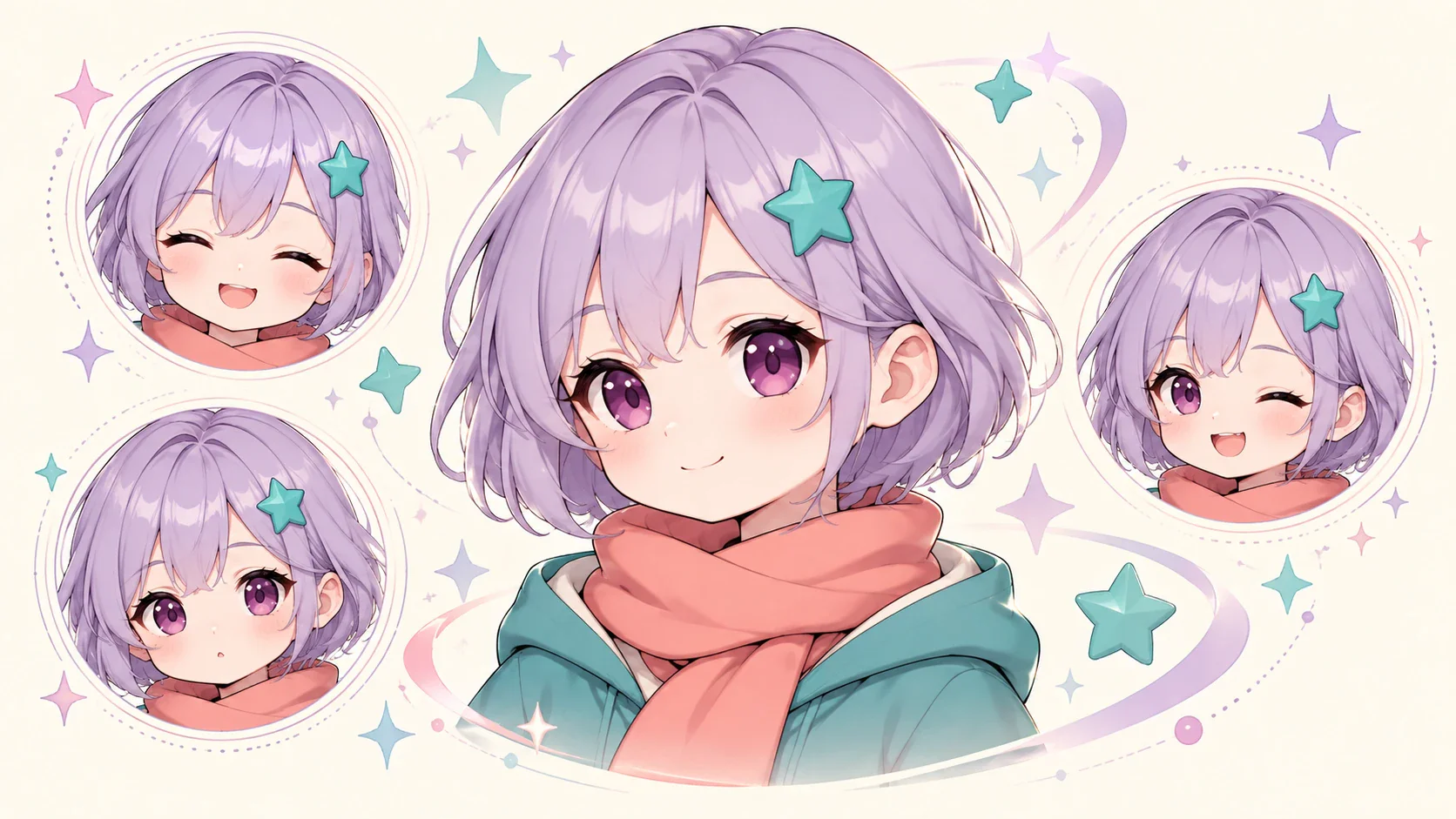
Create a close-up or half-body character with a simple background and a silhouette that remains clear in a small circular or square crop. Emphasize the face, hairstyle, expression, and one recognizable accessory. The chibi maker can turn a personal reference or original idea into a compact identity for a channel, gaming profile, community account, or group graphic.

Original chibi character shown as a large profile portrait and three circular avatar crops
Create a Chibi

How to Create a Chibi Character in Flova

Use this four-stage workflow to move from an idea or photo to an approved character design.

  1. Define the Character and Final Use

    Write one sentence describing who the character is and where the artwork will appear. Add the desired crop, pose, mood, and background. If you are using a photo, choose one with clear lighting and visible features, and only upload material you are authorized to use.

  2. Describe the Chibi Design

    Give Flova Agent a compact visual brief covering proportions, face, hair, clothing, expression, palette, accessory, and background. Put the most important requirement first and use observable language instead of vague direction.

  3. Review and Refine One Detail at a Time

    Check the face, hands, hair edges, clothing, props, background, and any marks that resemble accidental text. Keep the approved parts fixed and request one focused change so the next version has a clear revision target.

  4. Save the Character or Continue into Animation

    When the still design is approved, use it as the visual foundation for more poses, scenes, storyboards, or animation. Add action, camera movement, environment, and audio direction for each shot while reusing the same character reference.

Create a Chibi

Refinement Tips for More Consistent Chibi Designs

Chibi characters are compact, so every large shape and small detail needs a clear role. Refine the design in focused passes, preserve the strongest approved version, and judge each image in the format where it will actually appear.

Keep the Silhouette Clear

Large hair shapes, sleeves, capes, props, and hats can merge into the body. Ask for clear separation between the arms, torso, legs, and accessories. If the artwork is for an avatar, simplify anything that becomes visual noise at a small size.

Use Specific Visual Direction

Focus on line weight, shading, texture, palette, lighting, proportions, and mood. This gives the chibi maker concrete direction while supporting an original result. Avoid requesting a direct copy of a protected franchise, recognizable character, or living artist's style.

Lock the Identity Before Exploring Variations

Approve the face, hair, main outfit, and proportions before changing poses or backgrounds. Save the strongest version as the reference. When testing alternatives, state which details must remain fixed and what single feature may change.

Review the Final Crop and Context

An image that works as a full illustration may fail as a profile picture or sticker. Test the crop, contrast, and facial readability in context. Leave useful space around the head and accessories, and avoid important details near interface overlays.


Frequently Asked Questions

What is a chibi maker?
  • A chibi maker is a character-creation tool for designing figures with exaggerated cute proportions, expressive faces, simplified bodies, and readable silhouettes. In Flova, you can begin with text or an authorized reference image, guide the design through conversation, and request focused revisions.
Can the chibi maker create a character from a photo?
  • Yes. Use a clear photo and explain which facial, hair, clothing, or accessory details should remain recognizable. Chibi art intentionally changes proportions, so review likeness and identity details rather than expecting a literal copy of the source.
Can the chibi maker create an original character from text?
  • Yes. Describe the character's face, hair, outfit, expression, pose, palette, accessory, setting, and visual treatment. Start with a concise identity brief, approve the main design, then explore expressions or poses without changing every element at once.
How do I keep one chibi character consistent?
  • Save the strongest approved image and reuse it as a reference. Repeat the essential identity details, including face shape, hair, outfit colors, proportions, and props. Create a character sheet and request one controlled change at a time.
What can I make with a chibi character creator?
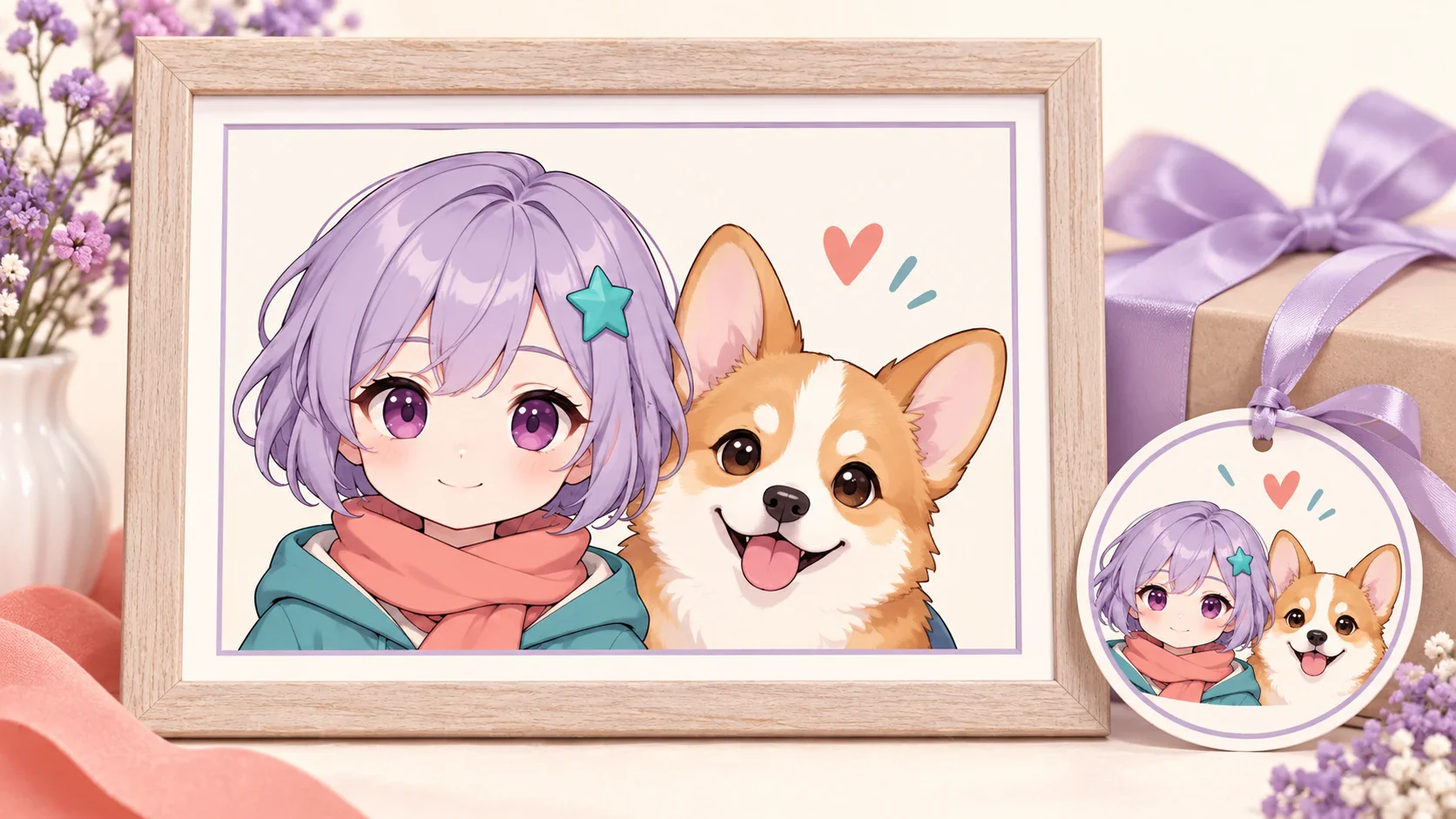
  • You can develop profile pictures, reaction sets, original characters, mascot concepts, paired portraits, pet characters, digital gifts, storyboards, and animation references. Plan the crop and visual complexity around the final use.
Can I animate a character made with the AI chibi generator?
  • Yes. Use the approved still as a character and style reference inside a storyboard. Define the action, framing, camera movement, setting, and audio for each shot, then compare the character across the sequence before the final edit.
Can I use my chibi artwork commercially?
  • Commercial use depends on your current Flova plan, the selected models, and the rights attached to your prompts and reference images. Check the current terms before publishing or selling the result, and only use material you are authorized to upload.
Dark Flova background with soft multicolored light

Make Your Own Chibi Character with Flova

Bring a character idea or authorized reference image into Flova. Use the chibi maker to refine the proportions, face, hair, expression, outfit, accessories, and palette, then save the approved design or continue it into poses, storyboards, and animated scenes.

Create a Chibi