Flova Logo

UGC Video Creator for Product-Led AI Video Ads

Flova Agent: Create UGC Videos with Natural Language

Flova is a UGC video creator that helps you move from a product idea to a structured video project through conversation. Use the UGC video creator to tell Flova Agent what you are promoting, who the video is for, and how the message should feel. Add product images, visual references, a script, or a rough concept, then review the project as the Agent develops the shots. You can refine individual scenes, adjust the narration or music, and keep approved parts in place instead of rebuilding the full video.

Create UGC Video

Benefits of Using a UGC Video Creator with Flova

A useful AI UGC workflow should give you room to test a hook, show the product clearly, and revise the message without turning every change into a new production. The UGC video creator keeps the brief, visual assets, storyboard, generated media, audio, and timeline in one connected project so you can focus on the creative decisions.

Build Around a Real Product Brief

Start with the product, audience, offer, and action you want viewers to take. Upload product photos or other approved brand materials, then describe the type of UGC video you need in everyday language. Flova Agent can help organize the idea into a script and storyboard before generation begins. That gives the UGC video creator a clear campaign goal for the hook, demonstration, and closing message.

Create UGC Video
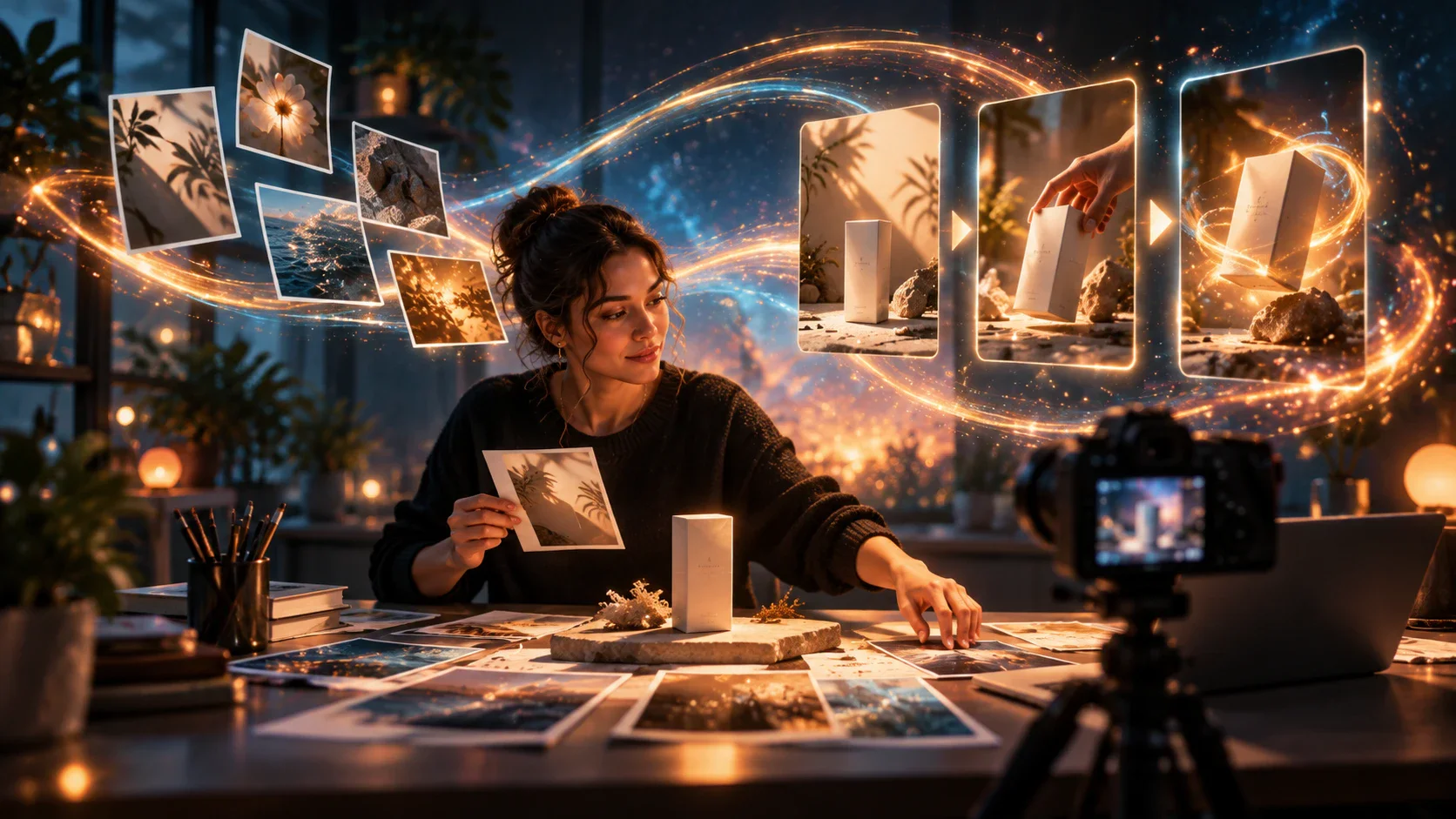
A creator arranging product photos and storyboard references for a video shoot

Keep the Product and Creator Look Consistent

Reference images help define the product, character, wardrobe, setting, colors, and other details that should carry across shots. Reuse the same approved references as you develop the video. You can change the action, framing, or background while keeping the main visual direction connected. This is especially useful when one AI UGC video moves between a talking segment, a close product view, and a lifestyle scene.

Create UGC Video
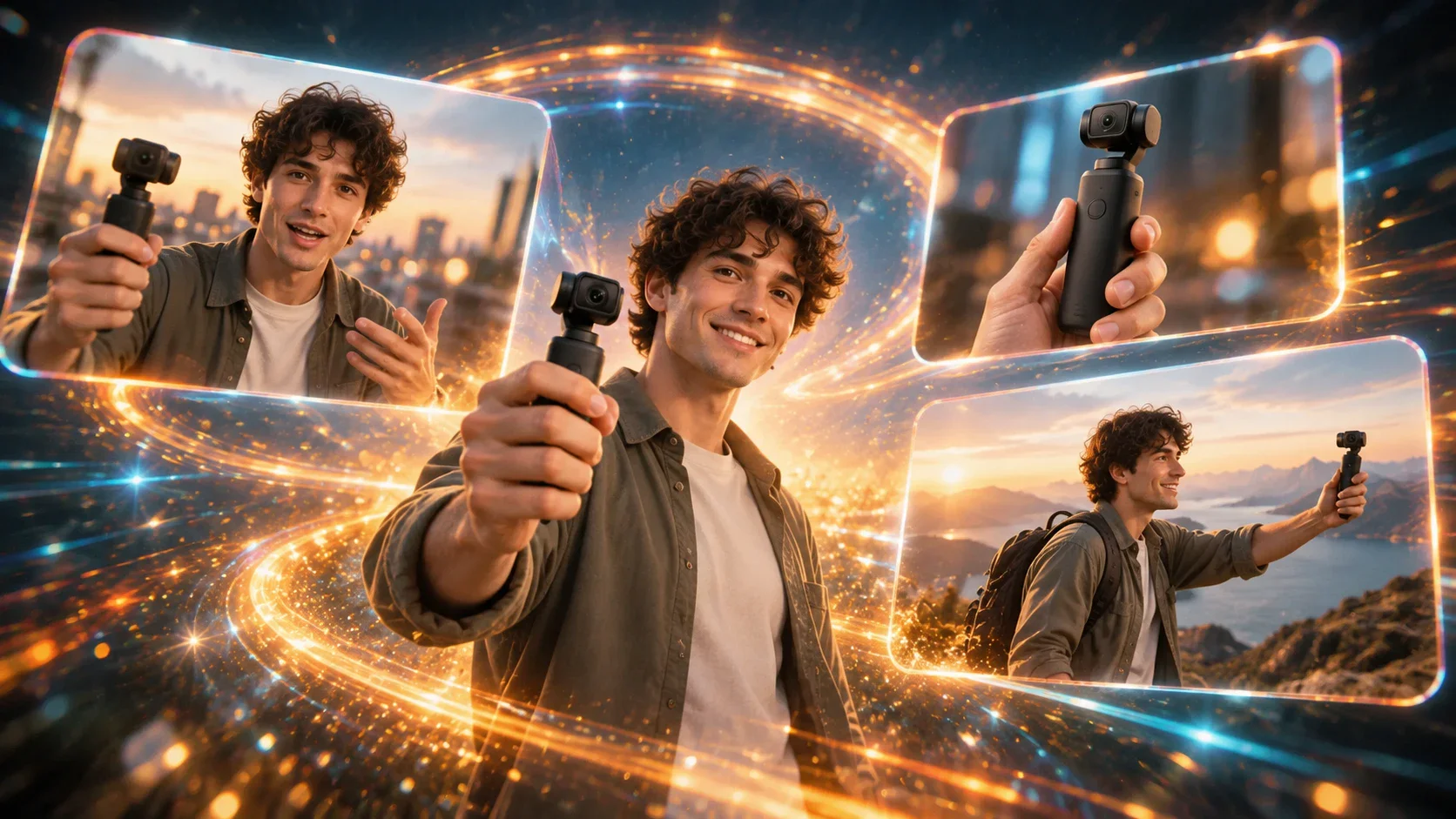
The same creator demonstrating a handheld camera across indoor and outdoor scenes

Add Voice, Music, and Scene Direction

A UGC-style ad needs more than a sequence of attractive shots. Tell Flova Agent how the creator should introduce the problem, demonstrate the product, and deliver the final message. Flova projects can include narration, music, images, video, a storyboard, and timeline editing. Review the pacing as those pieces come together, then adjust the order or tone so the content feels appropriate for the intended channel.

Create UGC Video
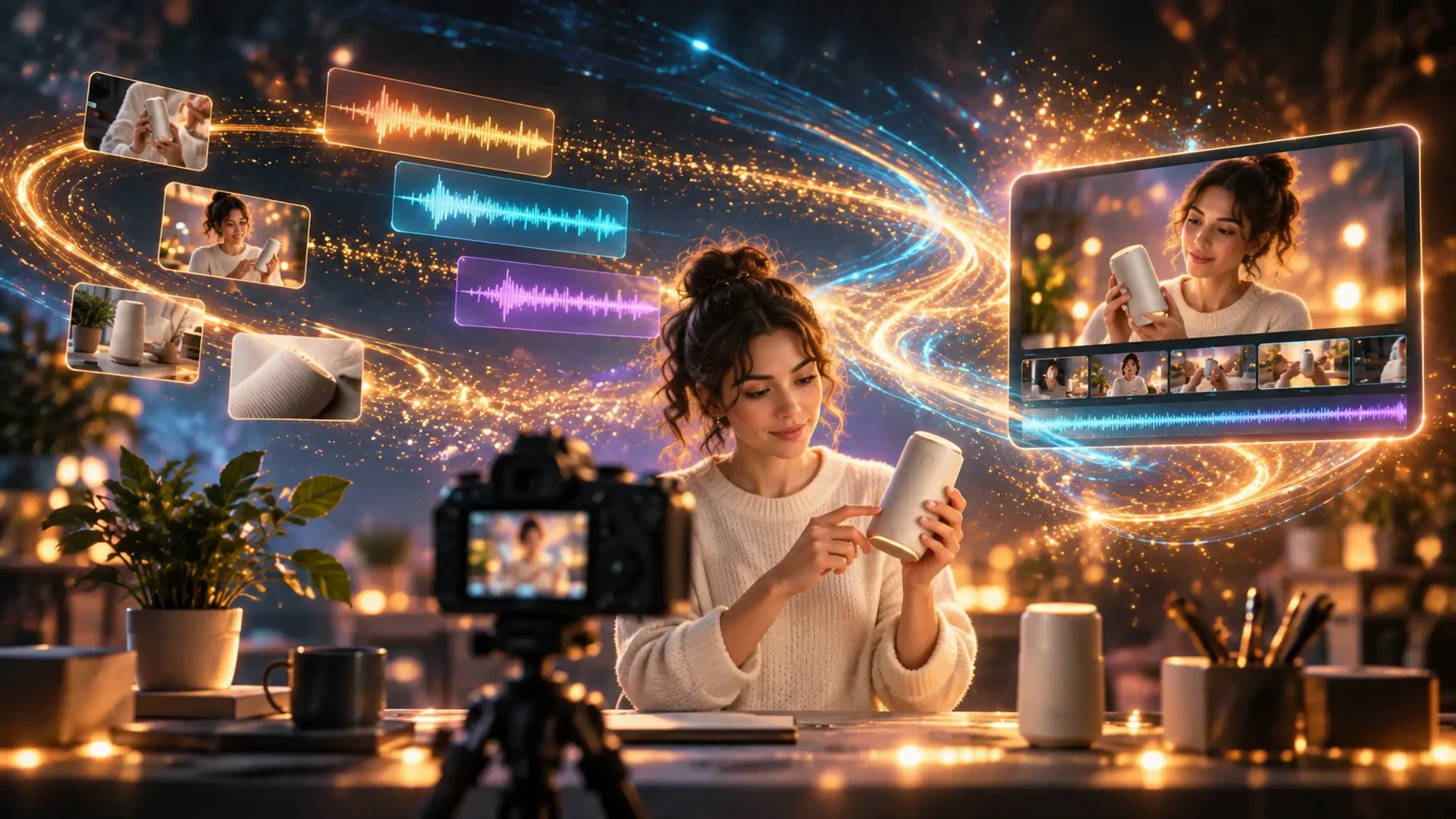
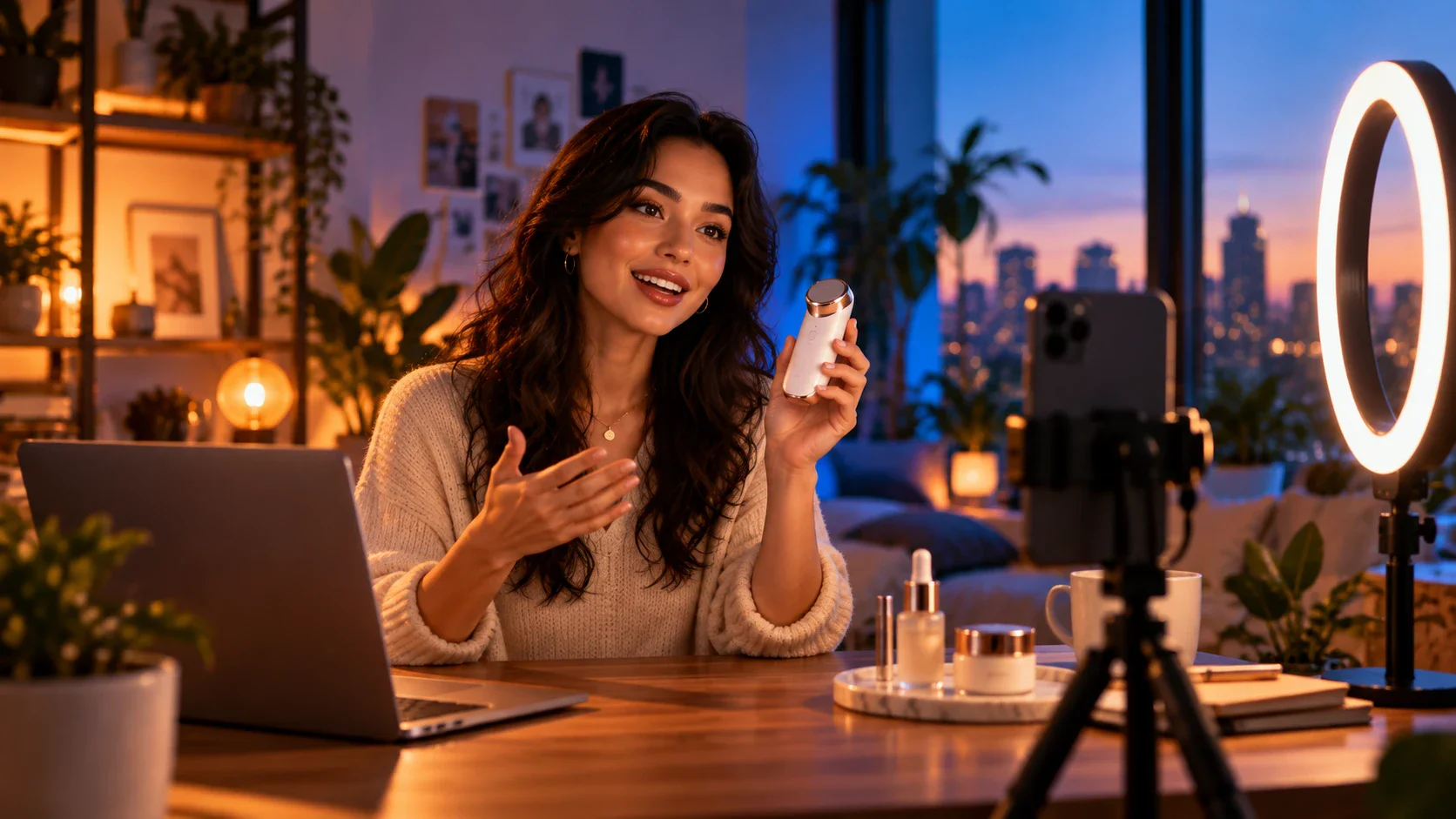
A creator presenting a skincare bottle alongside audio waveforms and a video timeline

Revise One Shot Without Rebuilding Everything

If the opening feels slow or a product close-up is unclear, focus the revision on that part of the project. Flova lets you update specific storyboard or timeline elements while keeping the rest of the work available. You can test a different hook, camera angle, background, or closing shot without automatically discarding every approved scene. This makes the UGC video creator practical for iterative campaign work.

Create UGC Video
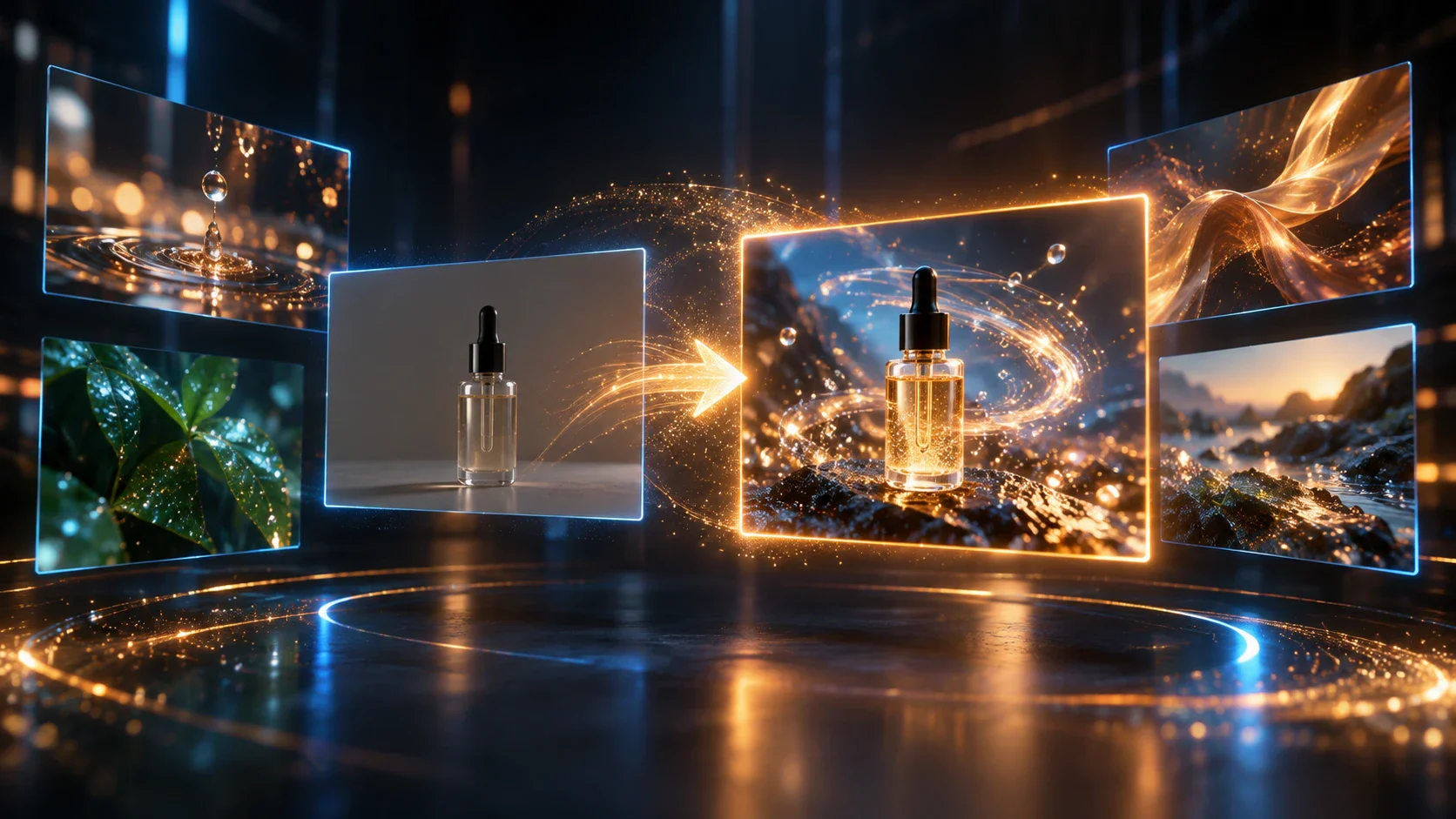
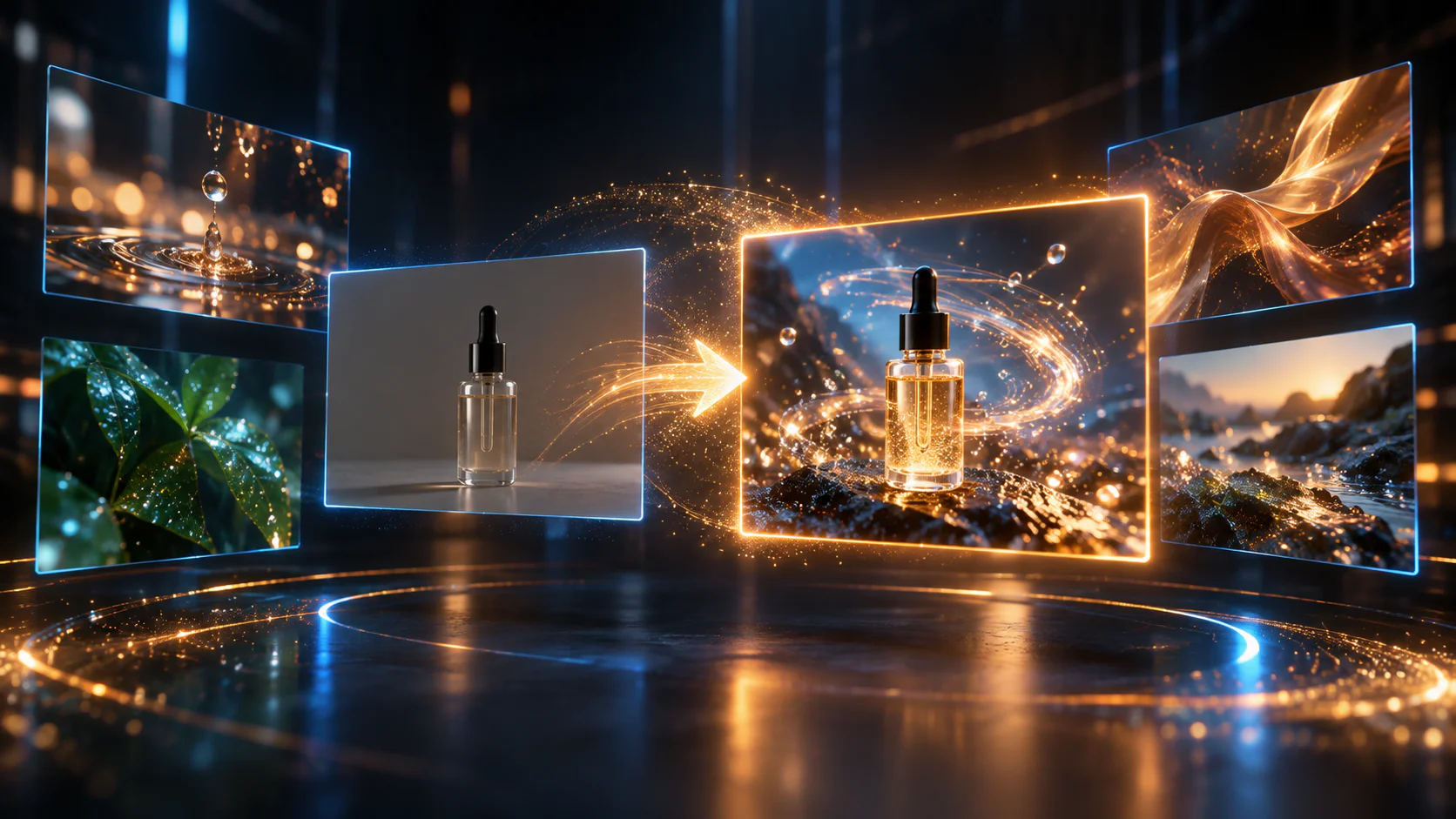
A skincare bottle shot transformed from a plain background into a glowing product scene

Flova Skills for AI UGC Video Production

Flova Skills are reusable creative workflows for specific video outcomes. Choose a direction that matches your product and campaign, then adapt the inputs, script, references, and scenes. The concepts below show how a Skills gallery for this UGC video creator can help users start with a clear format instead of a blank project. Each UGC video creator project can still be adjusted to the product, audience, and approved brand direction.

More Flova Skill More Flova Skill

UGC Video Production for Every Marketing Team

The UGC video creator can support different teams while keeping the product facts and approved references at the center of the project.

Ecommerce Teams

Turn approved product images and campaign direction into videos for product launches, feature education, and seasonal promotions. A shared project makes it easier to review how the item appears in each shot and revise scenes that do not show the product clearly.

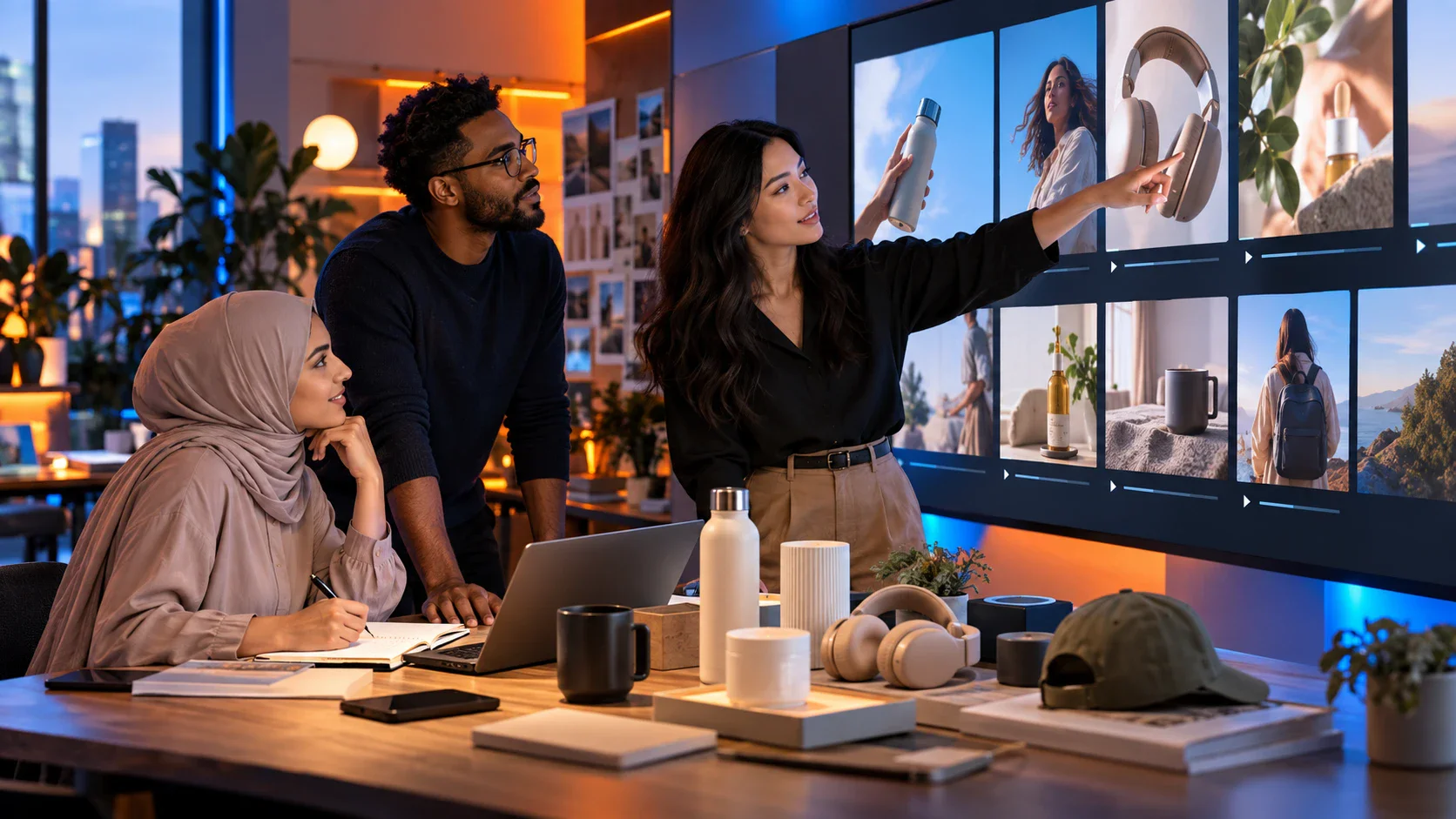
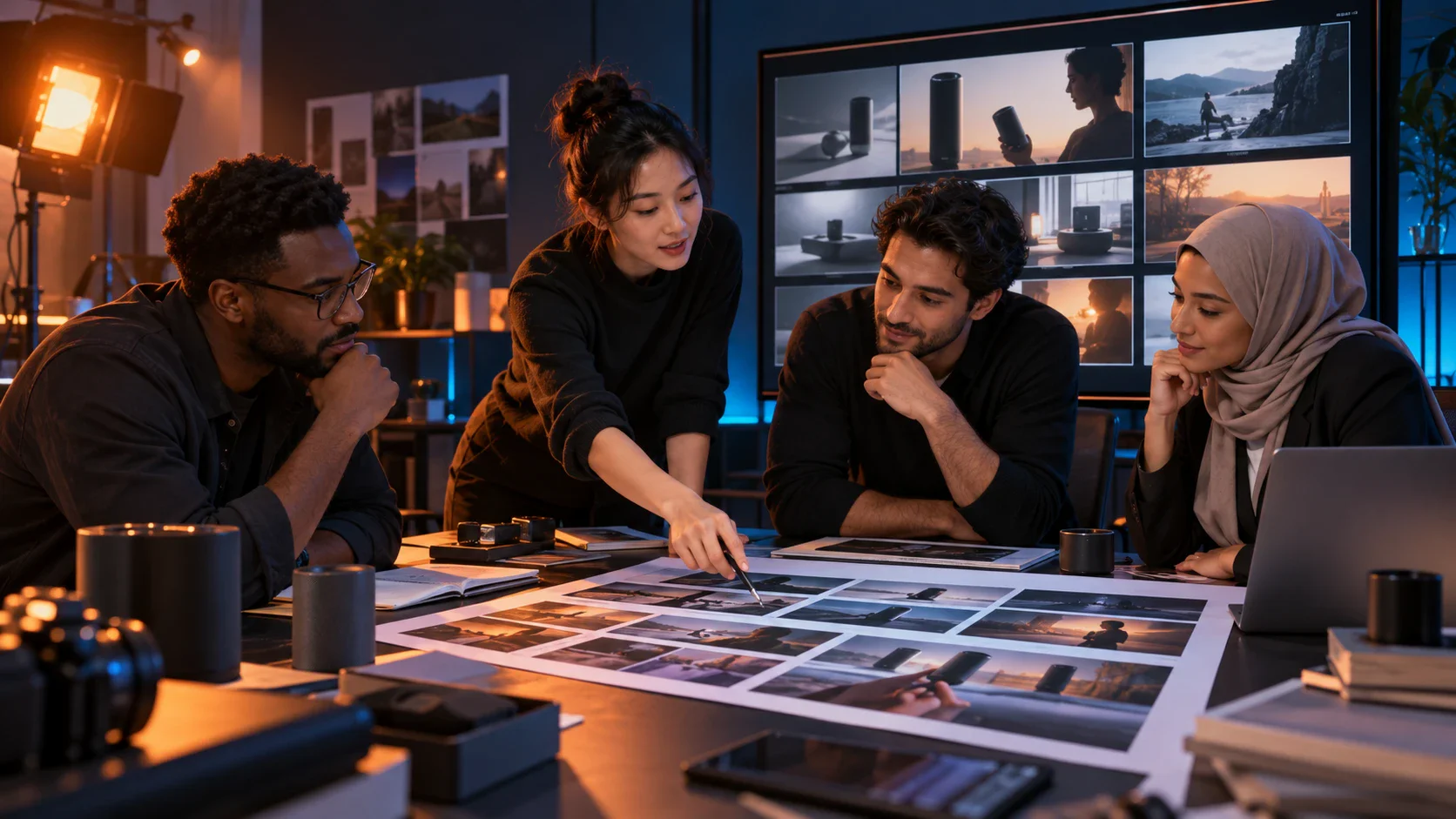
A team reviewing product video scenes on a large display with sample products on the table
Create UGC Video

How to Use Our UGC Video Creator

Use the UGC video creator as a four-step workflow from campaign brief to reviewed export.

  1. Sign In to Flova

    Create an account or sign in, then start a new project. Generation uses credits according to the selected model, duration, resolution, and other settings.

  2. Describe the Product and Campaign Goal

    Tell Flova Agent what you sell, who should care, the problem the video should address, and the action viewers should take. Include any approved wording that must remain exact.

  3. Add Product and Creative References

    Upload product images, brand materials, or other media you have permission to use. Explain which details must stay consistent and which parts the Agent may reinterpret.

  4. Review, Revise, and Export

    Check the storyboard, scenes, narration, music, and timeline. Request focused changes where needed, confirm the final edit, and export the completed video.

Create UGC Video

Plan Better UGC Video Content Before You Generate

An effective UGC-style video usually follows a simple viewer journey: earn attention, make the problem recognizable, show the product in context, and close with a useful next step. The creative can feel informal while still being carefully planned. Before using the UGC video creator, write one sentence for each part of that journey. This keeps the script focused and gives the UGC video creator a clear job for every generated scene.

Match the Hook to the Product

A hook should introduce a real situation the product addresses. It can begin with a question, an observation, a demonstration, or the outcome the viewer wants. Avoid unsupported claims and artificial urgency. For regulated or performance-sensitive products, make sure every spoken and on-screen claim has been approved before it enters the video project.

Give the Demonstration Enough Visual Evidence

Show the product at a useful scale and from an angle that makes the action understandable. If the video includes packaging, an interface, a texture, or a physical result, add clear source images and explain what must remain accurate. Review generated frames closely; an AI UGC video should never introduce a false label, feature, result, or product detail.

Adapt the Edit for Each Channel

The same idea may need a different opening pace, crop, or duration for each placement. Plan the composition around the final aspect ratio, keep essential action away from interface overlays, and check whether narration or captions carry the message when sound is off. Export only after the version has been reviewed in the context where it will run.

Frequently Asked Questions About Our UGC Video Creator

What is a UGC video creator?
  • A UGC video creator is a tool or workflow used to plan and produce user-generated-content-style videos. In Flova, you can describe the product and audience, add approved references, develop a storyboard, generate media, and revise the project through conversation. AI-generated content should be described accurately and should not be presented as a real customer testimonial.
Can the UGC video creator use my product images?
  • Yes. Flova supports image inputs and references within its creative workflow. Upload clear, approved product images and explain which packaging, colors, shapes, or interface details must remain accurate. You are responsible for having permission to use every uploaded asset.
Can I change one scene in an AI UGC video?
  • Yes. Flova projects support focused revisions to storyboard and timeline elements. Identify the shot that needs work, explain the desired change, and review the new result while keeping the approved parts of the project available.
Does Flova include narration and music for UGC videos?
  • Flova plans include tools for music, narration, image generation, video creation, and editing. Available models and credit costs can vary, so review the current options inside your account before generating the final audio.
Can I use a UGC video generator to create several ad variations?
  • You can reuse the same approved product facts and references while exploring different hooks, scenes, or closing messages. Treat each version as a separate creative that needs factual, brand, and platform review before publication.
Can I publish AI-generated UGC videos commercially?
  • Commercial use depends on your current Flova plan, the selected models, and the rights attached to your inputs. Check the current plan terms before publishing, and make sure you have permission to use all products, people, logos, music, and reference materials shown in the video.
A guitarist surrounded by swirling golden light trails and glowing particles

Create Your First UGC Video with Flova

Bring your product brief, approved images, and campaign direction into one Flova project. The UGC video creator helps you build the storyboard, review each scene, refine the message, and export a video that is ready for your team’s final approval.

Create UGC Video