Flova Logo

Your All-in-One Video Agent

AI Monster Generator for Creatures from Your Imagination

Give your monster a shape, a habitat, and a personality. Flova AI monster genertor turns a written description or reference image into original creature artwork. Develop the silhouette, surface details, and setting with Flova Agent, then refine the design for a story, game concept, or mascot.

Shape the Creature, Its Character, and Its World

Create a monster of your own, from its appearance to its personality and world. Then bring it to life in an AI viral video starring your original creature.

Build a Monster from Your Description

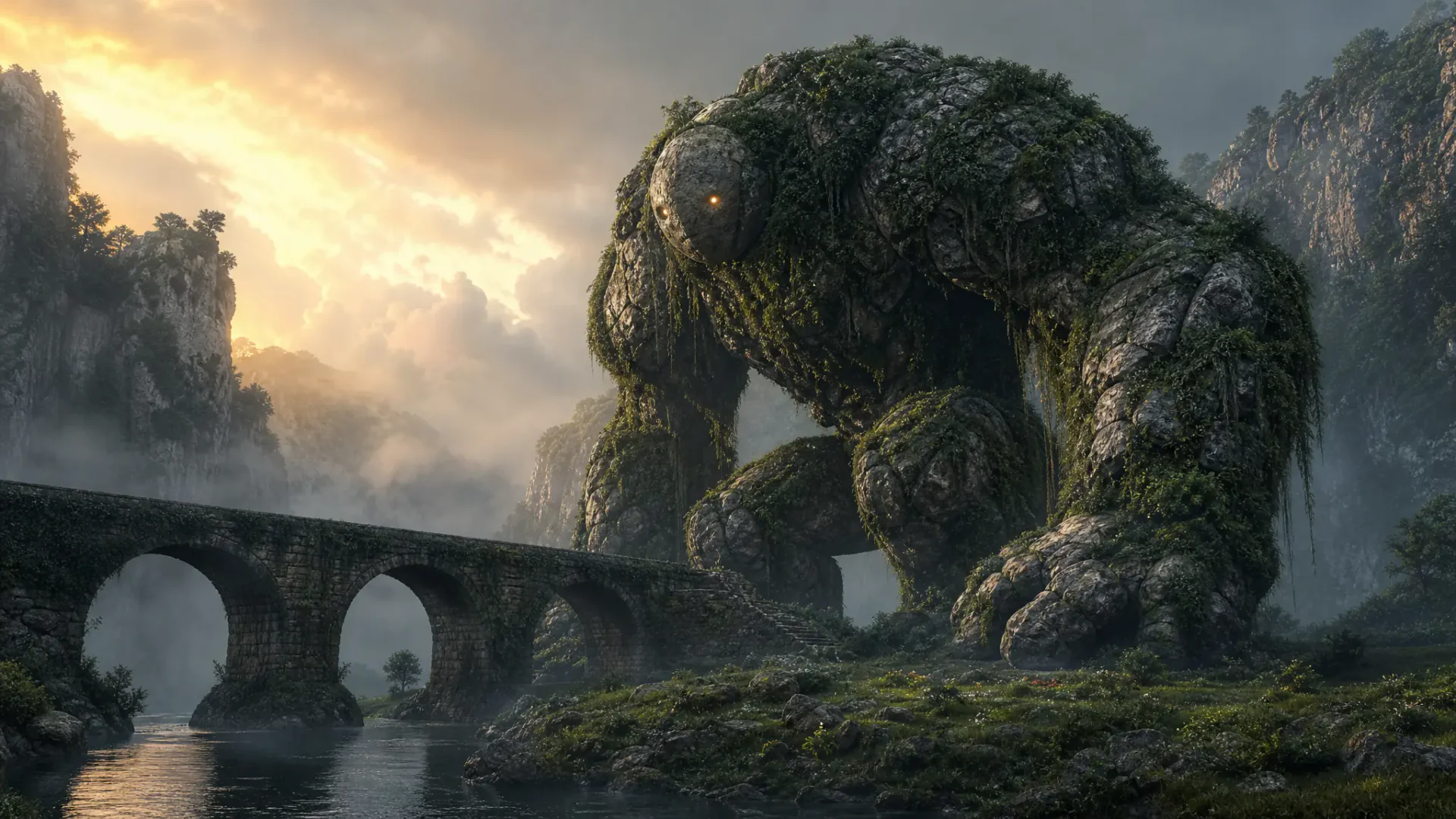
Tell Flova Agent about the body shape, horns, skin, expression, and mood you have in mind, using everyday language or detailed technical instructions. You can also specify the image model, aspect ratio, and resolution in your request. Flova turns your brief into a monster image.

Create Your Monsters

Give Your Reference a New Direction

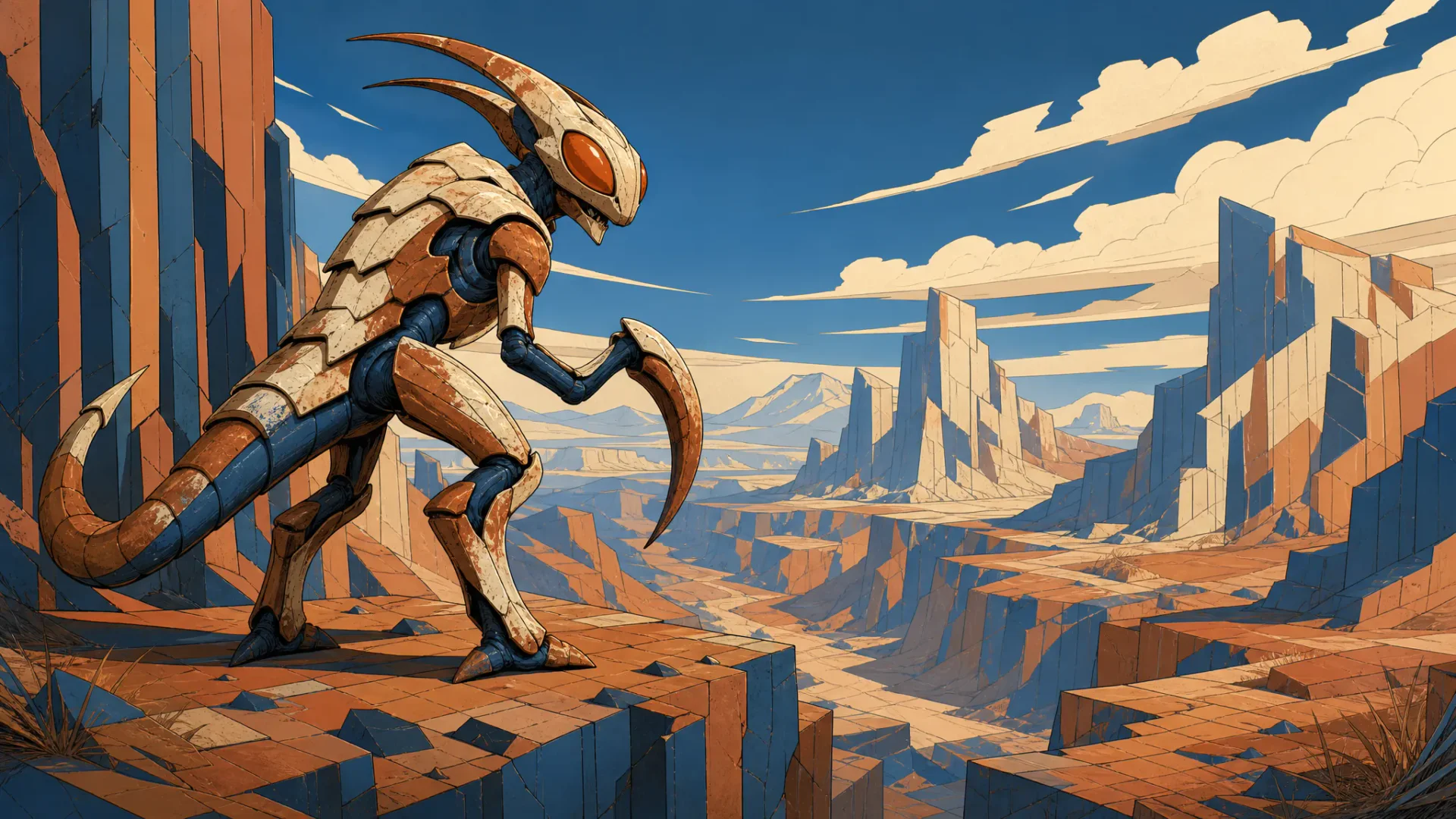
Add your own sketch or an authorized creature image, then describe the new pose, setting, or appearance. Flova monster genrator uses the reference alongside your prompt to guide a new image, giving a developed concept a visual starting point for the next version.

Create Your Monsters

Choose a Look That Fits the Story

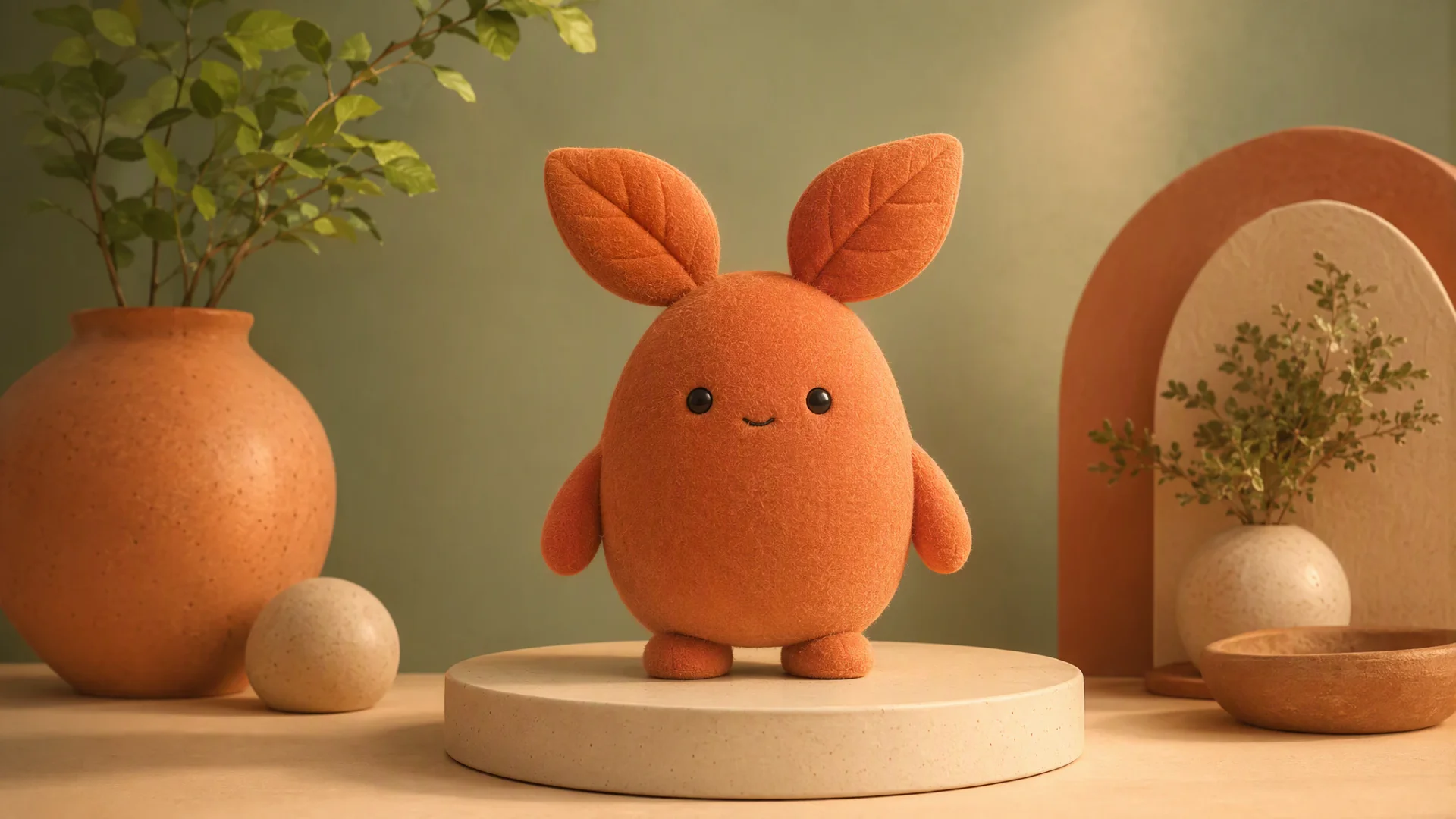
Describe a clay-like surface, painted fantasy style, comic shading, or cinematic lighting. Use Flova AI monster maker to explore a friendly companion or a formidable guardian with the visual treatment your project needs. Keep the creature's defining traits in the brief while changing the art direction.

Create Your Monsters

Create a Video Starring Your Monster

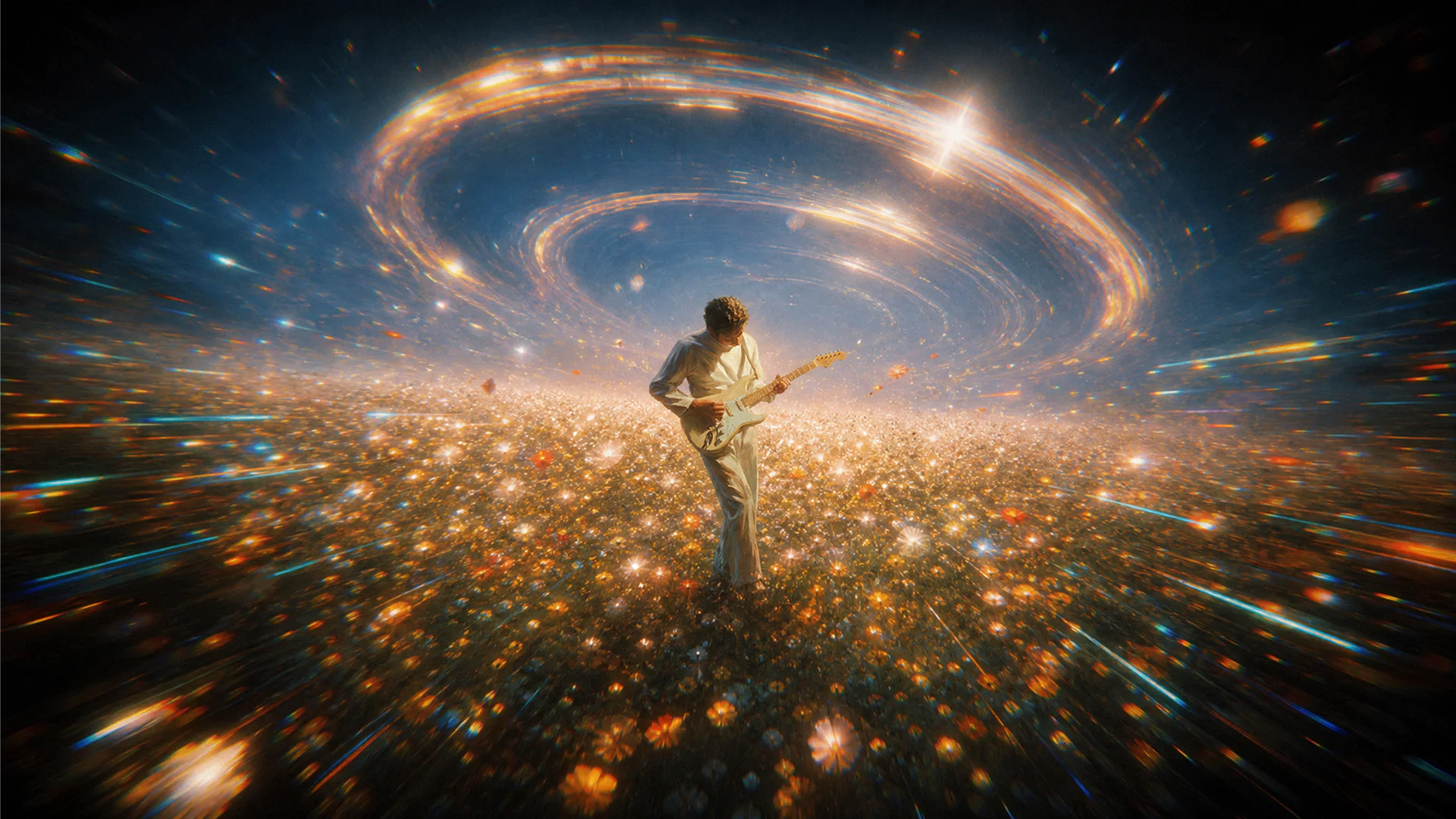
Give your monster a scene of its own. Tell Flova Agent how it moves, what happens around it, and how the camera follows the action. Turn your creature image into a video with image-to-video, then refine the scene with follow-up instructions.

Create Your Monsters

Keep Your Creature Direction Ready with Flova Skills

Use reusable Flova Skills to carry a creative approach into another project. Preserve useful rules for a creature brief, visual style, or scene treatment while giving each new monster its own anatomy, personality, and setting.

Explore Flova Skills Explore Flova Skills

Monster Art for Games, Stories, and Character Worlds

Different ideas need different structures. Choose a reveal, explanation, or visual story according to the message you want the viewer to remember.

Tabletop Encounters and Game Concepts

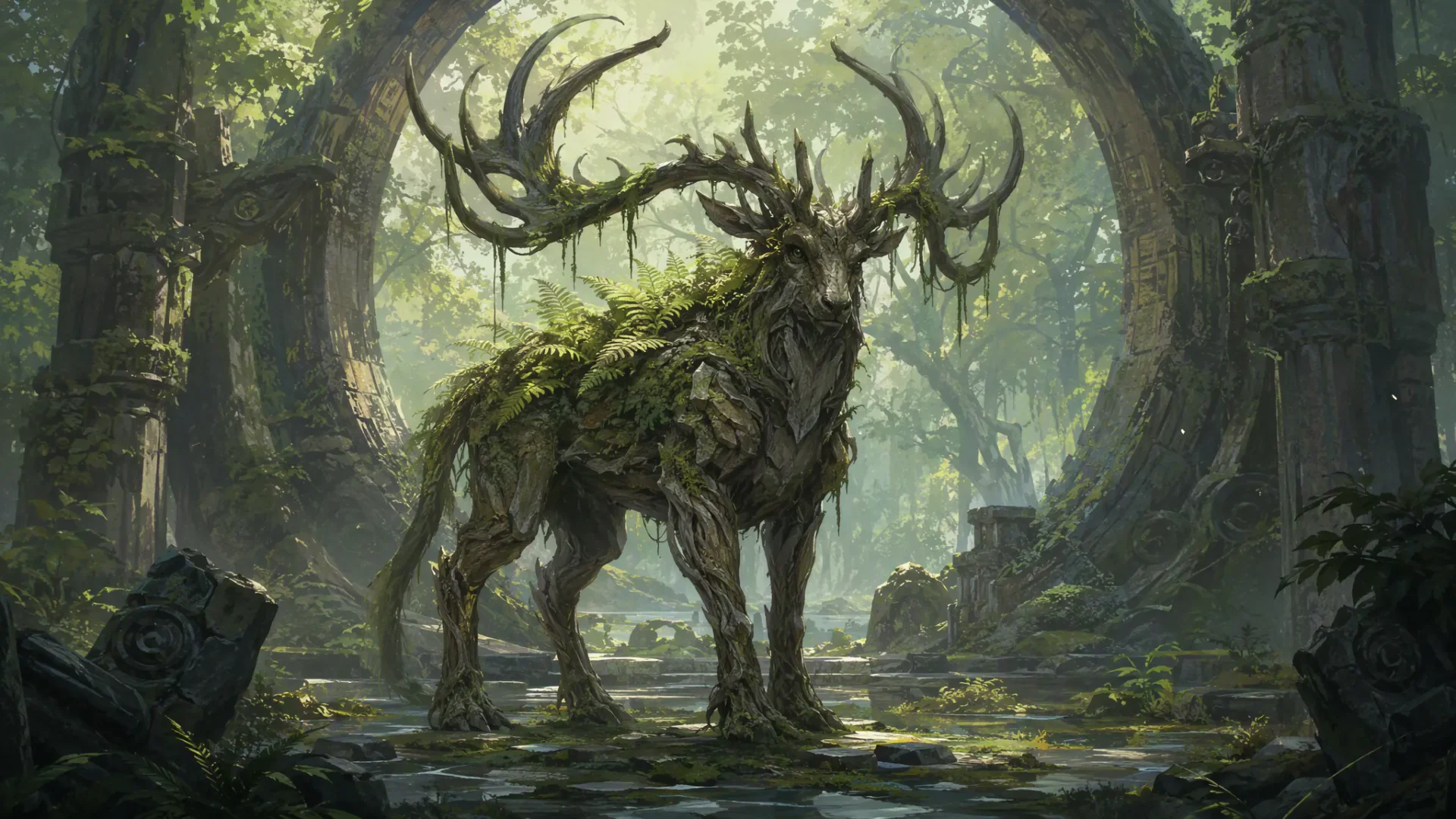
Give an encounter a creature players can picture: a guardian in a ruined shrine, a forest beast, or a strange inhabitant of an unexplored region. Our AI creature generator creates visual concept art around the role, habitat, and presence you want the creature to have.

Antlered bark-skinned forest guardian standing in an overgrown circular ruin
Create Your Monsters

How to Use Our AI Monster Generator

Start with the audience and the idea you want them to remember. Follow these four steps to plan your story, generate the scenes, and review the final cut.

  1. Describe the Creature You Want

    Start a Flova project and explain the monster's body shape, personality, habitat, and purpose. Add a sketch or authorized reference when you already have a visual direction. Name the details that make this creature different.

  2. Set the Image Direction

    Work with Flova Agent on the brief, or open Quick Generation for direct settings. Choose an image model, aspect ratio, resolution, and supported reference mode. Describe the pose, setting, and style for this particular image.

  3. Generate and Refine the Design

    Generate the monster image, then ask for a specific change to its proportions, surface, expression, lighting, or surroundings. Add the accepted image as a reference when developing another version, keeping the defining traits clear in your prompt.

  4. Save and Download Your Image

    Keep accepted versions together in the project Asset, select the preferred result, and download the individual image. Use it as a concept illustration or a reference for another scene. Paid Personal plans include watermark-free export.

Create Your Monsters

Design Choices That Make a Creature Memorable

Let the Silhouette Carry the First Impression

A monster's outline communicates before small details do. A low, broad body can feel grounded; narrow legs and a high center of mass can feel uneasy; a rounded head and compact proportions can make a creature approachable. Choose one dominant shape and a small number of distinctive features, then let the surface detail support that structure. An AI-powered monster generator brief becomes easier to direct when the creature can be described in a clear sentence rather than a long inventory of unrelated parts.

Connect Anatomy with How the Creature Lives

Decide how the monster moves, feeds, rests, and senses its surroundings. A cave-dwelling animal might use broad feet and sensitive antennae, while a swimmer might have a continuous body and fins that explain its movement. These decisions give the design an internal logic even when the creature is fantastical. Name the appendages, their purpose, and their relationship to the body so each visual detail contributes to the same creature rather than competing for attention.

Make the Habitat Part of the Identity

The environment can explain traits that would feel arbitrary in isolation. Moss, bark, or pale mineral scales suggest different relationships with a forest, ruin, or cavern. Light and atmosphere also change the reading of a creature: a warm backlight can reveal its outline, while a low viewpoint emphasizes its scale. Build the setting around the monster's story role, using the surrounding shapes and colors to make its most important features easier to see.

Design for the Size People Will See

A full scene, a character portrait, and a small mascot image need different amounts of visual information. Give an encounter illustration room for the environment, bring a character portrait closer to its expression, and simplify a mascot's color palette and silhouette. Choose the image framing around that purpose before adding intricate textures. A detailed full-body design and a close-up can share the same reference while emphasizing different parts of the creature's identity.

AI Monster Generator FAQs

What can I create with an AI monster generator?

  • Create 2D monster images and creature concept art from descriptions and reference images. Flova brings the brief, generated artwork, and revised versions into one project for stories, game concepts, film development, or mascot exploration.

Can I use my own sketch or creature image?

  • Yes. Upload your sketch or an authorized image and add it as a reference. Describe what the new image should show, including the pose, environment, and features that should guide the result.

Can I create cute monsters and darker fantasy creatures?

  • Yes. Describe the personality, proportions, materials, and atmosphere you want. Rounded forms and soft textures can support a friendly character; a larger silhouette and dramatic lighting can create a more imposing fantasy creature.

Can I turn a monster image into a video?

  • Yes. Use an accepted image as a reference for video generation, then describe the action and camera movement. Choose a video model and its supported input settings to develop the creature into a moving scene.

Does this workflow create a finished 3D game model?

  • This workflow creates 2D creature images and concept art. You can use them as visual references for a separate 3D production process, which also involves geometry, materials, rigging, and game-engine preparation.

Can I try Flova for free?

  • Yes. Start with 100 free signup credits. The signup offer also includes 200 creation bonus credits, separate from the initial allocation. Free accounts can try image generation with limits on available models, resolution, and advanced features. Credit usage depends on the selected model and settings.

What do Flova's paid plans cost?

  • Personal annual plans are displayed at $17 per month for Starter, $42 for Basic, $84 for Plus, and $167 for Pro, billed annually. These are annual-billing monthly equivalents, not month-to-month subscription prices. All four include watermark-free export and commercial use.

How many credits do the paid plans include?

  • Monthly base allocations are 2,000 for Starter, 5,000 for Basic, 10,000 for Plus, and 20,000 for Pro. Currently listed promotional bonuses add 500, 3,000, and 10,000 to Basic, Plus, and Pro. Monthly subscription credits are valid for 30 days.

Can I use the monster artwork commercially?

  • Paid Personal plans include commercial use and watermark-free export. Use your own creature brief and source material or references you have permission to include when developing the artwork for a commercial project.

What controls the image size and generation cost?

  • The selected image model and its settings determine the available aspect ratios, resolutions, reference options, and credit cost. Quick Generation provides these controls, and the generation interface displays the estimated cost before you submit.