Flova Logo

Your All-in-One Video Agent

Animal Combo Generator for Your Own Hybrid Creatures

Imagine a fox with an owl's face or a rabbit with deer antlers. Our animal combo generator turns your description into a fictional creature image. Name the animals, choose their defining traits, and direct the style with Flova Agent. Add a reference image when you have a visual starting point.

Combine Recognizable Traits into One New Creature

Every hybrid starts from the same four moves: name the animals and the traits you want, place each borrowed feature with intent, pick a visual style, and set the creature in a world that supports it.

Start with the Animals You Imagine

Describe the animals you want to combine and how you want your hybrid to look and move. Flova Agent automatically selects models based on their strengths and your creative direction, helping you turn your idea into a distinctive animal hybrid video.

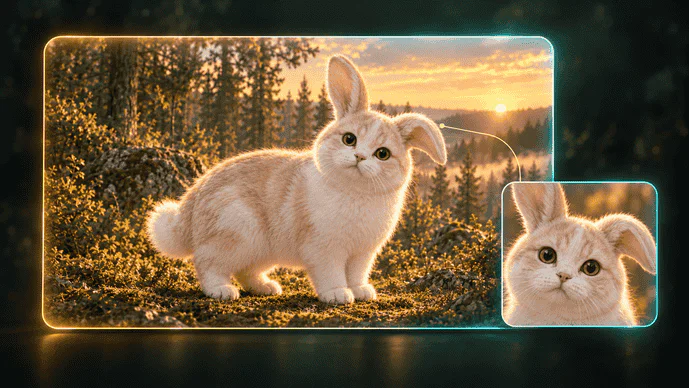
Create Animal Hybrids
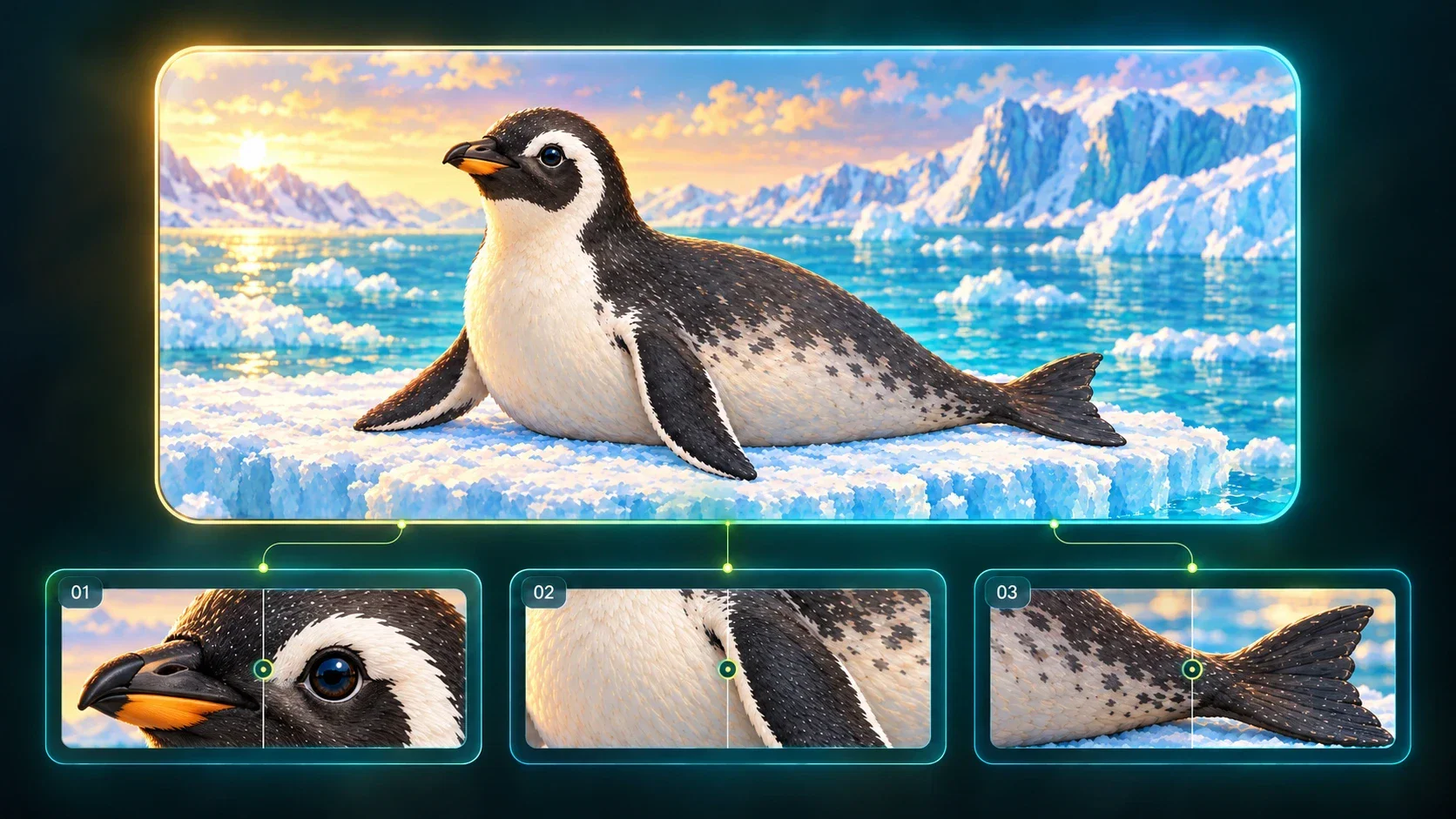
Rabbit and cat hybrid with long ears in a sunset forest, shown with a facial close-up

Direct Where Each Feature Belongs

Give the combination a clear structure instead of asking for an unspecified blend. Describe an otter with butterfly wings attached at the shoulders, or a cat with scales along its back. Add a sketch or authorized animal reference, then tell our animal fusion generator which features should guide the new image.

Create Animal Hybrids
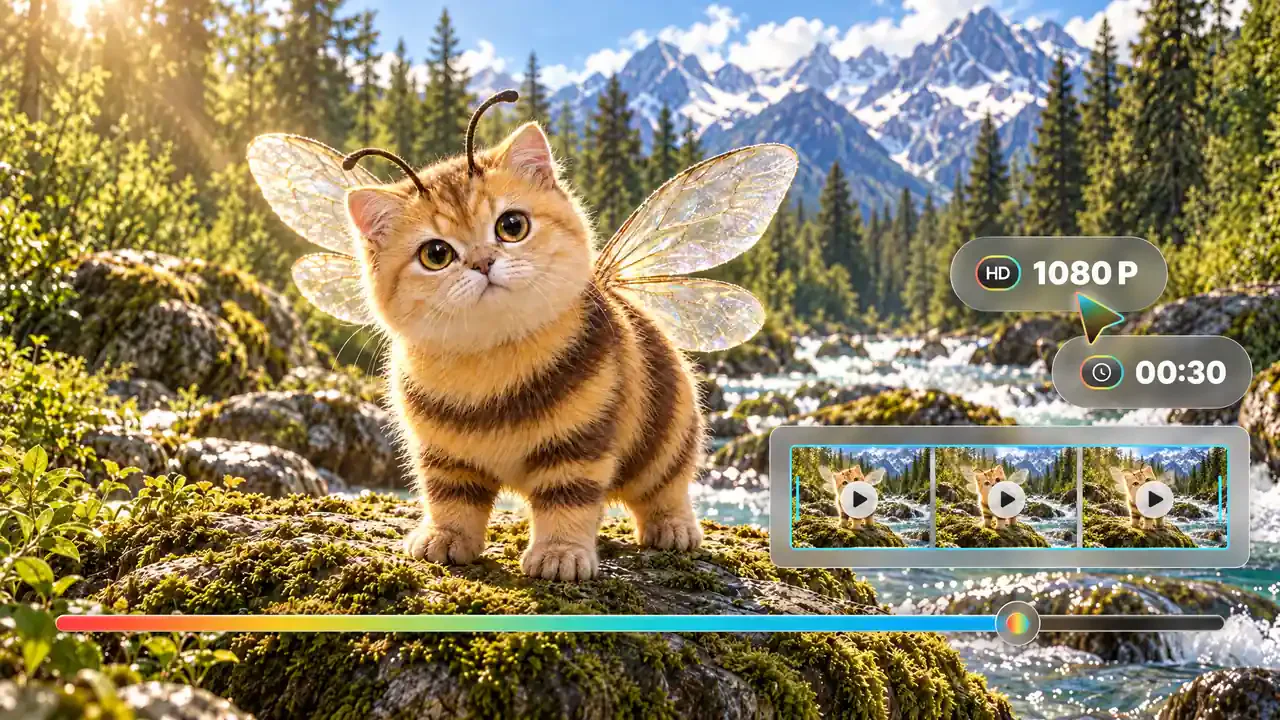
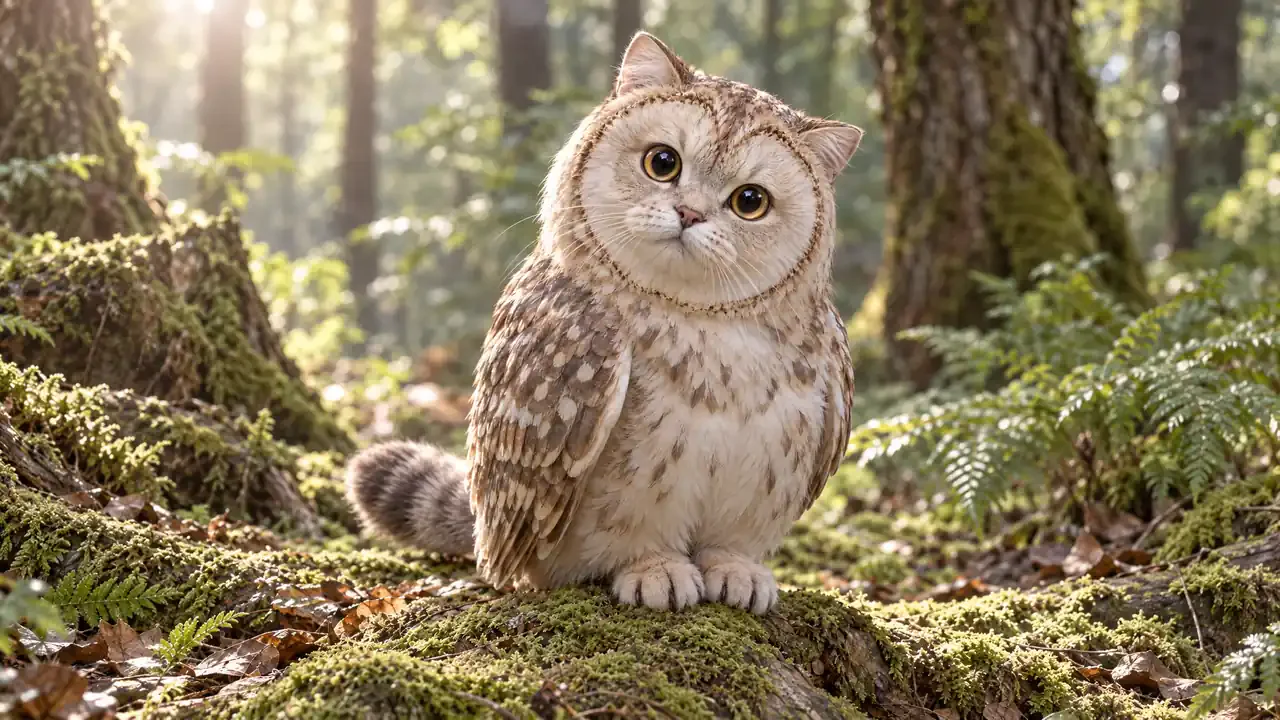
Bee and cat hybrid with striped fur and translucent wings beside a mountain stream, with video preview controls

Choose a Style for the Hybrid

Create a naturalistic wildlife concept, a painted storybook creature, or a soft clay-like character. Describe the surface, palette, expression, and lighting you want while keeping the animal combination clear. For a compact mascot with a large expressive head and simplified proportions, try a chibi style.

Create Animal Hybrids
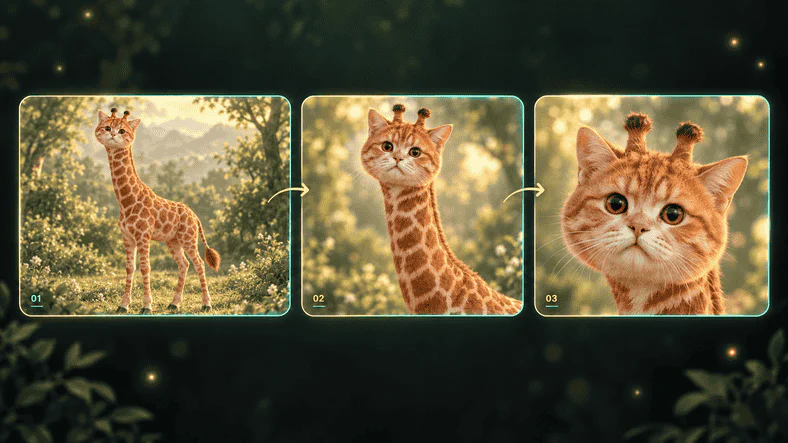
Giraffe and cat hybrid shown in full-body, portrait, and facial close-up views

Build the World Around Your Creature

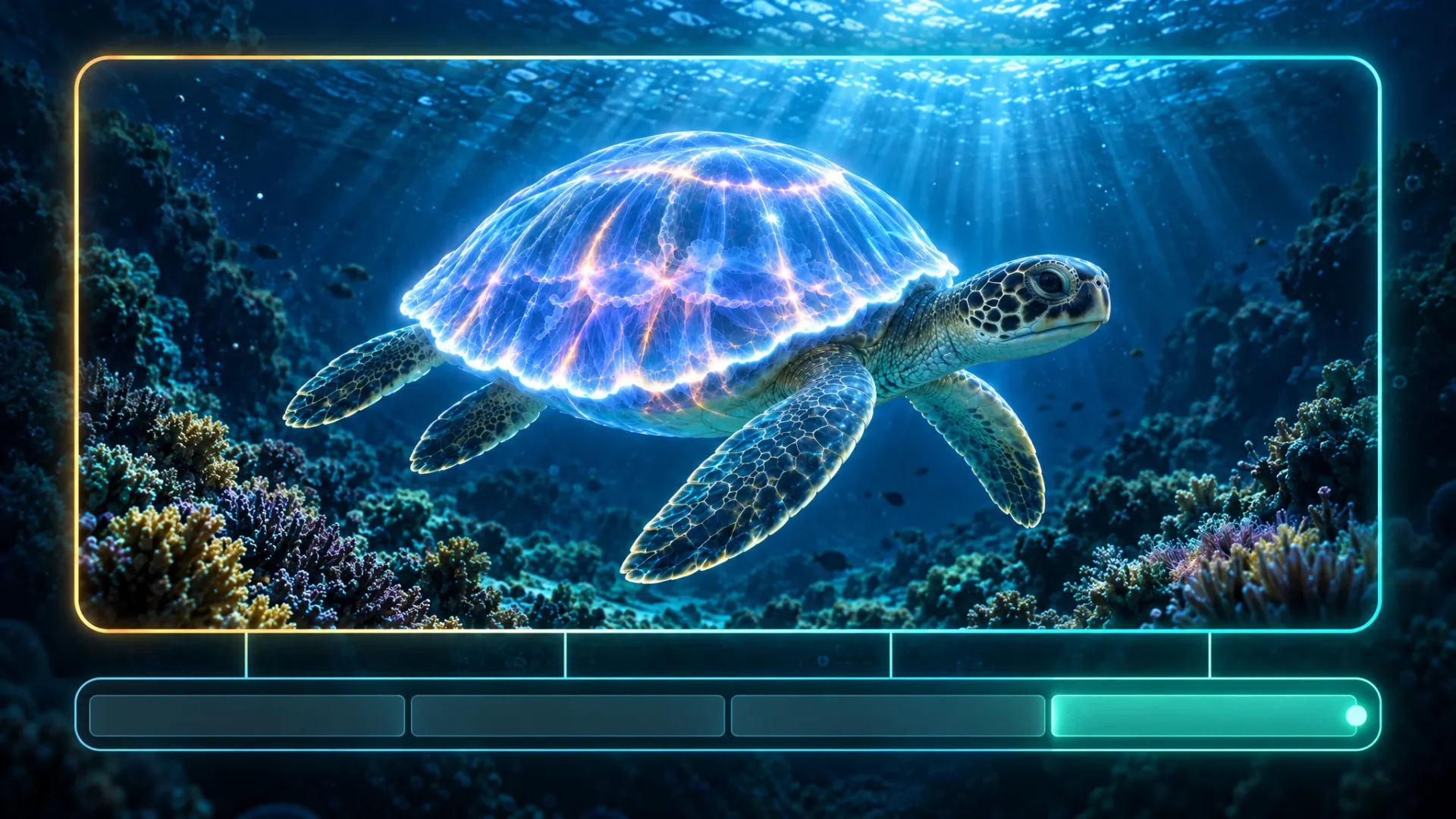
Place the hybrid in a habitat that explains its character: a snowy valley, a riverbank, or a glowing underwater reef. Specify the pose, scale, weather, and camera view alongside the anatomy. Want to see your creature move? Turn your image into a video and describe how it walks, swims, or flies through the scene.

Create Animal Hybrids
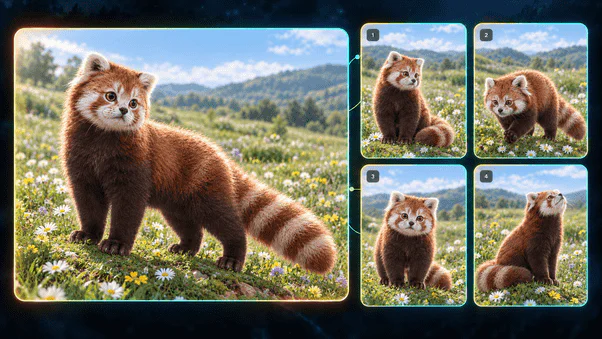
Red panda and cat hybrid with a ringed tail in a flower meadow, shown in five poses

Reuse Your Creative Direction with Flova Skills

Save a repeatable approach to creature briefs, visual style, and project organization with Flova Skills. Carry your preferred method into another project, then change the animal pairing, personality, or habitat to develop a new design.

Explore Flova Skills Explore Flova Skills

Animal Hybrid Art for Stories, Games, and Mascots

Different ideas need different structures. Choose a reveal, explanation, or visual story according to the message you want the viewer to remember.

Game Worlds and Tabletop Encounters

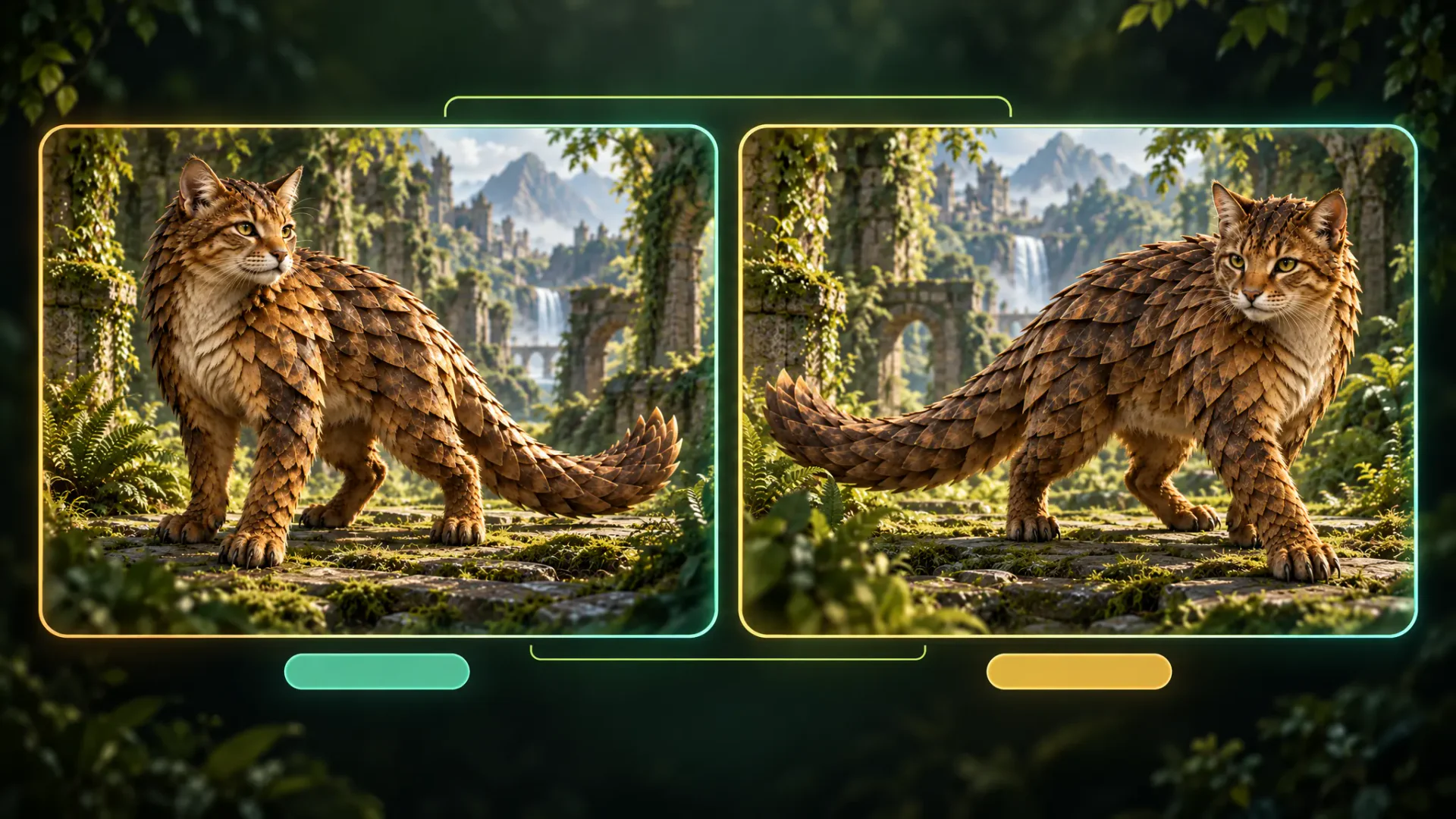
Give a fictional ecosystem its own inhabitants. Create an armored pangolin-cat for a woodland encounter, or develop a family of creatures around a shared habitat. Our animal hybrid generator helps you visualize a creature's role and appearance as concept art before you develop gameplay, rules, or a production-ready game asset.

Cat and pangolin hybrid with overlapping armor on a mossy fantasy forest path
Create Animal Hybrids

How to Use Our Animal Combo Generator

Start with the audience and the idea you want them to remember. Follow these four steps to plan your story, generate the scenes, and review the final cut.

  1. Name the Animals and Their Traits

    Open a Flova project and describe the two animals you want to combine. Explain which body shape, face, covering, tail, or other feature should come from each. Include the intended use, such as a story illustration or creature concept.

  2. Set the Style and References

    Describe the pose, setting, palette, and visual style. Upload a sketch or authorized reference if it helps explain the design. Work through Agent chat, or use Quick Generation to select the image model and its available settings.

  3. Generate and Refine the Hybrid

    Ask Flova to create the image, then open the result. Give specific feedback on the creature's appearance or composition, such as keeping the fox body while making the facial feathers more prominent. Request a revised version around that direction.

  4. Choose and Download Your Image

    Compare the generated versions and choose the one that fits your project. Like it to make it the Asset's default preview, then download the individual image. Keep the accepted version in the project for future references or scene development.

Build Your Hybrid in Flova

Design an Animal Combination That Feels Coherent

Choose a Base Animal Before Adding Traits

A clear base gives your hybrid a body plan. Start with the animal that determines its size, posture, and movement, then borrow a few recognizable features from another species. For a fox-owl, you might keep the fox's four-legged silhouette and tail while using an owl's facial disc and feather texture. This tells our animal mixer more than a pair of names alone. Decide which feature viewers should notice first, especially when the image will appear small. A distinctive face or tail can communicate the combination more clearly than many tiny changes spread across the body. Once that central idea is established, use color and surface details to connect the borrowed traits to the rest of the creature.

Give Each Added Feature a Purpose

Think about where a feature joins the body and what it suggests about the animal's life. Wings need a visible attachment point; armor needs to follow the creature's back and joints; a swimming animal benefits from a silhouette suited to water. A prompt such as “an otter with one pair of butterfly wings at the shoulders, resting on a river rock” describes both anatomy and a readable pose. Keep the number and arrangement of the main limbs explicit when they matter to the design. This kind of direction helps you develop one fictional creature rather than a collage of recognizable parts. You can make the concept fantastical while still giving it a consistent visual logic.

Use Realism and Stylization for Different Goals

Naturalistic rendering emphasizes believable fur, feathers, scales, light, and weight. It suits wildlife-inspired concept art when you want the creature to feel present in a physical environment. A storybook or clay-like treatment can simplify anatomy and emphasize personality, making a rounded hybrid easier to read as a friendly companion. Choose the treatment for the audience and application, then carry that choice through the expression, palette, and background. For a small avatar, a clear outline and face may matter more than intricate surface detail. For a wide scene, the animal's scale against its habitat can become the defining choice. The style should help people understand the creature, not compete with the combination itself.

Explore Pairings Without Losing the Design Idea

When you use a generator to mix animals together, changing the species changes the character as well as the appearance. A rabbit-deer suggests a different temperament from a wolf-raven, even before you add a setting. Keep a short design brief that records the creature's role, base anatomy, borrowed traits, and style. Change one major decision at a time when you want to compare directions: swap the second species, adjust the proportions, or move the creature into a different habitat. Refer to the accepted image when developing the next version, and describe what you want to preserve. This gives a series of experiments a shared purpose while leaving room for an unexpected design worth developing further.

Animal Combo Generator FAQ

What does an animal combo generator create?

  • It creates an image of a fictional creature combining recognizable animal traits. With Flova, you describe the species, appearance, style, and setting, then generate artwork through Agent chat or Quick Generation. The result can serve as an illustration, mascot direction, or creature concept.

Can I use a generator to mix two animals together?

  • Yes. Name both animals and explain the features you want from each. For example, request a rabbit's body and ears with deer antlers and spotted fur. Flova turns that description into a new image, which you can refine through specific feedback.

Do I need to upload two animal photos?

  • You can start with text alone. A sketch or authorized image can also guide the generation. Quick Generation provides the reference modes supported by the selected image model; describe the intended combination in the prompt alongside any references you add.

Can I make realistic and cartoon animal hybrids?

  • Yes. Specify naturalistic fur, feathers, and lighting for a wildlife-inspired look, or request painted, cartoon, or clay-like artwork. Keep the animal traits explicit so the visual treatment supports the combination you want to create.

Can I animate the hybrid after creating its image?

  • You can use the selected image as a reference for a separate video generation. Describe the action, camera movement, and setting for that shot. Image creation and video generation are separate steps with their own model settings and credit costs.

How much does creating animal hybrid art cost?

  • Generation uses credits according to the image model, resolution, and settings. Starter includes 2,000 credits per month, valid for 30 days, at $200 billed annually; the displayed annual-plan equivalent is $17 per month. Review the estimated generation cost before submitting each request.

Can I use the images commercially?

  • Commercial use and watermark-free export are included with Flova's paid Starter, Basic, Plus, and Pro plans. Use reference images you have permission to upload, and choose original character directions for your project.