Soft colored light on a dark background
Flova Logo

AI Movie Creator for Script-to-Screen Storytelling

Make Cinematic Stories with Flova

Flova gives you an AI movie creator for developing a story through conversation instead of managing disconnected generation tabs. Start with a premise, screenplay, scene list, visual references, or a rough idea. Tell Flova Agent what the movie is about, who appears in it, how each scene should feel, and what you want the audience to remember. The AI movie creator helps organize your direction into a connected project with a script, storyboard, shots, generated media, music, narration, and editing. You stay involved at every stage. Review the story structure before generating scenes, compare visual directions, revise one shot, adjust the sound, or change the order of the edit while keeping approved work available. This makes the AI movie creator useful for short films, trailers, animated stories, branded narratives, and cinematic social content.

Create a Movie

Four Connected AI Filmmaking Capabilities

A useful filmmaking tool should help you make connected creative decisions. It should not turn a screenplay into unrelated clips that require a separate system to organize. Flova keeps your story, cast references, visual language, scenes, audio, and timeline inside one project so you can direct the whole piece instead of restarting at every step. The AI movie creator keeps each decision connected to the same narrative brief, making it easier to judge whether a scene belongs in the finished story.

Develop the Script and Storyboard Together

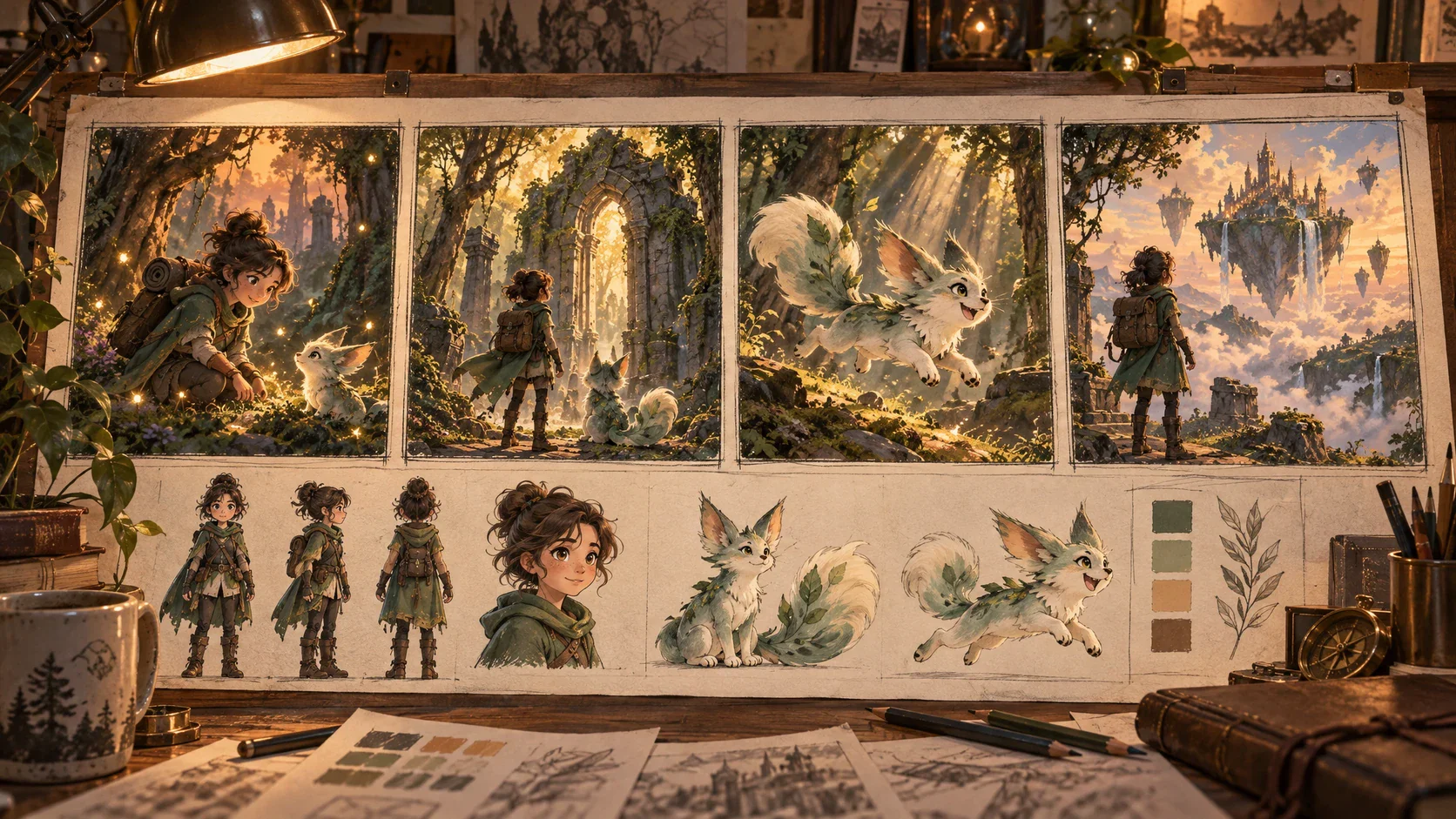
Begin with a complete screenplay or describe the premise in everyday language. Define the genre, characters, conflict, location, pacing, and intended runtime. Flova Agent can help turn that direction into a structured scene plan and storyboard before you commit credits to final shots. You can inspect how the story moves from opening image to final beat, then strengthen weak transitions or clarify a scene's purpose. A clear plan reduces the chance of generating attractive scenes that do not work together as a movie.

Create a Movie Arrow pointing right
Screenplay, scene cards, and cinematic storyboard arranged in a Flova movie project

Keep Characters and Locations Visually Connected

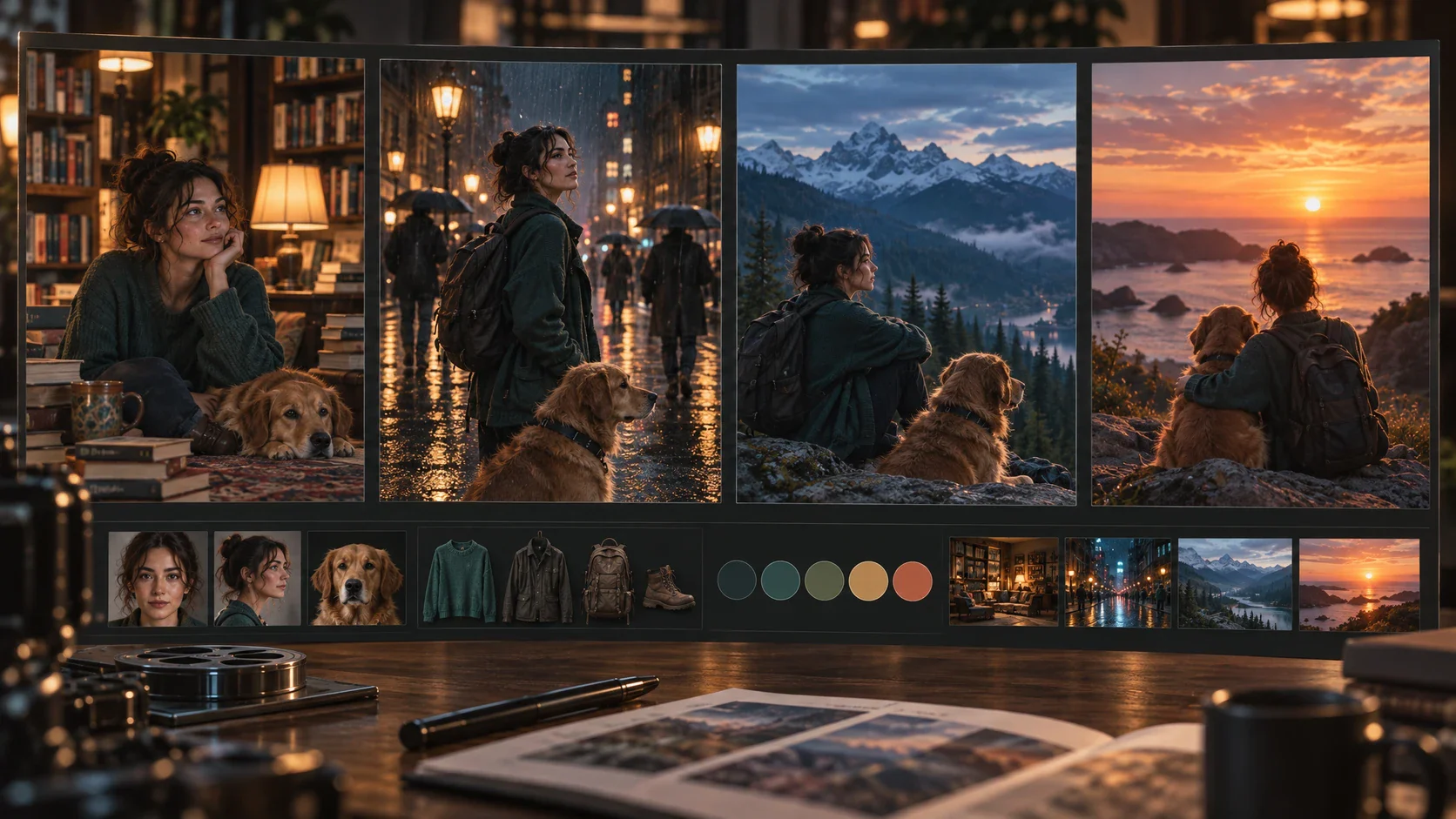
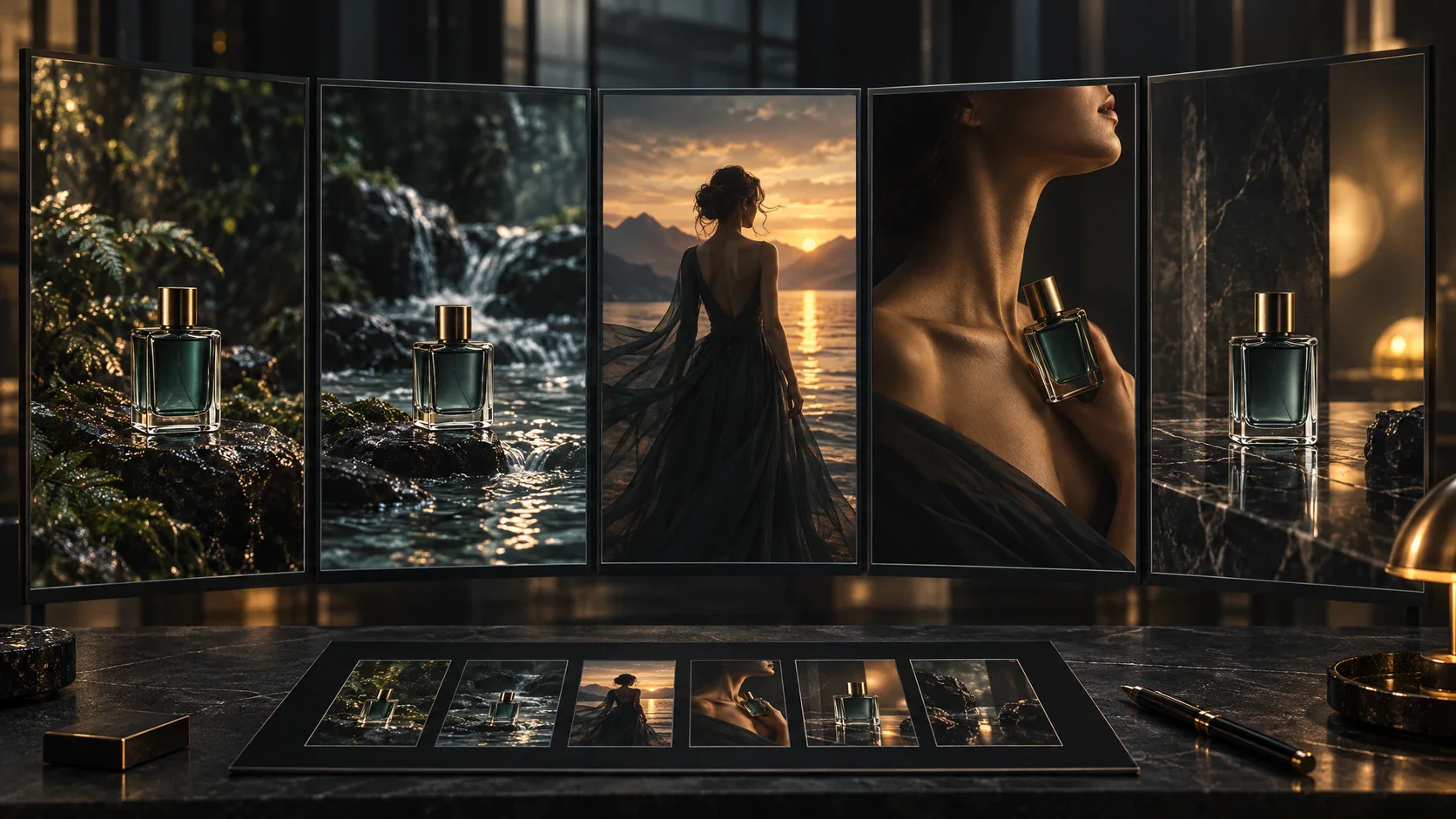
Upload approved character images, costume references, props, environments, color studies, or previous frames. Explain which details must remain stable and which details may change. Reuse those references across scenes to guide faces, wardrobe, production design, and visual tone. Reference-led direction does not remove the need for review. When a story moves from an interior conversation to an exterior action scene, the same reference set can help preserve the recognizable cast and world. The AI movie creator keeps those materials close to the storyboard and generated shots so you can compare them while directing revisions.

Create a Movie Arrow pointing right
The same fictional cast and locations shown consistently across cinematic movie scenes

Direct Scenes, Framing, and Camera Movement

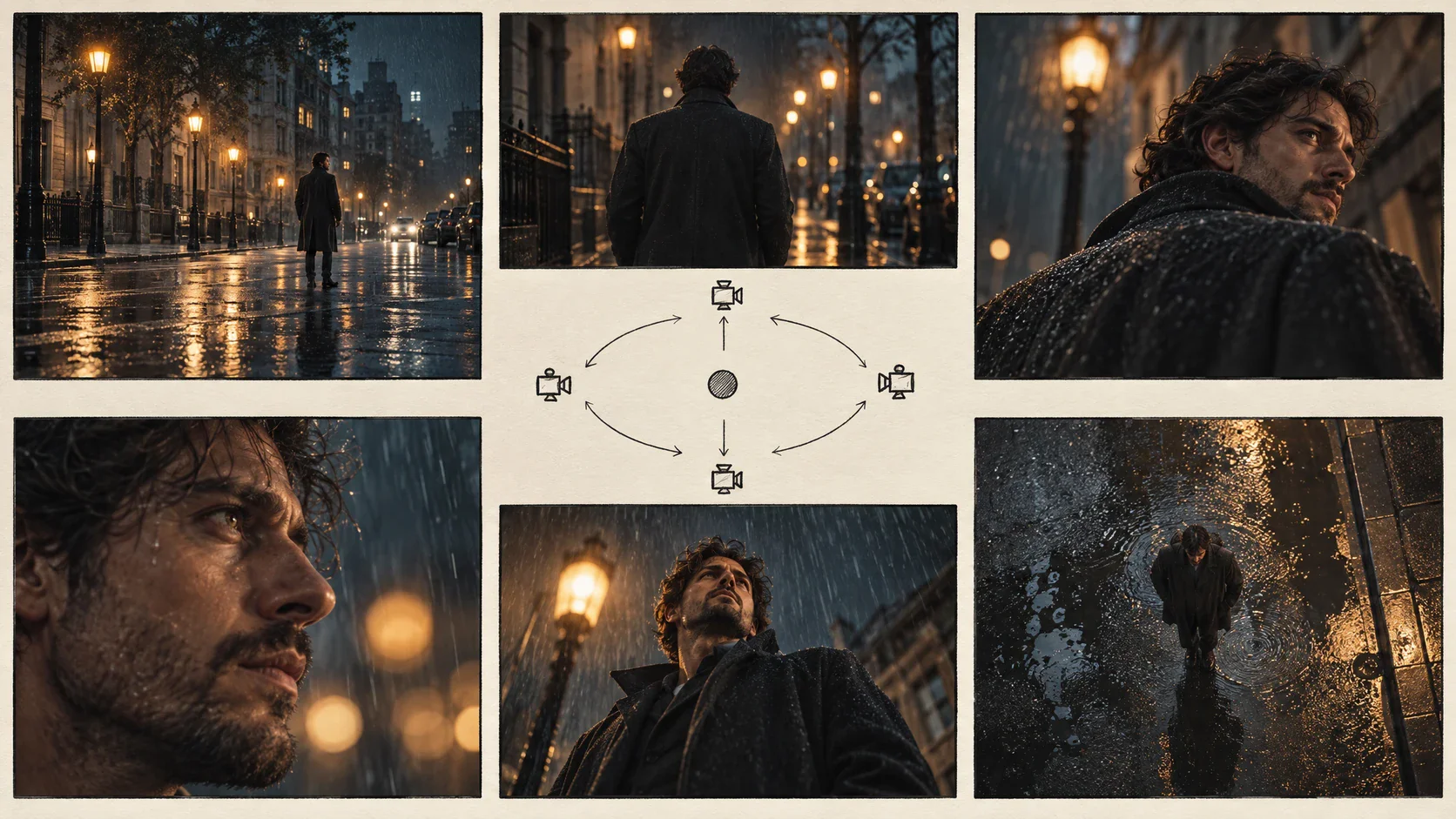
Describe the dramatic action as well as the image you want. Specify the subject, setting, shot size, camera angle, movement, lighting, and emotional beat. A quiet close-up needs different direction from a wide establishing shot or fast chase sequence. You can shape each moment around its role in the story rather than asking one prompt to solve the entire film. Review generated shots in sequence. If a cut feels abrupt, revise the framing or action around that transition. If a key prop is unclear, strengthen the reference and request a focused replacement.

Create a Movie Arrow pointing right
Cinematic shot variations showing camera angle, movement, lighting, and framing controls

Build Music, Narration, and the Final Edit

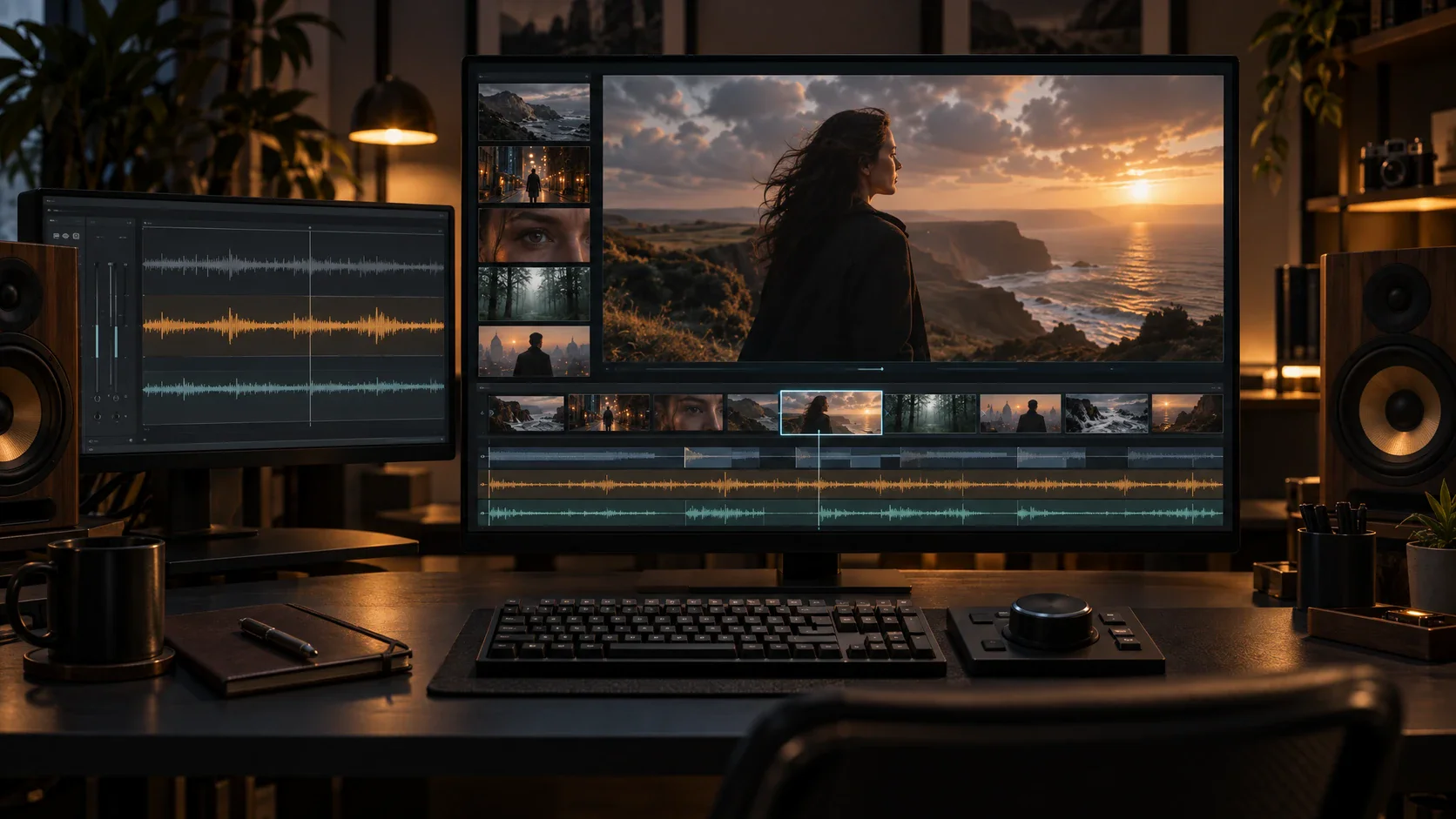
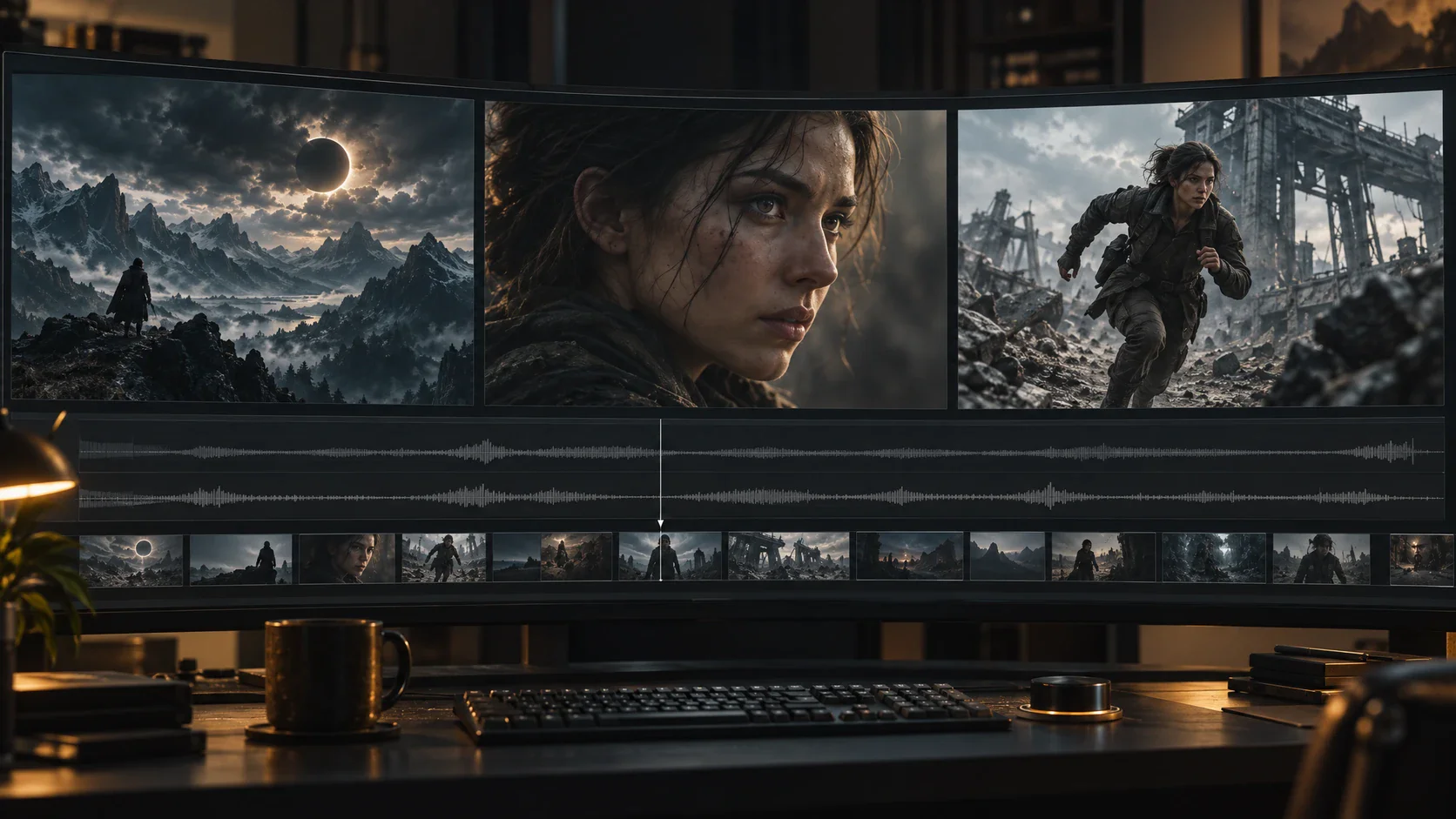
Sound establishes pace and emotion before the audience notices an edit. Flova projects can bring music, narration, generated images, video, storyboards, and timeline editing into the same workflow. Describe the mood, intensity, and narrative function of the audio, then review how it supports dialogue and visual rhythm. Use the timeline to examine scene order, timing, and transitions. Replace a weak shot without discarding the rest of the sequence. Adjust narration when the visuals already communicate part of the message, or change the music direction when a scene needs more tension or space.

Create a Movie Arrow pointing right
Movie timeline combining cinematic scenes, narration, music, and sound direction

Reusable Flova Skills for AI Filmmaking

Flova Skills are reusable creative workflows designed around specific outcomes. Choose a Skill that fits the type of scene or movie you want to make, then adapt the prompt, references, characters, pacing, and visual direction to your project. A reusable workflow helps you begin with a clear production path instead of a blank canvas. Inside the AI movie creator, a Skill can provide a repeatable path while your script, cast, locations, and directing choices remain specific to the current production.

Browse Flova Skills Browse Flova Skills Arrow pointing right

AI Movie Maker for Different Story Formats

The same connected workflow can support several types of production. Start by defining the audience, platform, aspect ratio, narrative goal, and review requirements. Then shape the script, scene plan, visual references, and edit around that destination. Use the AI movie creator to keep those delivery requirements visible while the story moves from outline to final sequence.

Short Films and Narrative Scenes

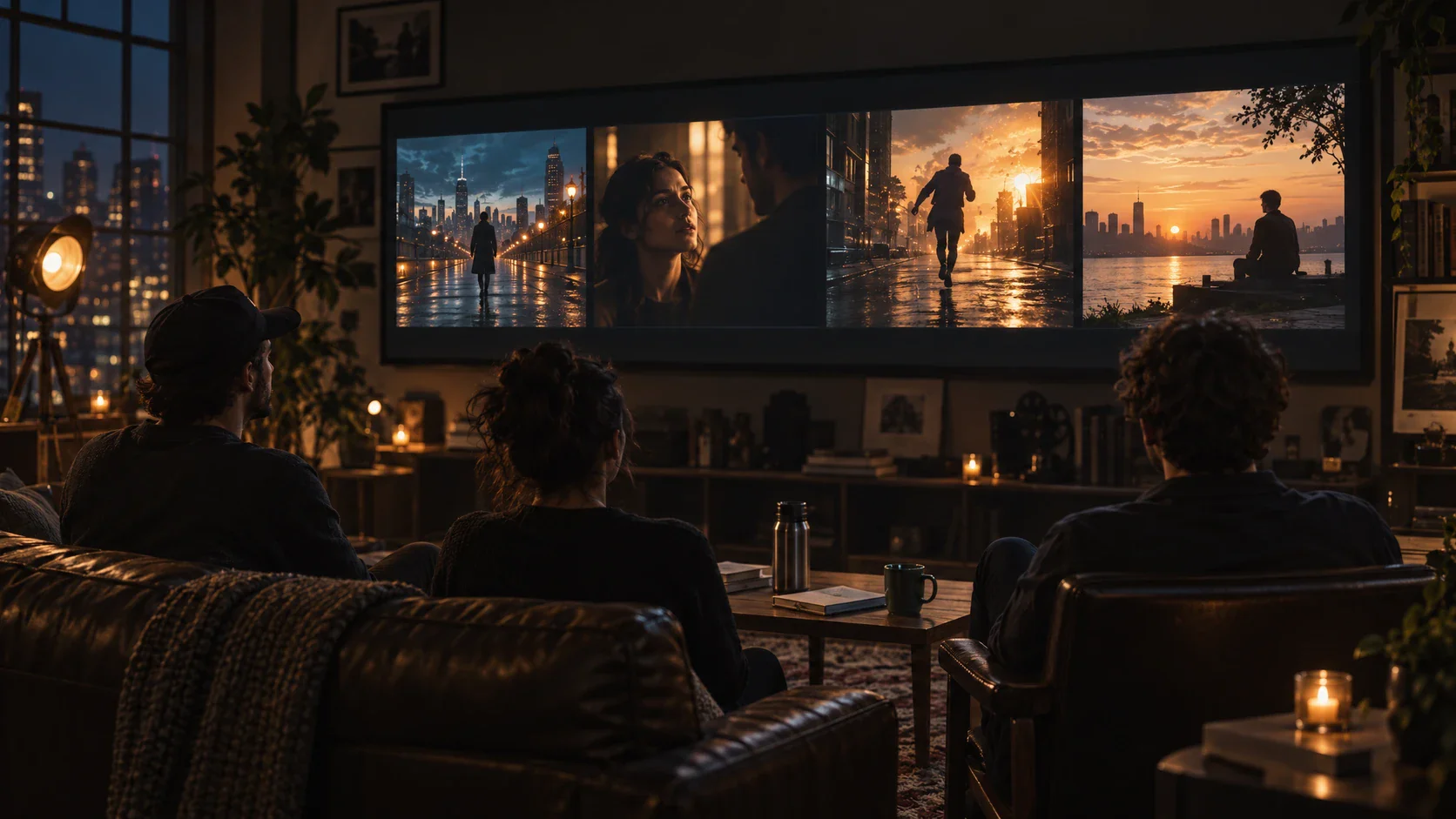
Develop a complete short story or focus on one self-contained scene. Use the script and storyboard to establish motivation, conflict, and progression before generating shots. For dialogue-led work, review eyelines, reactions, pacing, and audio together. For visual storytelling, make sure every shot adds information rather than repeating the same composition.

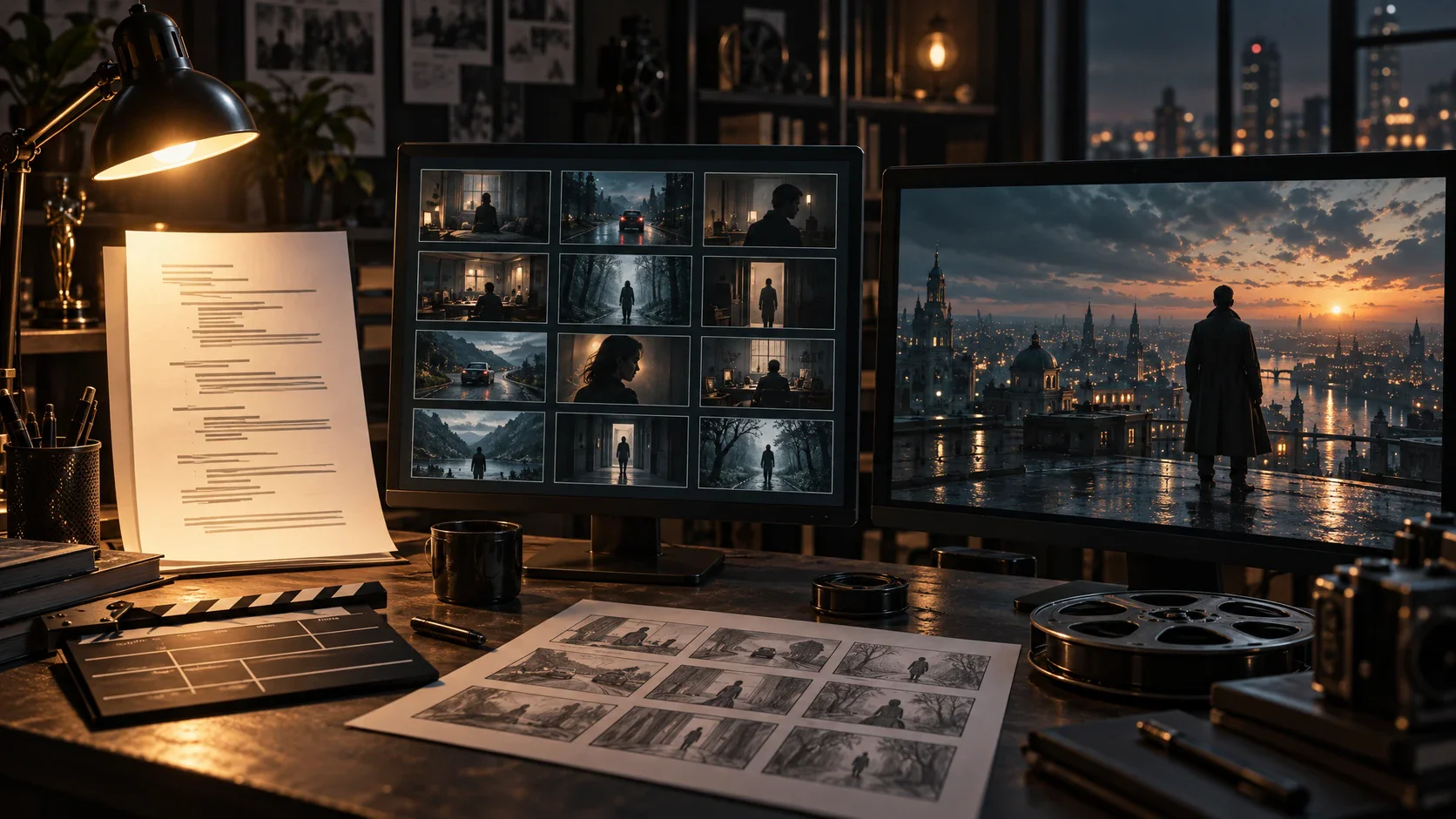
Filmmaker reviewing a sequence of dramatic short-film scenes in a dark studio
Create a Movie Arrow pointing right

How to Use Our AI Movie Creator

Use the AI movie creator as a four-stage process from story brief to reviewed edit.

  1. Step 1: Start with the Story You Want to Tell

    Sign in and create a project. Describe the premise, audience, genre, characters, setting, and desired ending. If you already have a screenplay, scene outline, or approved copy, add it as the project's narrative foundation.

    Give Every Scene a Narrative Job

    Write one sentence explaining what changes during each scene. The audience should learn something, feel a shift, or see a decision. If two scenes perform the same job, combine them or give each a more distinct visual purpose. This keeps the final edit focused and makes shot review easier.

  2. Step 2: Build the Cast, World, and Visual Direction

    Upload references you have permission to use. Label characters, locations, costumes, props, and visual rules clearly. Explain which details must stay consistent and where Flova Agent can explore alternatives.

    Prepare References Before Generation

    Collect approved images for the cast, locations, wardrobe, props, product details, and visual mood. Use clear reference names and describe the specific detail each image controls. When a reference contains elements that should not appear, state that explicitly in the scene direction.

  3. Step 3: Review the Storyboard and Generate Scenes

    Check the scene order, shot purpose, framing, movement, and transitions before generating final media. Create shots in manageable groups, compare them with the references, and request focused changes when a scene breaks continuity or misses the intended action.

    Direct the Shot, Not Only the Subject

    A useful shot brief includes action, framing, perspective, movement, light, and emotional tone. Describe what happens before and after the visible moment so the generated action has context. Build coverage intentionally with establishing shots, medium shots, close-ups, reactions, and inserts that can cut together.

  4. Step 4: Add Audio, Edit, and Approve the Movie

    Bring narration, music, generated scenes, and timing together in the project. Review the complete sequence for story logic, factual accuracy, visual continuity, and rights. Generation uses credits according to the selected model, duration, resolution, and other settings.

    Review Sound and Picture as One Sequence

    Read narration against the storyboard before final generation. Decide where music should lead, where dialogue should remain clear, and where silence supports the scene. Then review the finished sequence on the screen and speakers your audience is likely to use.

Create a Movie Arrow pointing right

Frequently Asked Questions About Our AI Movie Creator

What is an AI movie creator?
  • An AI movie creator is a tool or connected workflow for developing movie elements such as scripts, storyboards, characters, scenes, audio, and edits with generative AI. In Flova, you can guide those elements through conversation, references, scene-level generation, and project review instead of treating every clip as a separate task.
Can the AI movie creator turn a script into scenes?
  • Yes. Add a screenplay, scene outline, or story brief, then use Flova Agent to organize the narrative into storyboard beats and shots. Review the structure before generation, add visual references, and refine individual scenes as the movie develops.
How does the AI movie creator maintain character continuity?
  • You can reuse approved character, wardrobe, location, and style references across scenes. Clear labels and scene direction give the model stronger visual guidance. Every output should still be reviewed, especially when the same character appears in different lighting, framing, or action.
Can an AI movie maker add narration and music?
  • Flova plans include tools for music, narration, image generation, video creation, and editing. You can develop audio alongside the storyboard and timeline so the sound supports the pace and emotion of the movie. Available models and credit costs vary by account settings.
Can an AI film generator revise one scene without restarting the movie?
  • Flova projects support focused work on storyboard and timeline elements. Identify the shot that needs a different action, angle, setting, or visual treatment, then review the replacement in sequence while keeping approved project elements available.
What can I create with a script-to-movie tool?
  • You can develop short films, trailers, animated stories, concept scenes, music-led visuals, and brand films. The right workflow depends on the story length, number of characters, visual references, audio plan, aspect ratio, and review process.
Can I use AI-generated movies commercially?
  • Commercial use depends on your current Flova plan, the selected generation models, and the rights attached to your inputs. Confirm the current plan terms and make sure you have permission to use every script, image, person, logo, voice, music reference, and other asset included in the project.
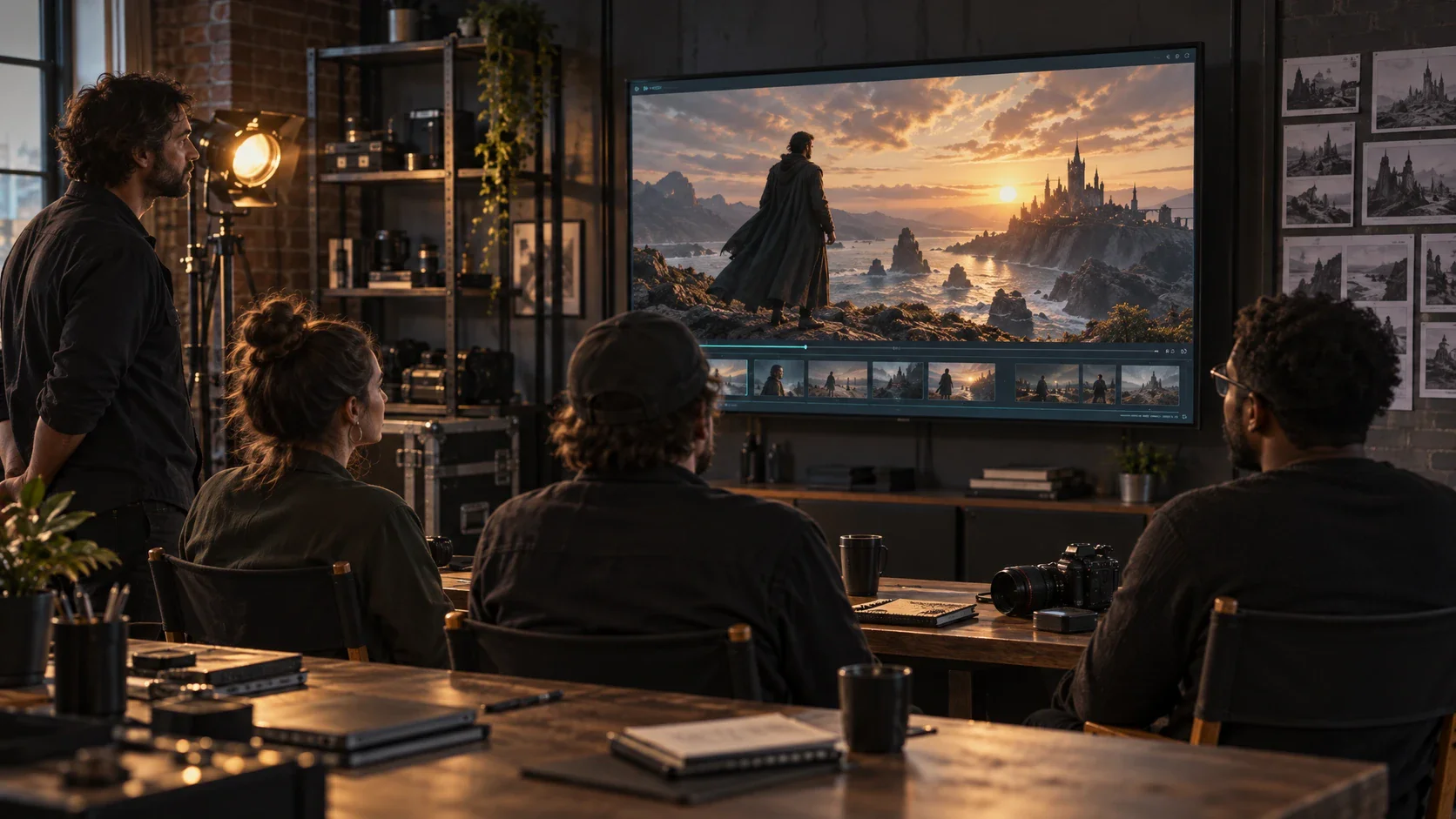
Filmmaking team reviewing a completed cinematic story across connected screens

Create Your First AI Movie with Flova

Bring your story idea, screenplay, cast references, and visual direction into one Flova project. The AI movie creator helps you organize the storyboard, direct each scene, develop the audio, revise individual shots, and review the complete edit before delivery.

Create a Movie Arrow pointing right