Flova Logo

Flova AI Animation Generator

Flova Agent: Create AI Animation with Natural Language

Flova AI is an AI animation generator for many different styles. Flova AI brings together video models such as Seedance 2.5 and modern language models. You do not need a long or technical prompt. Just tell Flova Agent what you want in simple words. It can help turn your idea into a complete animated video.

Create Now

Benefits of Creating AI Animation with Flova AI

When you use AI for animation, the process should feel simple and easy to follow. With Flova Agent, you can describe the result you want in everyday language and guide the project as it takes shape. This gives you more creative control without forcing you to learn a complicated workflow.

Create Different Types of Anime

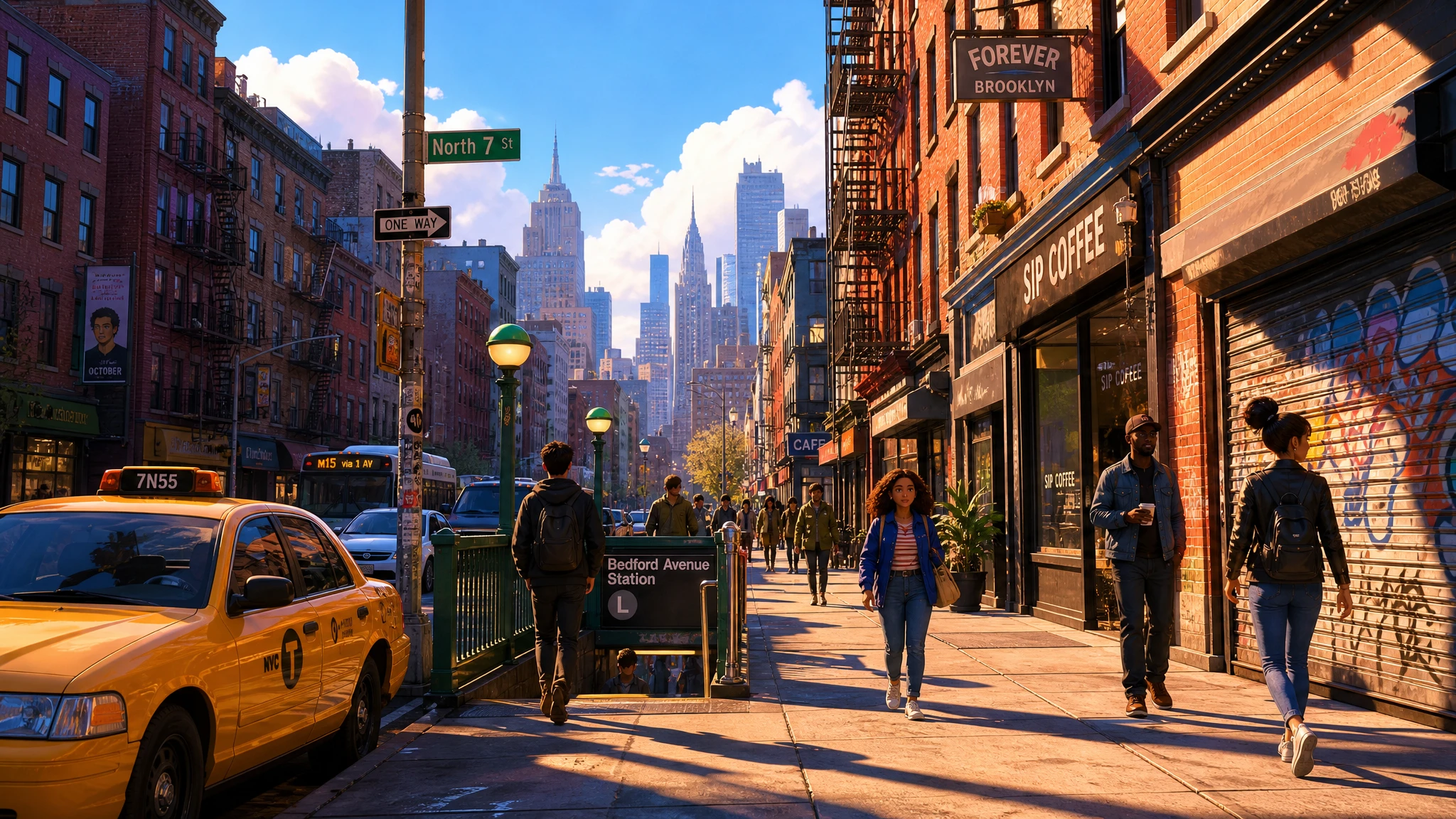
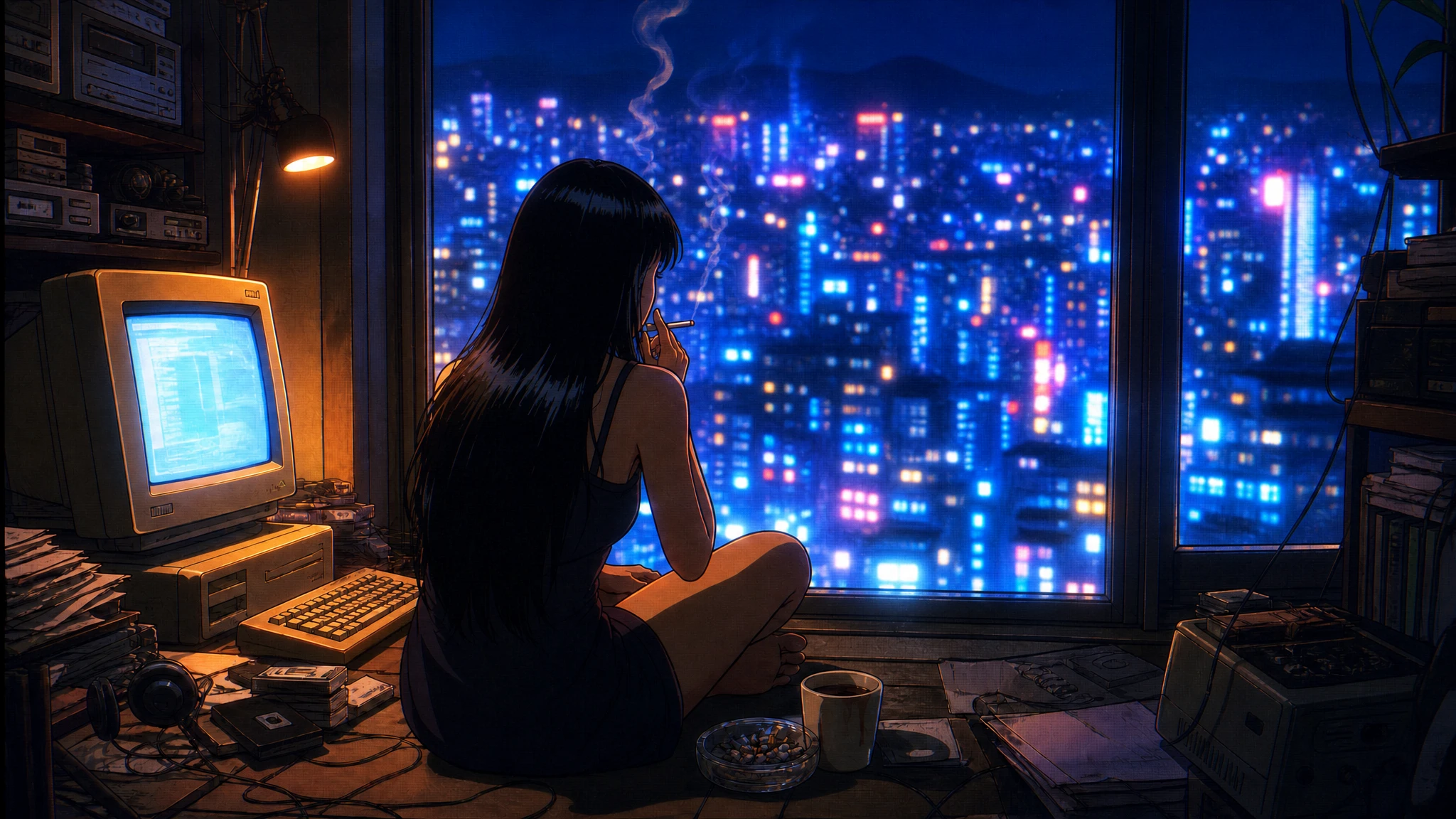
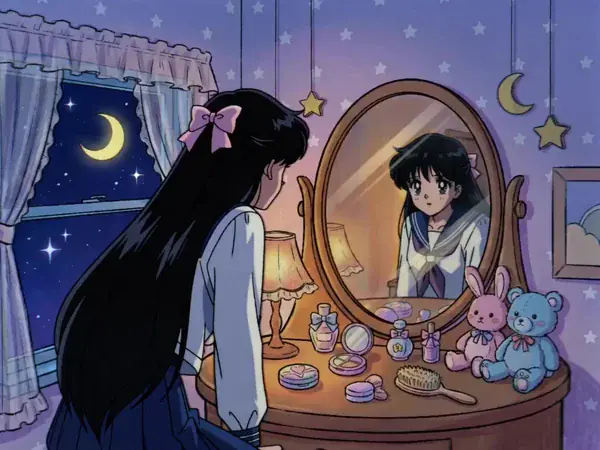
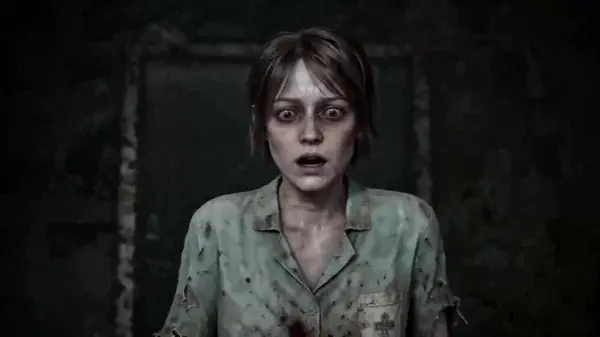
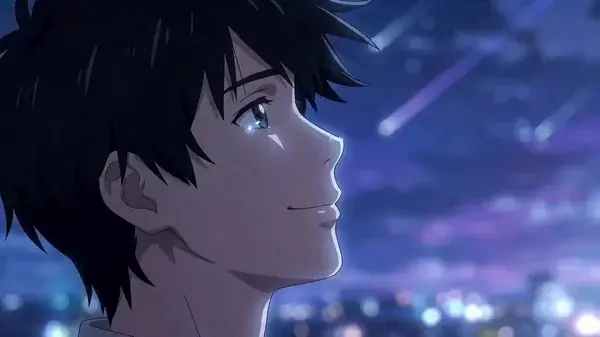
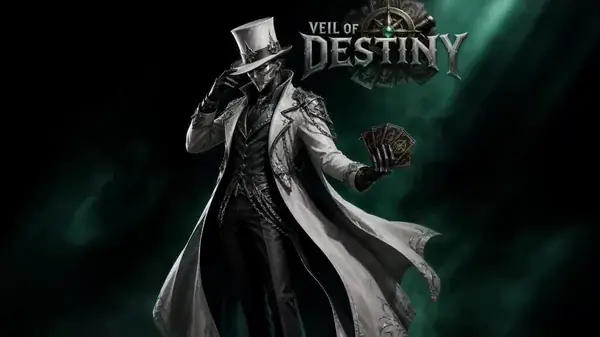
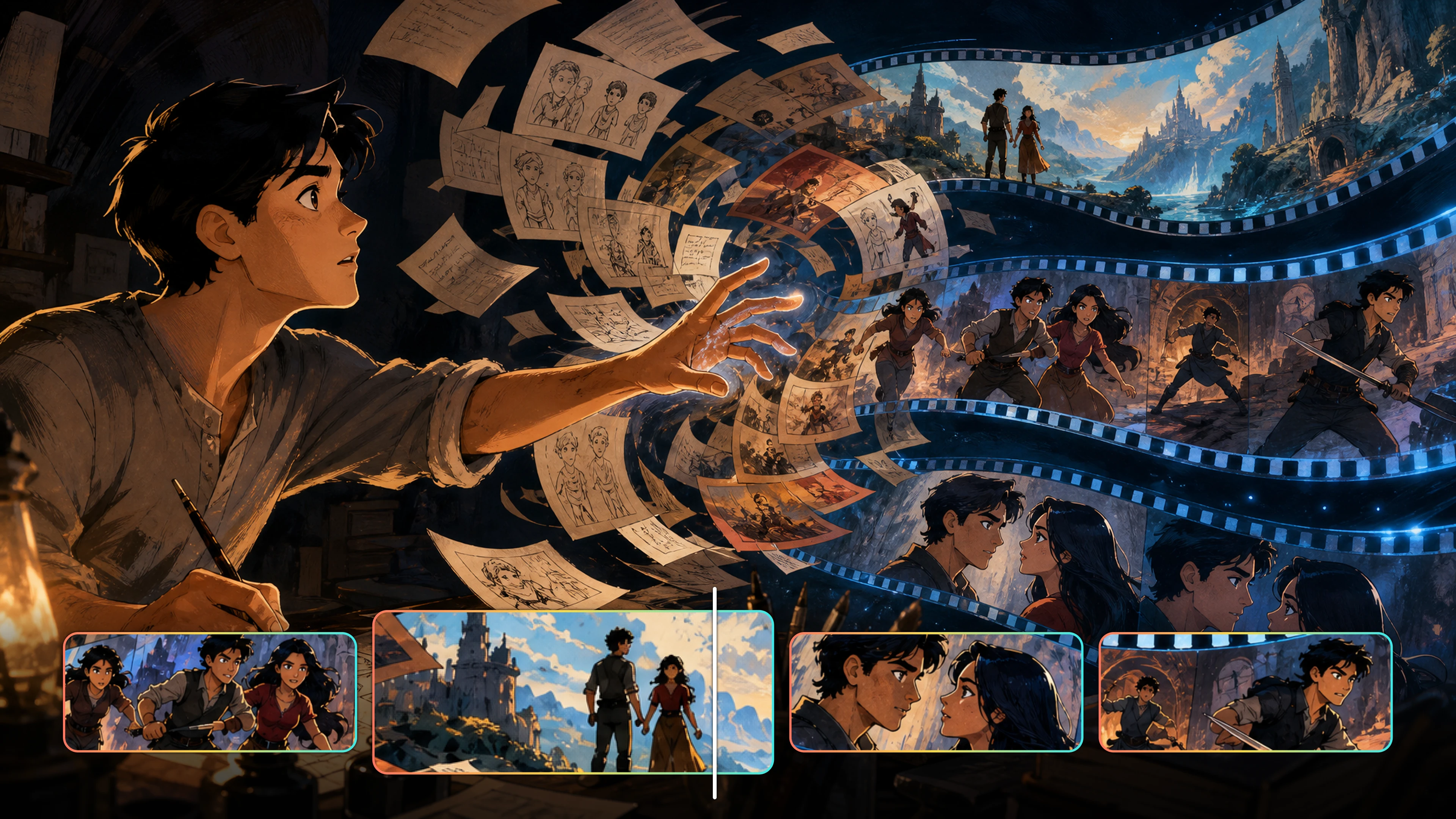
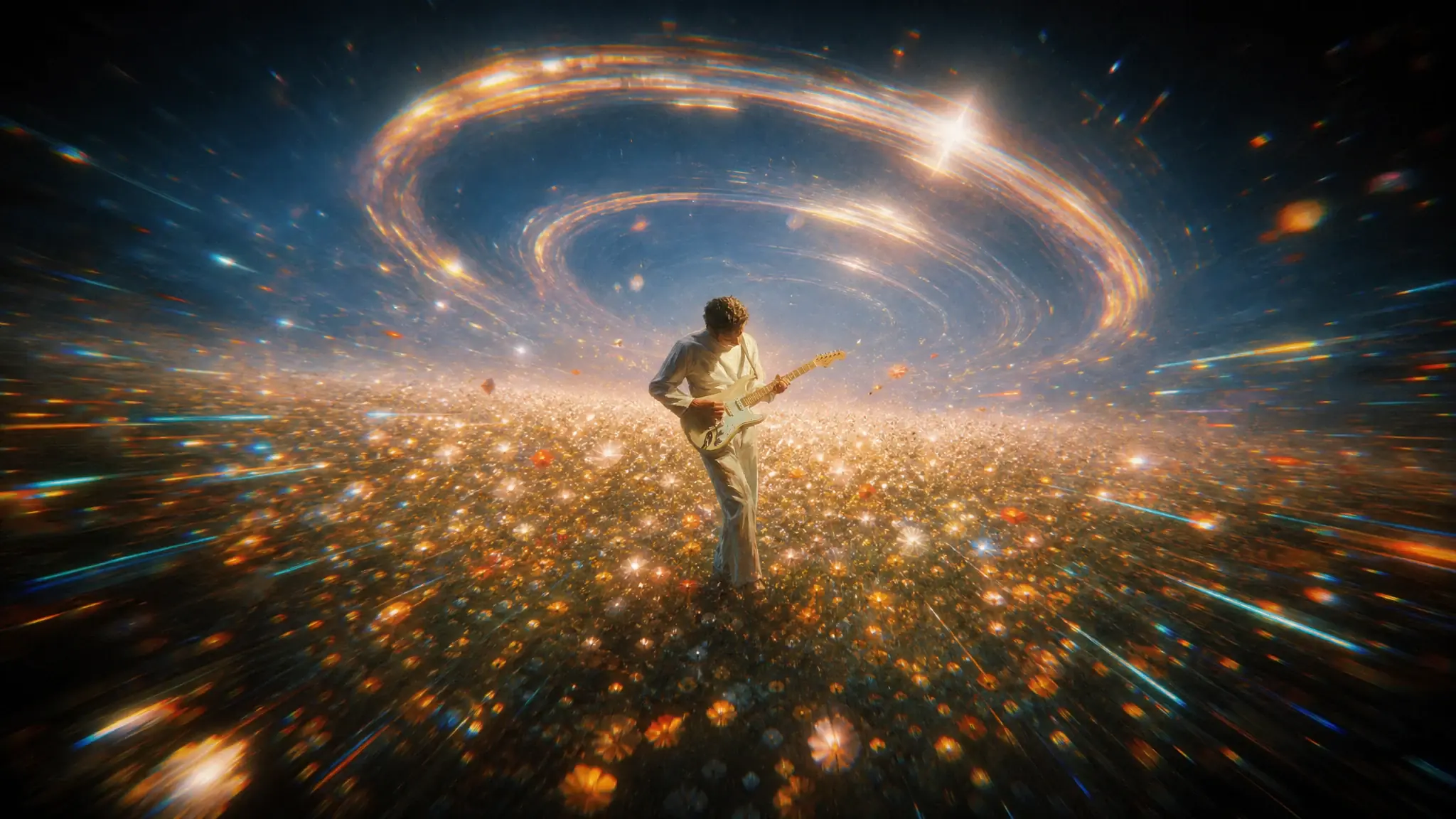
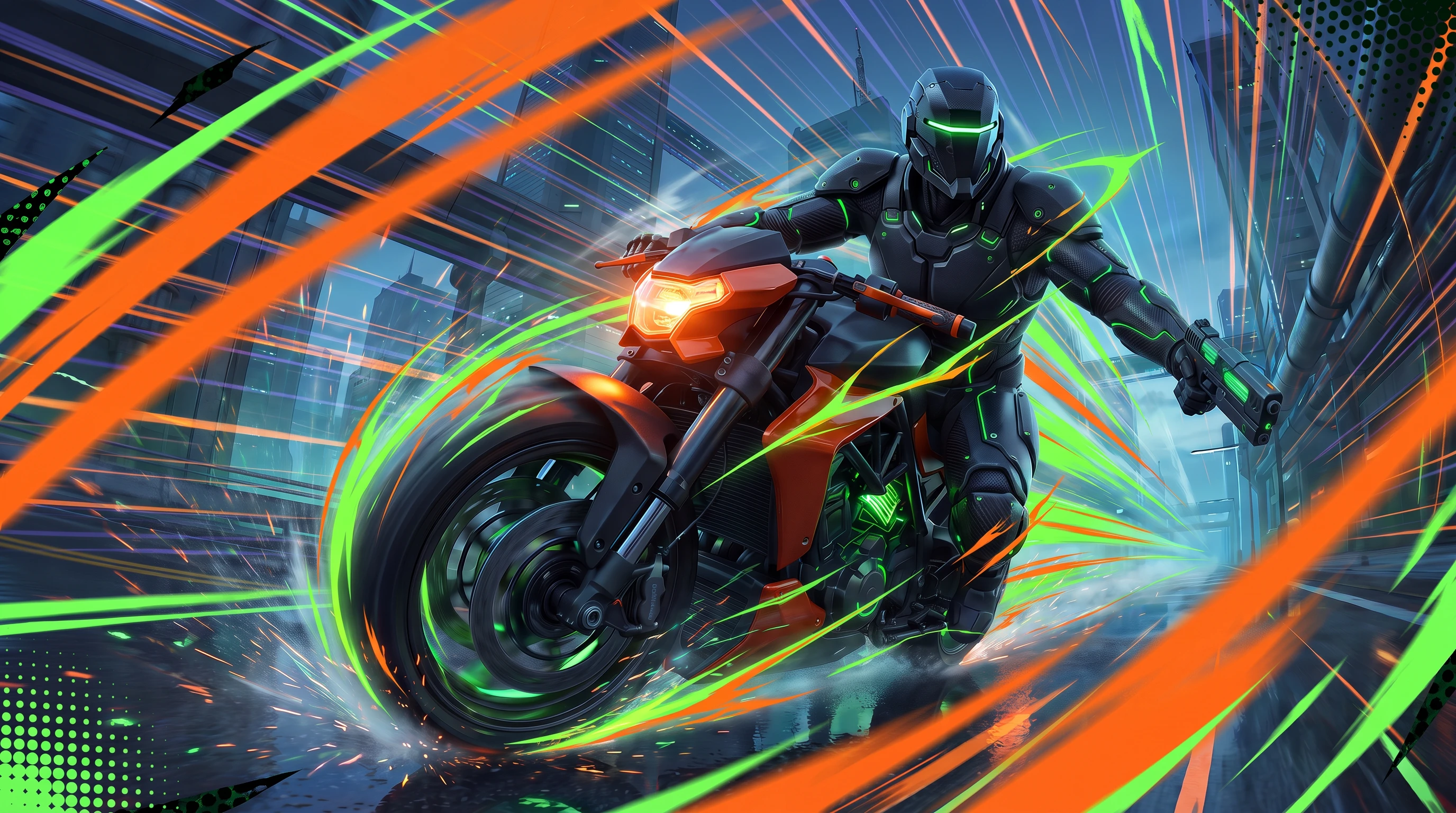
Flova AI works as an AI animation generator for many story styles. You can create AI animation for action, fantasy, romance, comedy, or short character stories. Start with a clear idea and choose the look you want. Then build the setting, mood, and key scenes around it. You can also change the tone from bright and playful to dark and cinematic. This gives you more room to make each AI-animated video fit your story and audience.

Create Now
Create different types of anime with Flova AI

Keep Characters Consistent

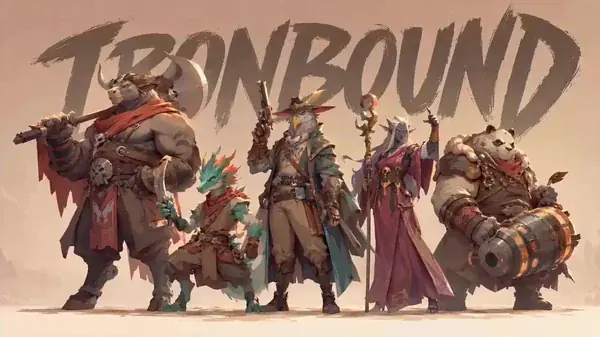
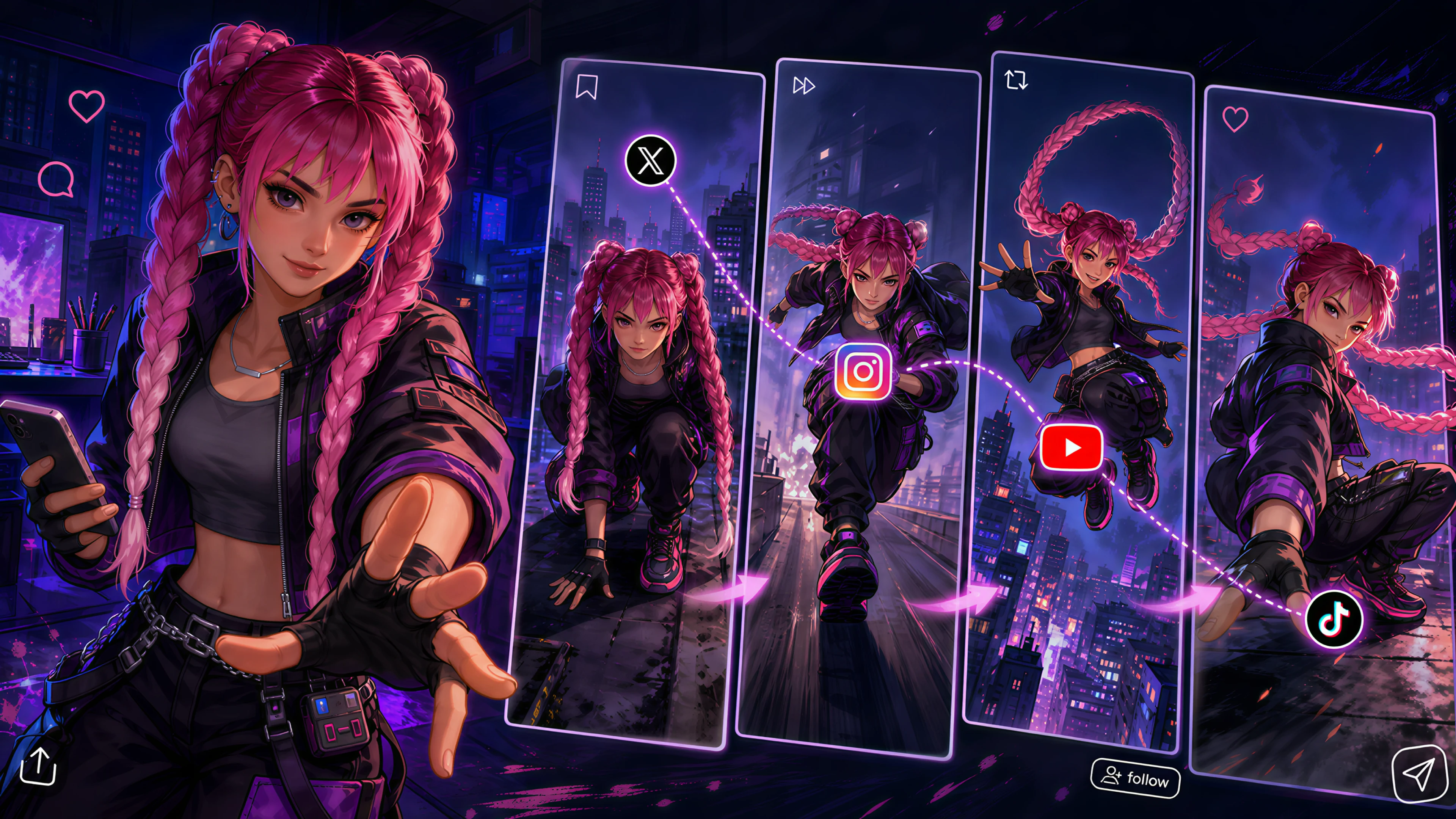
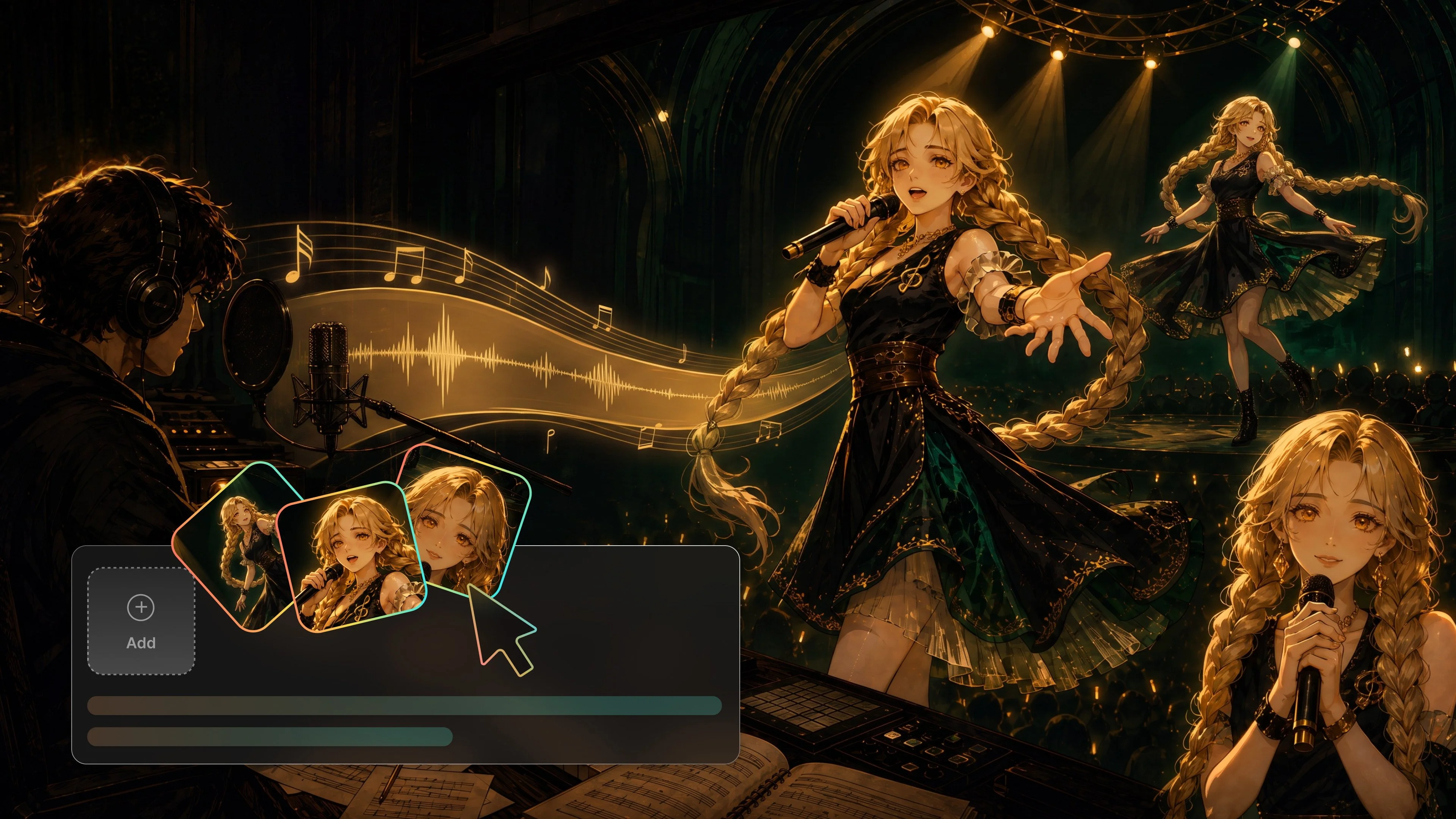
The Flova AI Agent creates a character image based on your description. Add clear reference images for the face, hair, clothes, colors, and other key details. Use the same references throughout the project. This gives your AI character animation a more consistent look. You can change the pose, action, camera angle, or background while keeping the character’s main design. It is a practical way to animate with AI when your story follows the same cast across several shots.

Create Now
Keep AI animation characters consistent across scenes

AI Animation Video with Flova Skills

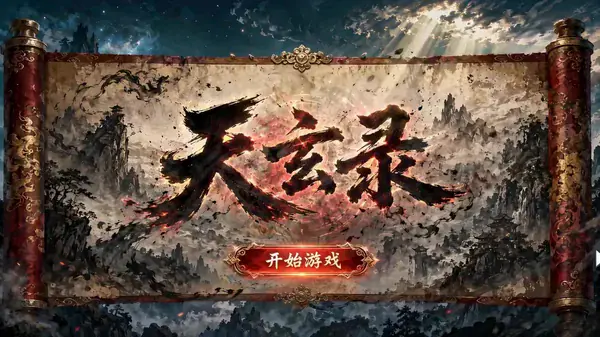
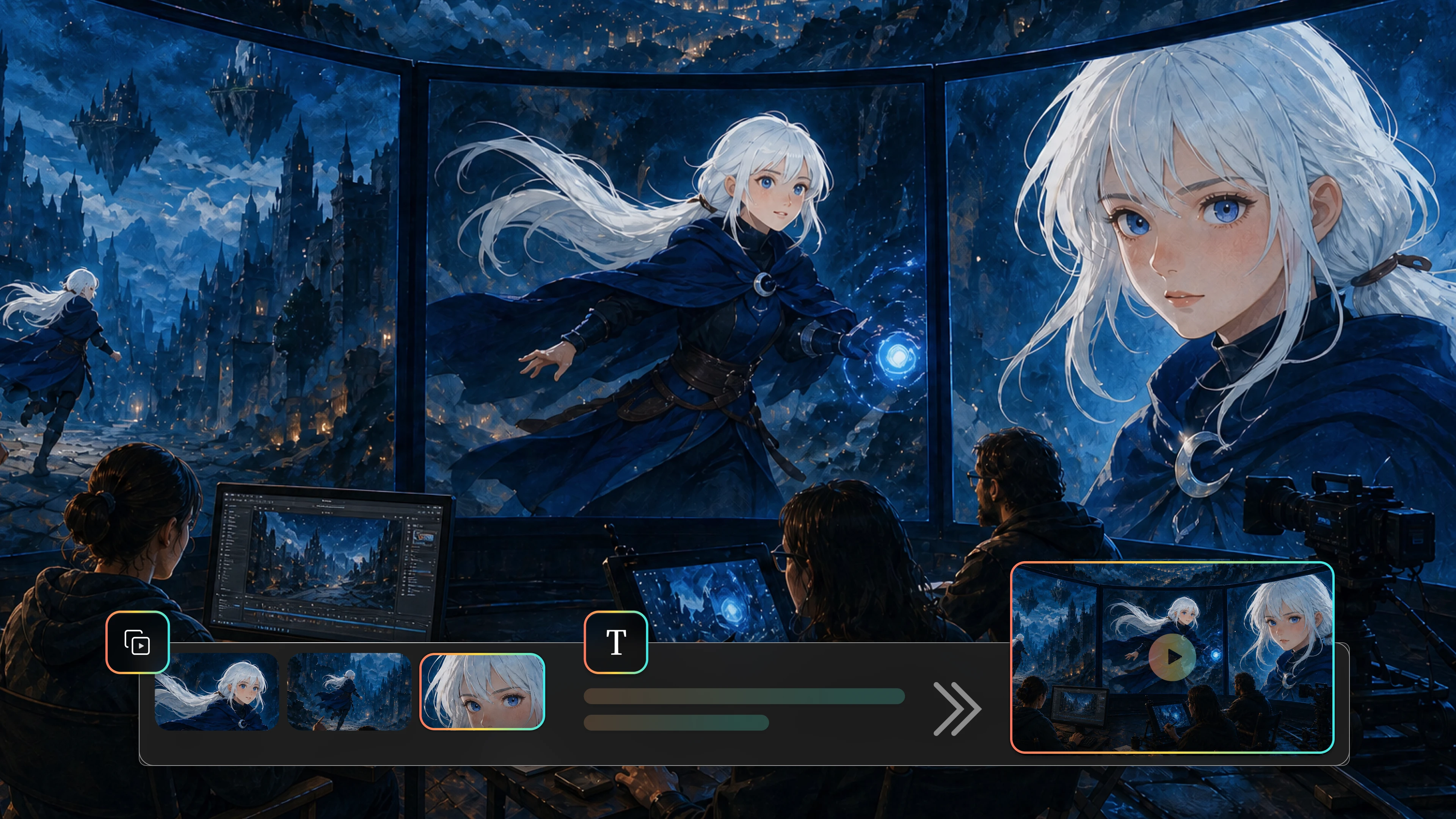
Flova Skills give you ready-made workflows for specific AI animation video. Pick a Skill that matches the style, lighting, color, or mood you want. Then add your own characters and story details. Creating animation with AI is easier when you do not have to build every setting from scratch.

Create Now
Create AI animation videos with Flova Skills

Edit Without Regenerating

If a part of your story does not feel right, you do not need to generate the whole video again. Flova’s animation AI can rewrite a short part of the plot, change one scene, or replace a single shot. The rest of the video can stay as it is. You can focus on the exact part that needs work and keep the scenes you already like. This makes it easier to improve the story step by step without starting over.

Create Now
Edit one AI animation scene without regenerating the video

Flova Skills: Your Go-To AI Animation Tools

Flova offers hundreds of AI animation skills powered by Seedance 2.0 and other popular models. Creators can save their workflows as reusable Skills, while beginners can use them to make polished anime videos with less setup.

More Flova Skill More Flova Skill

AI Animation Generator Is Made for Every Creator

Storytellers

No story idea yet? Don’t worry. Chat with Flova Agent to build an engaging script from scratch. A simple conversation helps you shape characters, set scenes, and control the pacing. You can make an animated video with AI without learning a complex production workflow.

AI animation tools for storytellers
Create Now

How to Make AI Animation the Easy Way

  1. Sign Up on Flova

    Sign in to Flova or create an account, pick a plan that works for you.

  2. Select Animation Video Skill

    Flova offers a wide range of Skills for creating anime videos. Just choose the one you like.

  3. Open Flova Agent and Discuss the Video Details

    Flova Agent will analyze your idea automatically. You can also discuss any details about the video in natural language, then confirm everything before creating the final assets.

  4. Save Your Video

    After the scenes and audio are complete, confirm the final edit. Then export the video and save it to your computer.

Create Now

Frequently Asked Questions About AI Animation

Do I Need Animation Experience to Use Flova?
  • No. You can describe your idea in everyday language without learning complex animation software. Flova Skills also provide ready-made workflows for different video types. Follow the process step by step, review the results, and adjust anything that does not match your idea.
Can I Edit One Part of an AI Animation Without Starting Over?

Yes. Select the scene, shot, or storyboard section you want to change and tell Flova what needs work. The Agent can update that part while keeping the rest of the project in place, so you do not need to remake the entire video.

How Do I Make an AI Animation from Text?

Tell Flova Agent what you want to create. A short idea is enough to get started. The Agent can help develop the script, build a storyboard, create each scene, and assemble the video. You can review the results and request changes along the way.

Can I Use Animations Made with Flova for Commercial Projects?

Commercial use is included with eligible Flova plans. Check your current plan before publishing. You should also make sure you have permission to use any uploaded characters, music, logos, or other reference materials.

Can Flova Add Voiceovers and Music to an AI Animation?

Yes. Flova Agent can generate or use uploaded music, narration, and other audio. It can connect these files to the storyboard and timeline, then adjust their order, timing, volume, and sync with the video.

Create Your First Animation Video With Flova AI

Create AI animation from text, images, and ideas with Flova AI. Generate animated videos, develop characters, and shape scenes in one connected workflow.

Create Now