Key Takeaways
- Flova's AI filmmaking workflow connects planning, storyboards, visual assets, video, editing, and sound in one Agent-led project. Starter costs $20/month on monthly billing, or $17/month billed annually, with 2,000 credits per month. Starter and higher plans include watermark-free export and commercial use.
- Use six production stages to build your workflow: plan and script, storyboard, visual references, video generation, editing, and sound.
- Reuse approved character, costume, and scene references across shots, then review identity, lighting, and movement before accepting a sequence.
- Runway offers several video models. Gen-4 and Gen-4 Turbo use an input image plus a motion prompt; other model modes have different inputs.
- ElevenLabs handles voice synthesis and Suno handles original music. In Flova, you can develop music and narration alongside the storyboard and timeline.
- Descript lets you edit recorded video through its transcript, and its Remove Filler Words tool detects filler words for you to review before deleting or replacing them.
- AI filmmaking tools serve three distinct creator profiles: indie filmmakers, studio creative teams prototyping concepts, and short-form content creators without full crews.
At a Glance
What Are AI Filmmaking Tools?
AI filmmaking tools help you write scripts, plan shots, generate visual assets, animate footage, edit recorded material, and create sound. Some specialize in one task; others connect several stages in one project. Start with the part of production you need to improve. If you are searching for the best AI for filmmaking, the answer depends on which stage you are covering, so this guide sorts AI tools for filmmakers by production stage.
A script gives the story its structure, a storyboard turns it into a shot plan, and reference images establish the visual direction. Video generation, editing, and sound then turn that plan into a sequence you can review as a complete film.
AI Filmmaking Tools by Production Stage
The six stages below give each tool a practical role. One platform may cover several stages, while a specialist adds control where your project needs it.
In the order a project usually moves from idea to finished film, the six stages are as follows:
- Idea and scripting
- Storyboarding
- Visual creation
- Video production (text-to-video and picture-to-video)
- AI video editing
- Voice and sound
Claude supports writing, Midjourney visual development, Runway moving shots, Synthesia presenters, ElevenLabs and Suno sound, and Descript transcript editing. Flova connects several of these tasks in one AI filmmaking workflow.
How to Compare AI Filmmaking Tools
Compare the stage a tool covers, the controls it offers, its full production cost, and the rights attached to the output. For a film, reference reuse and editability matter alongside generation quality. Include billing cycle, credits, revisions, export format, and intended distribution in the comparison.
For your own trial, use one short scene and keep its script, reference image, and delivery format fixed. Review identity, motion, sound, and export quality before scaling to a full project.
Seven AI Tools for Filmmakers, Organized by Workflow Role
The seven picks below include a paired sound setup: ElevenLabs for voice and Suno for music. Choose each entry for its role in the production rather than treating every product as a substitute for the others. Flova connects scripts, storyboards, references, generated shots and an editable timeline in one project. Compare that connected workflow with the specific writing, visual development, sound or editing task you need each tool to handle.
1. Flova AI — End-to-End Workflow
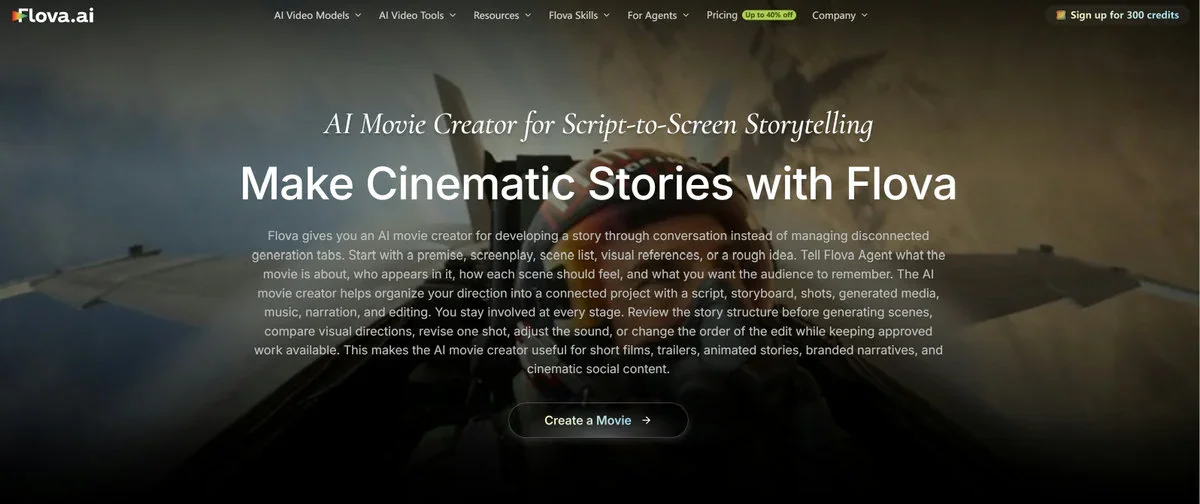
Stage: Idea → Script → Storyboard → Shot Generation → Sound → Export | Pricing: 300 free signup credits, with watermarked downloads on the free plan; Starter costs $20/month, or $17/month billed annually, with 2,000 credits per month. See Flova pricing.
Flova works through an Agent that links the script, storyboard, shots, generated media, music, narration, and timeline in one project, so approved work stays available while you revise a single shot. Its video lineup includes Seedance 2.5 and MiniMax H3, alongside other options such as Veo 3.1 Fast and Kling 3.0, while reusable Skills give you a repeatable workflow for a particular kind of scene or film. Shared character, costume, prop and location references reduce repeated setup across scenes. Shot-level revisions let you correct a failed take without rebuilding the surrounding sequence, while the script and storyboard remain available as the creative reference. Music and narration stay in the same project, ready to review against the picture.
Generation cost depends on the model, resolution, inputs, and plan, and Flova lists credit consumption for each model in its model pricing table. Seedance 2.5 supports clips of 4 to 30 seconds at 480p, 720p, or 1080p, while MiniMax H3 supports 4 to 15 seconds. When the cut is ready, you can refine scene order, timing, and transitions on the timeline and then export the final video.
Best for: filmmakers who want an AI video generator together with the script, storyboard, sound, and timeline work in one project, rather than a stack of disconnected tools.
2. Runway — Text-to-Video & Image-to-Video
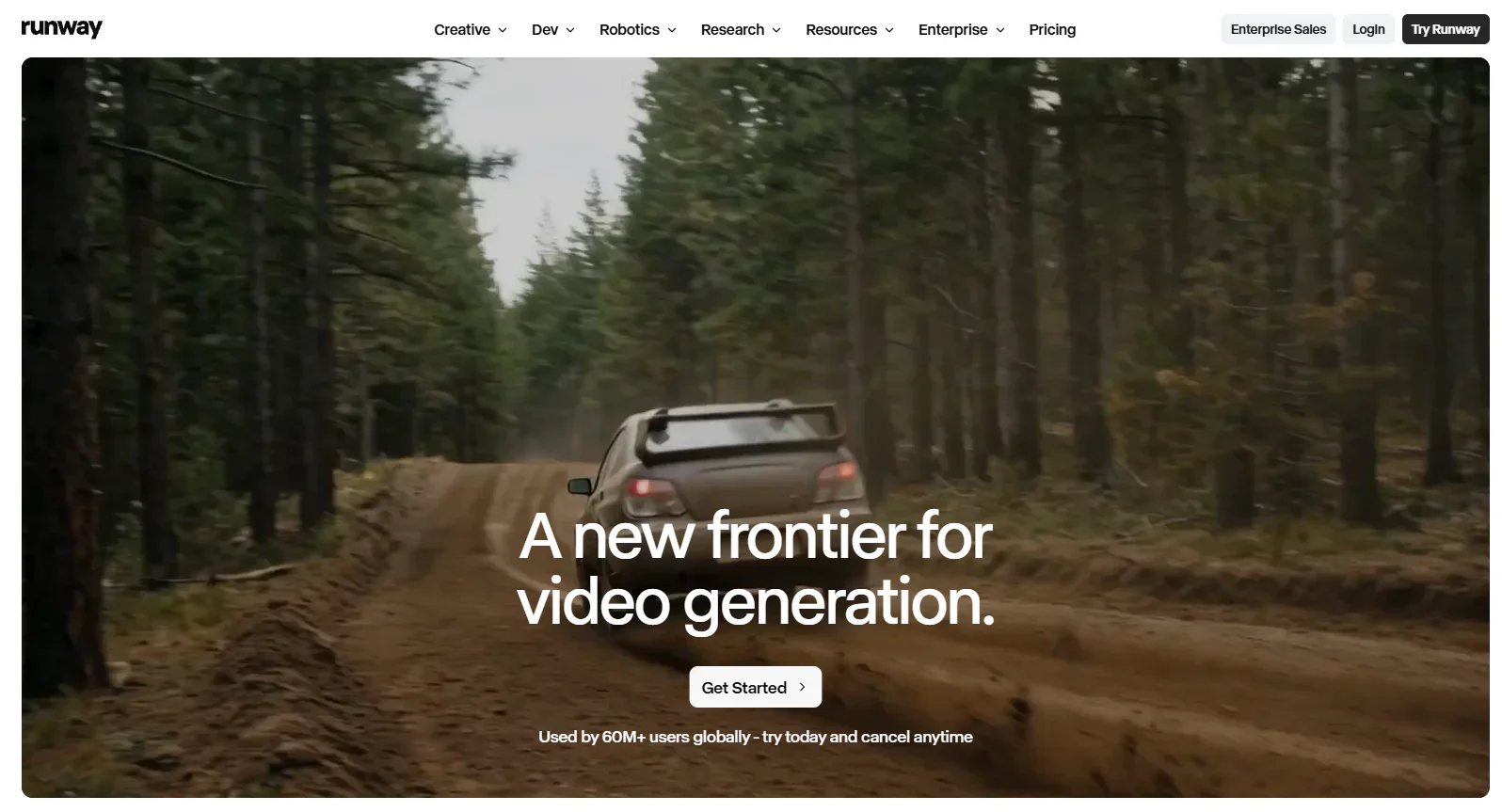
Stage: Shot Generation | Pricing: Free plan with a one-time deposit of 125 credits; Standard costs $15/person/month on monthly billing, or $12/person/month billed annually ($144/year), with 625 credits per month.
Gen-4 and Gen-4 Turbo animate an input image using a text prompt that describes motion. Build a clear first frame, then specify subject movement and camera direction. Runway also offers other models and editing tools, which can suit a different stage or input; compare their access requirements separately from the Gen-4 workflow.
Best for: filmmakers who need precise camera motion on individual shots and already have reference imagery.
3. Synthesia — Avatar & Presenter Video
Stage: Avatar & Presenter Video | Pricing: Free Basic plan; Starter is $19/month billed monthly, with the first month at $9.
Synthesia turns a script into an avatar-led presenter video for training, explainers, and product introductions. Its free Basic plan includes 500 credits and 10 minutes of video creation each month, with a watermark and link sharing; downloads and logo removal start on Starter. Stock and Synthetic avatars suit website and organic social videos, while paid promotion requires express consent from Synthesia. Custom-avatar use follows the agreement with the person depicted.
Best for: Productions that need a speaking presenter without on-camera talent.
4. Claude — Scripting & Story Development
Stage: Scripting & Story Development | Pricing: A free plan is available with usage limits; Pro costs $20/month, or $17/month billed annually, with more usage.
Claude can turn a premise into a scene outline, compare character motivations, and revise dialogue. Give it the genre, target runtime, character goals, and the purpose of each scene, then choose the alternatives that fit your story. Check continuity before moving the approved draft into your storyboard or screenwriting tool.
Best for: Writers and directors who want AI-assisted story development before entering any visual application.
5. Midjourney — Storyboard & Visual Development
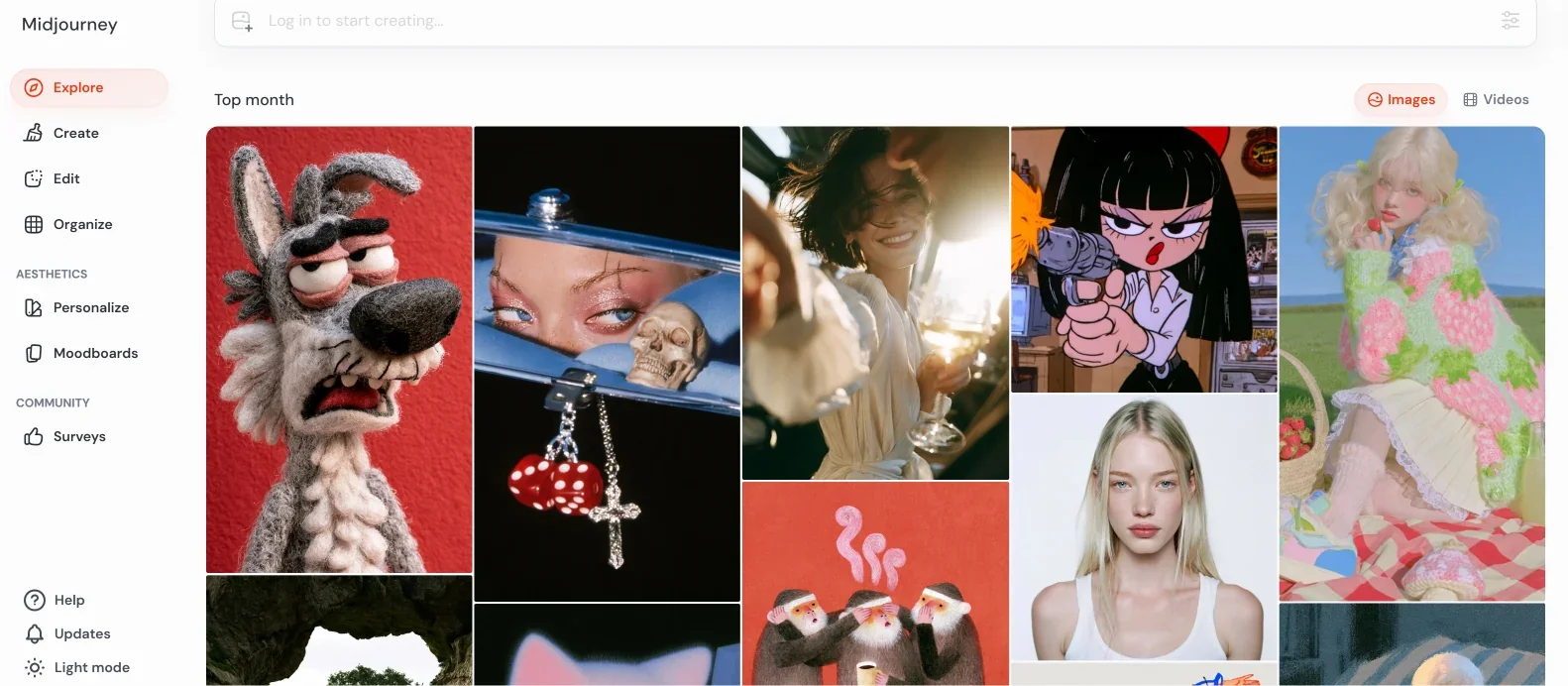
Stage: Storyboard & Visual Development | Pricing: Subscription plans start at $10/month ($8/month billed annually); image and video allowances depend on the plan and generation mode.
Midjourney can produce visual concepts and reference frames from prompts and images, which makes it useful for exploring composition, palette, costume, and environment before you commit to a shot. It also animates images into short videos, so it covers both reference frames and motion tests. If you prefer to keep planning and image creation in one place, Flova generates visual assets inside the same project, so the references stay linked to the storyboard and the shots.
Best for: Visual development teams who need high-fidelity static frames before committing to video generation.
6. ElevenLabs / Suno — Voice & Sound
Stage: Voice & Music | Pricing: ElevenLabs has a free tier with 10,000 credits per month, and Starter costs $6/month on monthly billing. Suno has a free plan; Pro costs $14/month on monthly billing, or $11/month billed annually ($132/year).
ElevenLabs synthesizes narration and dialogue from a script, so it is worth reviewing pronunciation, pacing, and the way names are read before you approve a voice track. Its commercial license starts with the Starter plan, and voice cloning requires permission to use the voice. Suno generates music from a description of style, mood, and instrumentation; review the structure against your scene transitions and edit the track as needed. Suno's free-plan songs are non-commercial. For commercial use, create eligible original songs on Pro or Premier and obtain a permitted download through Suno. The commercial rights attached to that download continue after cancellation; Suno Remixes remain non-commercial. In Flova, you can develop music and narration within the same project and judge both against the timeline.
Best for: productions that need generated narration or music and can review the result, voice permissions, and distribution rights before delivery.
7. Descript — Transcript-Based Editing
Stage: Post-Production Editing | Pricing: Free plan; paid prices are per person. Hobbyist is $16/person/month billed annually ($24 monthly), Creator is $24/person/month billed annually ($35 monthly), and Business costs $65/person/month on monthly billing, or $50/person/month billed annually.
Descript turns recorded speech into an editable transcript, and deleting transcript text removes the matching media. Its Remove Filler Words tool detects filler words automatically, so you can review them and choose to delete or replace them. Hobbyist includes 10 media hours per month with watermark-free 1080p export, and Creator includes 30 media hours with 4K export. Use transcript editing for dialogue-heavy material and a timeline editor for detailed shot timing, compositing, or color work.
Best for: Editors who want to cut dialogue-heavy scenes by editing text rather than scrubbing a timeline.
Selected Workflow Comparison: Flova, Runway & Synthesia
These three platforms illustrate different production approaches: a connected project workflow, shot generation, and avatar presentation.
Flova covers more stages in one project, while Runway and Synthesia focus on shot generation and presenter video. Runway Standard costs $12/person/month billed annually ($144/year), so the practical comparison is the cost of finishing the whole project, including the tools you would otherwise add for storyboards, sound, and editing.
Free vs Paid AI Filmmaking Tools: What You Can Actually Make for Free
Free plans can help you assess a workflow, but their limits vary. Some restrict credits, model access, resolution, or watermarks. A free plan is not automatically non-commercial, and a paid plan does not remove every production constraint.
Check these four possible limits on each plan before you commit to a subscription or a project:
- Whether exports carry a watermark
- Which output resolutions and model modes are available
- How credits or minutes are allocated, consumed, and renewed
- Whether queue priority or concurrency differs from paid access
Use free allowances to evaluate a real scene before budgeting a complete film. Count the drafts and revisions you expect, and compare watermark removal, output settings, and commercial rights separately. A paid plan may improve one of these without changing the others.
Flova gives new accounts 300 signup credits, with watermarked downloads on the free plan. Starter and higher plans add watermark-free export and commercial use. Flova's model pricing table lists the credit cost of each model and setting.
Character Consistency, Camera Control & Output Limitations
Review consistency, camera motion, clip duration, and resolution on your own scene. Keep approved character, costume, and location references together, then compare each shot against them. This is especially useful for a sequence that changes framing or lighting while keeping the same cast and world.
Separate camera framing from camera motion. A close-up describes composition; a slow push-in describes movement. State both clearly and check which controls the selected model supports. Avoid asking for several conflicting camera moves inside one short shot. Duration and resolution depend on the exact model, mode, and access platform. A single generation is not necessarily a complete scene. Plan transitions between clips and distinguish native output resolution from an upscaled export.
For complex action or crowds, start with a short draft and inspect hands, faces, object contact, and background continuity. If a shot is difficult to review or repair, simplify the composition or divide the action into separate shots before generating more footage.
Example End-to-End AI Film Workflow
Use this six-stage workflow as a starting point. One platform can cover several stages, or you can combine specialist tools when you need more control.
1. Write the Script
AI scripting apps such as ChatGPT or Claude draft a scene-by-scene script in natural language. Just describe the goal and constraints directly in the prompt — genre, tone, scene count, character names. Iterate until the structure holds.
2. Build the Storyboard
Turn the approved script into a shot plan with framing, action, and visual references. Review the panels before generation so you can resolve continuity questions while changes are still inexpensive.
3. Generate Key Shots
Generate reference frames for the approved panels. Then use an image-to-video workflow to animate the shots that need a fixed visual starting point. In Flova, Seedance 2.5 and MiniMax H3 can work from your storyboard images and references inside the same project.
4. Maintain Character Consistency
Carry the approved references into each supported generation step and compare the results side by side. Reuse the same asset where appropriate, but review faces, costumes, and lighting after every change.
5. Edit the Sequence
Arrange the shots, trim pauses, and refine pacing. In Flova, the Agent can assemble an initial timeline from the project's shots, and you adjust clip order, timing, and transitions there before exporting. Flova exports the final video, a CapCut draft with its media for continued editing, or a PR File package of project descriptions, media, and drafts, and any exported video can be imported into another editor like ordinary footage.
6. Add Voice and Sound
Add narration, music, and effects, then balance them against dialogue. Review pronunciation and timing, listen for abrupt transitions, and watch the complete cut before export. Keep the relevant music, voice, and uploaded-asset permissions with the project.
Frequently Asked Questions
Which AI filmmaking tools are free, and what do the free plans include?
Several tools in this guide have a free entry point, and each one gives you something different. Flova gives new accounts 300 signup credits, with watermarked downloads on the free plan. Runway's Free plan deposits 125 credits once, Synthesia's Basic plan includes 500 credits and 10 minutes of video each month with a watermark, and ElevenLabs offers 10,000 credits per month. Claude, Suno, and Descript also have free plans. Use them to test one scene before you commit.
What is the best AI video generator for short films?
Runway Gen-4 animates a still image with a motion prompt, which suits a single shot built from a strong first frame. Flova offers Seedance 2.5 and MiniMax H3 for text, image, and reference-based video inside one project that also holds your script, storyboard, sound, and timeline, which suits a short film with several scenes. Try the same scene in the tool you are considering before you pay for a plan.
Can AI filmmaking tools keep a character consistent across shots?
Partly: reference images and repeatable shot instructions help, but no tool guarantees identical faces or objects in every shot. Lock the character design, costume, and lighting references before you generate a sequence, then compare each shot against them and correct drift before editing. In Flova you can upload approved character and costume references and reuse them across scenes, which keeps them next to the storyboard and the generated shots. Seedance 2.5 accepts up to 50 multimodal references per generation, which gives you more room to pin down a look.
How long can AI video clips be, and what resolution do they export?
In Flova, Seedance 2.5 generates clips of 4 to 30 seconds at 480p, 720p, or 1080p, and MiniMax H3 generates 4 to 15 seconds at 768p or 2K. Other providers set their own limits, even within one product, and extensions or upscaling use extra time and credits.
Do I need one all-in-one tool, or a separate tool for each production stage?
Choose an all-in-one platform when you want fewer handoffs, and specialist tools when one stage needs finer control. A connected project such as Flova keeps the script, storyboard, shots, music, narration, and timeline together, which helps on multi-scene work where you revise one shot without losing the rest. A specialist such as Runway, Midjourney, or Descript suits a single stage where you want deeper controls, and many productions combine the two.
Can I use AI-generated video commercially without a watermark?
Flova includes watermark-free export and commercial use from its Starter plan, while free-plan downloads carry a watermark. Runway allows commercial use of generated content, with watermark removal depending on the plan, and ElevenLabs' commercial license starts with Starter. Suno requires eligible original songs and a permitted download on Pro or Premier for commercial use; Remixes remain non-commercial. Uploaded footage, music, voices, and likenesses still need their own permissions.
How much does it cost to make a short AI film?
The cost depends on the models you use, the resolution and length of each clip, and how many revisions you need, so budget around the finished film rather than a single generation. In Flova, credits are deducted per generation according to its model pricing table, and Starter includes 2,000 credits per month at $20 on monthly billing or $17 billed annually. Add the tools you use outside the project: ElevenLabs Starter is $6 per month after a $1 first month, Suno Pro costs $14 per month on monthly billing, or $11 per month billed annually, and Descript Hobbyist is $16 per month billed annually. Run one scene first and multiply by your shot count before you buy a larger plan.
Can a beginner make a short film with AI tools?
Yes, if you start small and work one stage at a time. A short scene with a clear script, a handful of reference images, and one delivery format is enough to learn the workflow. Beginners often find a connected tool easier, because Flova's Agent carries the project from script and storyboard through shots, music, and timeline, so you review each stage instead of juggling separate apps. Try one scene with the free signup credits first, then scale up once the look and pacing are working.