
Commencez à créer en deux étapes.
Choisissez votre agent
Installer le plugin Flova
Copier l’instruction créative
Copiez l’instruction dans votre agent, puis ajoutez votre contenu et vos références.
Processus créatif
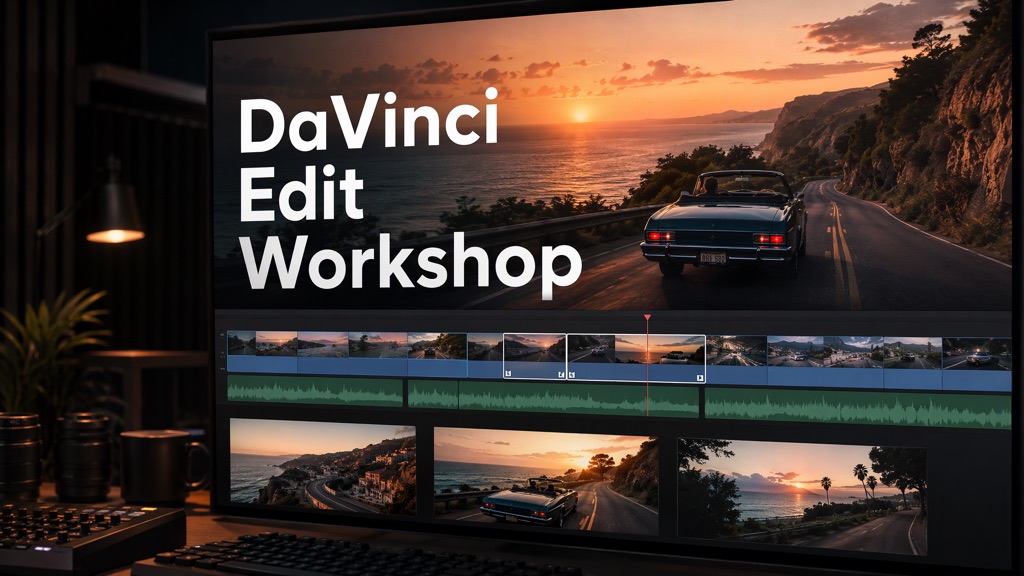
 Edit the footage
Arrange shots and adjust cut points and sound.
Generate additional assets
Create additional visuals, voiceovers, or music needed for the edit.
- Export the finished video
Export the video and retain the editable DaVinci Resolve project.