Key Takeaways
- OpenAI discontinued the Sora web and app experiences on April 26, 2026 and the Sora API on September 24, 2026, so the best Sora alternatives are the tools you can still sign up for today.
- This guide covers seven alternatives to Sora and groups them by what each does well: cinematic motion, image-led shots, free trials, realistic movement, sound and full production workflows.
- Free generation allowances include Runway’s one-time 125 credits, Flova’s 300 signup credits and Google Flow’s 50 daily credits. A free account does not necessarily include recurring generation credits, watermark-free downloads or commercial rights.
- Flova is an AI video generator like Sora for people building a film rather than one clip. Its AI film-maker workflow brings Seedance 2.5, Kling 4.0 and MiniMax H3 together with the script, storyboard, shots and timeline.
- Flova Starter costs $20 per month, or $17 per month billed annually, and includes 2,000 credits per month, watermark-free export and commercial use.
At a Glance
What Happened to Sora and What to Use Instead
People look for Sora alternatives because OpenAI has shut the product down. OpenAI's help center states that the Sora web and app experiences were discontinued on April 26, 2026, and that the Sora API was discontinued on September 24, 2026. Anyone who used Sora for storyboards, concept clips or social video now needs another way to turn prompts and references into video, and the tools below are the Sora AI alternatives and apps like Sora that are open for sign-up today.
These Sora 2 alternatives include provider-led creation apps, multi-model workspaces and developer services. Several platforms host both their own and third-party models, so model count alone does not tell you how a project is organized. Flova’s multi-model video workspace keeps the brief, references, storyboard and timeline together as you choose a model for each shot. An API route suits developers who need generation inside their own application.
Why Flova Is a Strong Sora Alternative for Production Work
Flova suits creators who used Sora as one step in a larger process rather than for a single prompt. A project holds the script, storyboard, shots, assets and timeline together, and the Flova Agent works across all of them, so revising one shot does not mean starting over. Skills package a repeatable method for a kind of scene or film, and the Flova CLI works with external agents such as Codex and Claude Code.
On models, Flova gives you Seedance 2.5, Kling 4.0 and MiniMax H3 in the same workspace. Seedance 2.5 generates clips up to 30 seconds with up to 50 multimodal references and partial edits, Kling 4.0 is built for stable fast action and multi-reference scenes, and MiniMax H3 combines text, image, video and audio inputs with native stereo sound. That makes Flova the practical choice among alternatives to Sora when one video needs more than one model.
Starter costs $20 per month, or $17 per month billed annually, with 2,000 credits per month, and Starter and higher plans include watermark-free export and commercial use. Free accounts start with 300 signup credits, and exports from non-subscribed accounts carry a Flova watermark. When a cut is ready, you can export the finished video, a CapCut draft with its media, or the project files.
Flova is a project workspace rather than a one-click endpoint, so it fits less well if you only want a single clip from one prompt with no planning step, or a bare API for your own application.
If you want to see the workflow first, start with Flova's multi-model AI video workspace and add references as the project grows.
What to Compare Before Switching from Sora
Compare four things before choosing a replacement: the supported inputs and output settings, the credits included with the account, commercial-use and watermark conditions, and the controls available for finishing a whole project. A low subscription price can still lead to a costly sequence if several revised takes are needed. Keep the source image and brief consistent while you compare the results.
Sora Alternatives Compared at a Glance
The table lines up the plan details each provider publishes, so you can compare the free route, the first paid plan and the commercial terms side by side.
The Best Sora Alternatives by Use Case
The seven entries are grouped by the job they suit, from cinematic motion to full production projects, so start with the one that matches your work.
1. Kling 4.0
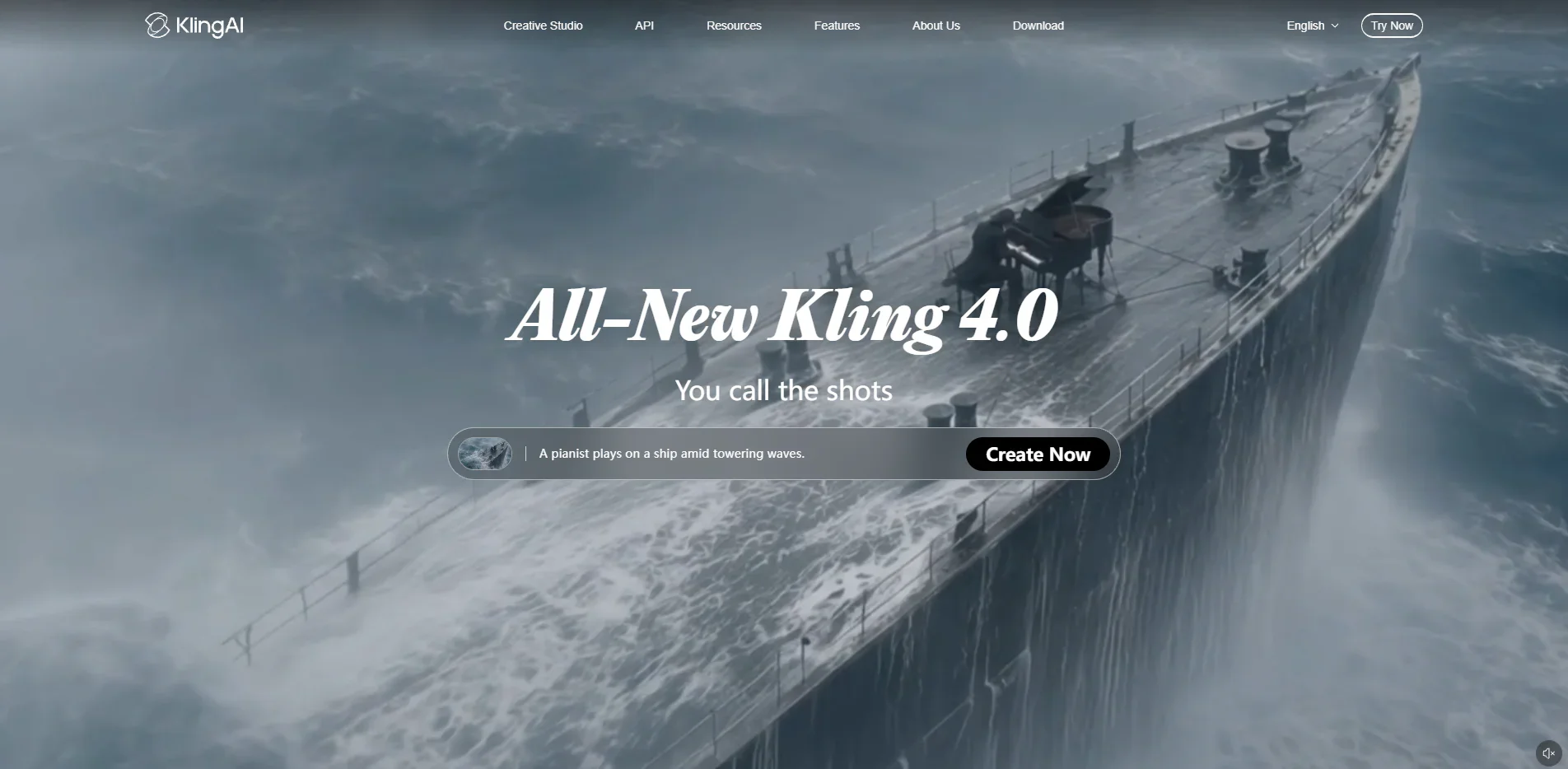
Kling 4.0 is a strong Sora alternative for cinematic action and scenes that depend on references. Kling 4.0 describes stronger stability during fast motion and complex camera movement, stereo sound with spoken lines, and up to 15 references in one task, including up to 10 images, five video clips and seven subjects.
Kling's release page and blog list clips of 3 to 30 seconds and native 4K output. On Kling's membership page the Standard plan includes 660 credits per month, and paid plans include 1080p and 4K generation, brand watermark removal and commercial use. You can also use Kling 4.0 inside Flova, next to Seedance 2.5 and MiniMax H3, when one project needs several models.
2. Runway
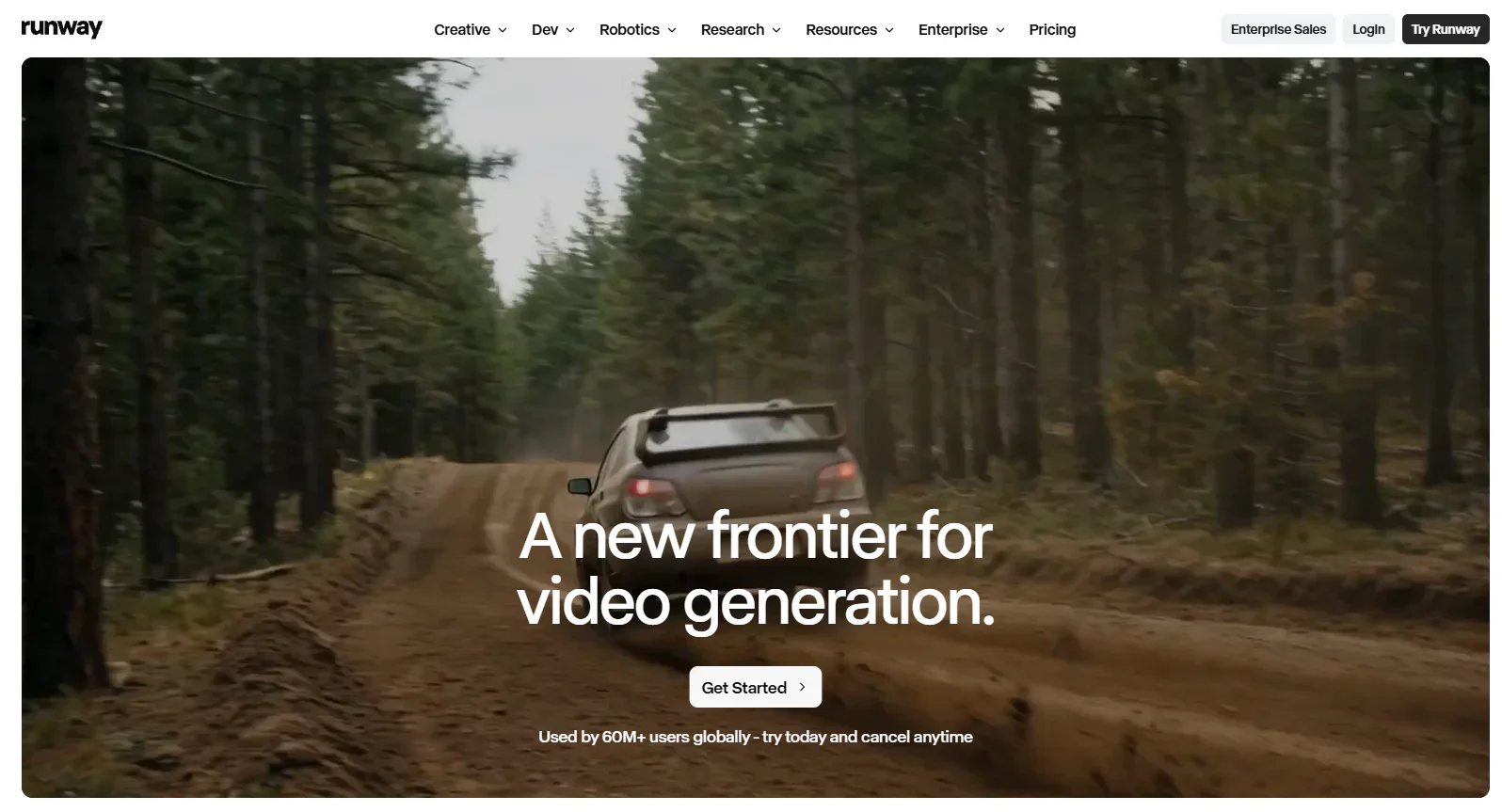
Runway suits creators who start from a strong first frame. Gen-4 and Gen-4 Turbo animate a required input image using a prompt that describes motion, and the platform adds editing tools around its models.
Runway's Free plan gives a one-time 125 credits. Standard costs $15 per month, or $12 per month billed annually, with 625 credits per month and no watermarks, and Runway states that it does not impose non-commercial restrictions on content you create. Runway Dev sells API credits at $0.01 each, and Gen-4 Turbo costs 5 credits per second there, which is $0.05 per second.
3. Pika
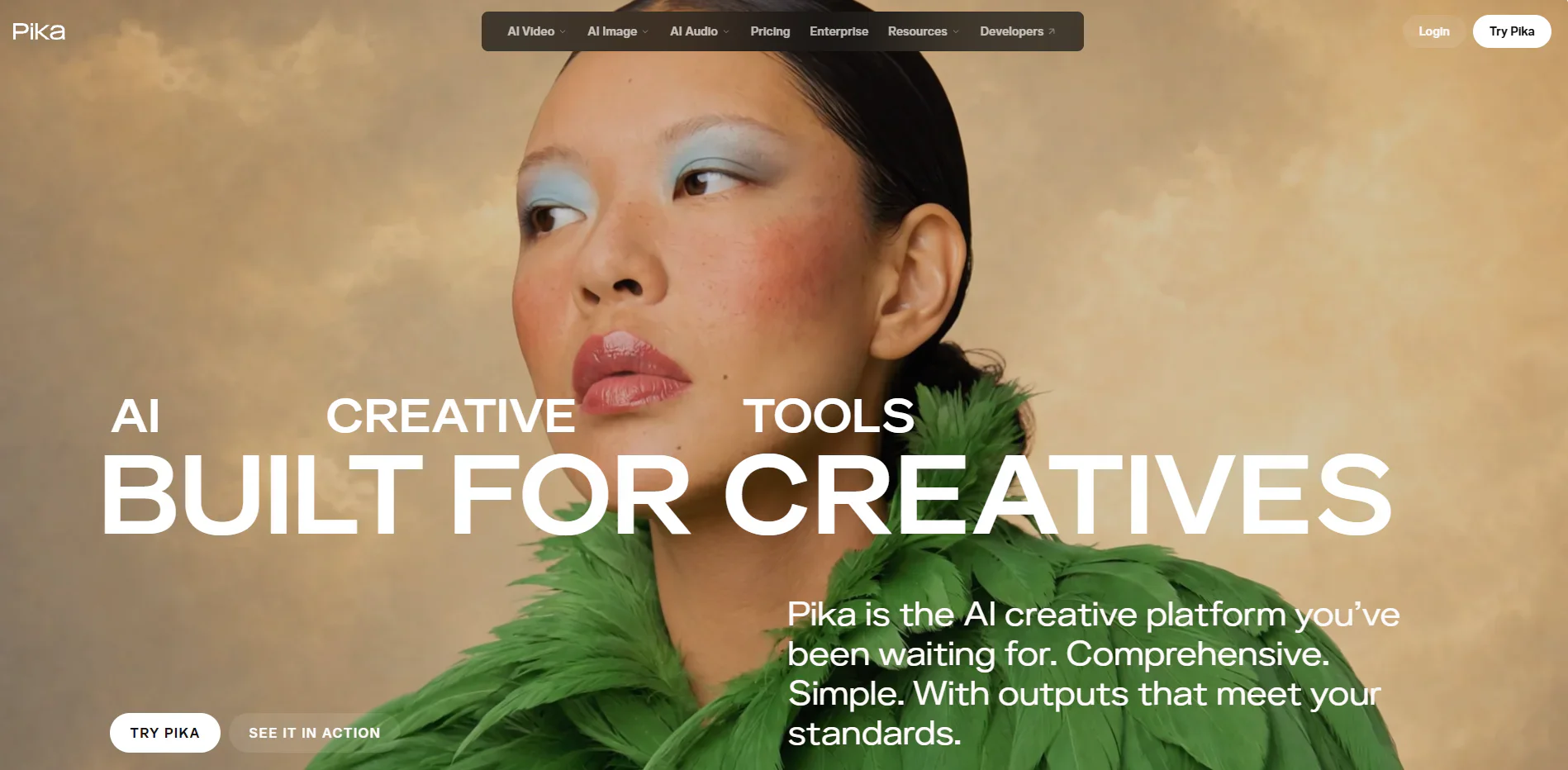
Pika offers image-to-video and effect-led creation alongside several hosted models. Its Free account lists access to all models and watermark-free output, but generation consumes credits and credit packs are available separately. The Free plan does not include a commercial license.
Starter costs $10 per month on monthly billing, includes 600 monthly credits and adds a commercial license. Creator costs $35 per month on monthly billing with 2,600 credits. Choose the allowance around the effects and revised takes your project needs.
4. Luma

Luma's Dream Machine suits realistic motion and edits to existing footage. The Ray3.14 release documents native 1080p generation, and Modify Video works on clips up to 18 seconds.
Luma's pricing page lists Plus at $30 per month with 10,000 credits and commercial use, and it does not list a free plan. Credit cost scales with resolution: Ray3.14 text-to-video or image-to-video costs 100 credits for five seconds at 720p and 400 credits at 1080p.
5. Veo 3.1
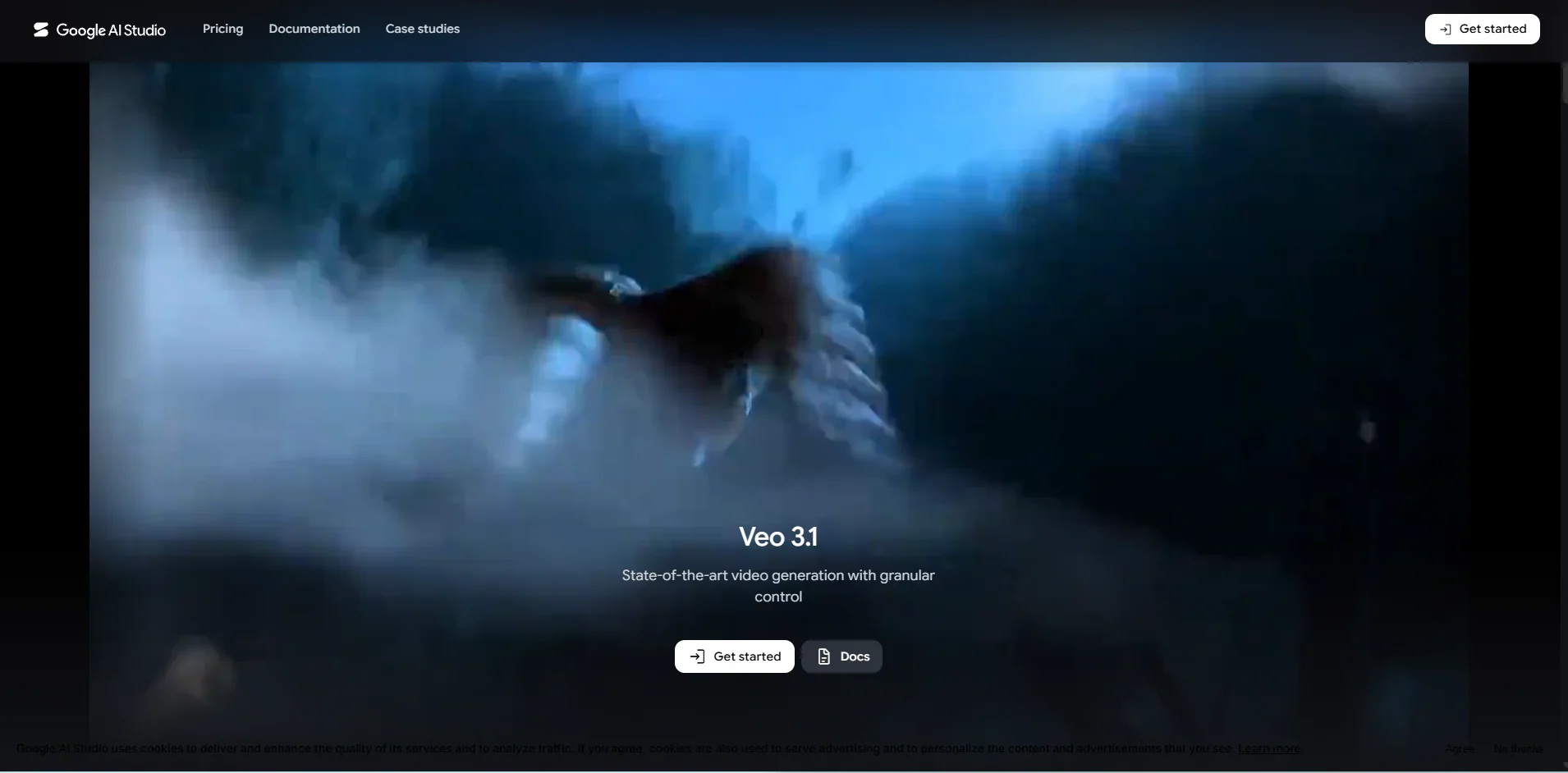
Google’s Veo 3.1 supports generated sound and portrait or landscape output. The Vertex AI documentation for veo-3.1-generate-001 lists clips of 4, 6 or 8 seconds, reference-image generation limited to 8 seconds, and 720p, 1080p or 4K output.
Access and billing depend on the Google service you use, such as a consumer product or Vertex AI, so the price and eligibility you see depend on the service and your account.
6. MiniMax H3 (Hailuo)
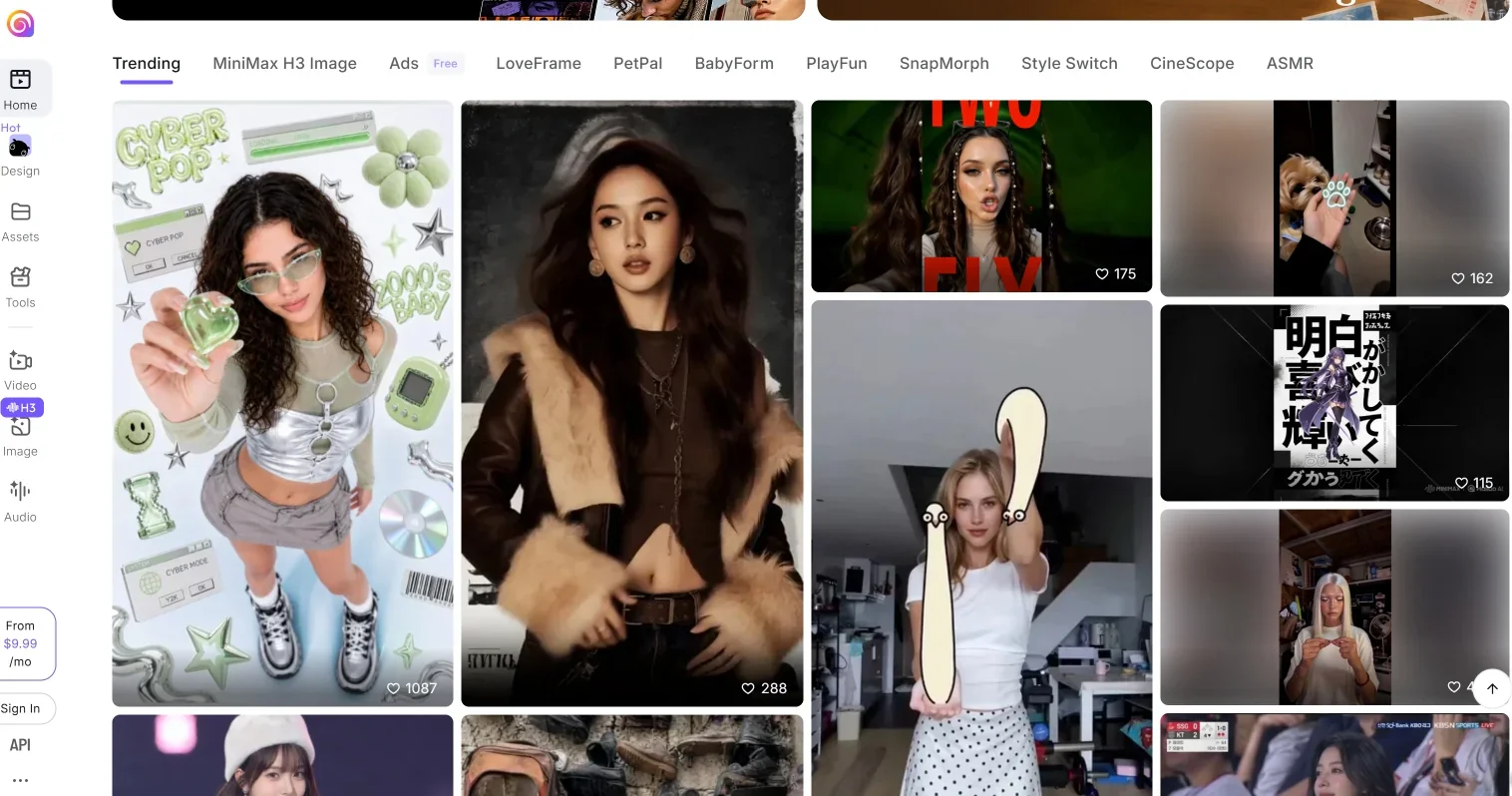
MiniMax H3 is the reference-led option from the team behind Hailuo. Flova's H3 page describes text, image, video and audio references working together, native stereo sound generated with the picture, and 2K output, and a reference video can carry movement and framing into a new subject.
Hailuo's site shows plans from $9.99 per month and announces H3 as live. You can also use H3 in Flova alongside Seedance 2.5 and Kling 4.0.
7. Flova
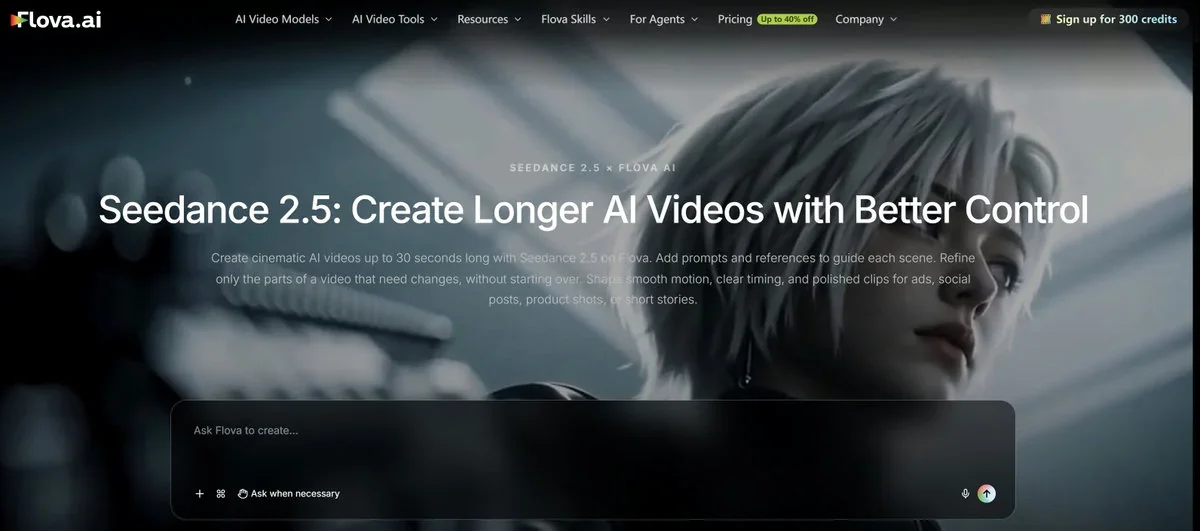
Flova suits creators replacing Sora within a multi-shot production workflow. You can choose Seedance 2.5, Kling 4.0 or MiniMax H3 for individual scenes while keeping the brief, references and approved shots together. Review checkpoints and reusable Skills support revisions and recurring productions.
Free Sora Alternatives
A free Sora alternative can help you try one scene before paying for a larger project. Runway deposits 125 credits once, Flova gives new accounts 300 signup credits, and Google Flow provides 50 daily credits with possible video-generation restrictions during peak hours. Pika’s Free account provides access to all models, but generation uses credits rather than an included monthly free allowance. Luma’s current pricing page lists paid plans from Plus.
Commercial permission and watermark removal are separate questions. Runway states that it does not restrict created content to non-commercial use, while Pika’s Free plan excludes a commercial license. Flova includes commercial use and watermark-free export from Starter. Compare Sora alternatives free of charge using your own scene, then assess the plan needed for your final delivery.
Apps Like Sora and How to Access Them
Apps like Sora offer different combinations of generation, editing and project organization. Kling, Runway, Pika, Luma and Hailuo have browser-based creation tools, and several offer more than one model family. Flova brings multiple models into a connected project with the storyboard, references and edit. Choose the interface and review process that fit your work, then compare the plan needed to finish and export it.
Content policy is a second difference. Each platform sets its own rules on what you can generate, and those rules apply to every prompt, so read the policy of the platform you choose before you build a project around a sensitive subject.
Which Sora Alternative Should You Choose?
Match the tool to the job you used Sora for. These four paths cover most cases:
- Full production from script to export: Flova, with Seedance 2.5, Kling 4.0 and MiniMax H3 in one project and video or CapCut draft export.
- Cinematic action and reference-heavy scenes: Kling 4.0.
- Image-led shots with editing tools: Runway, which animates a required input image.
- Effects and several model choices: Pika, with credit-based generation and a commercial license from Starter.
Frequently Asked Questions
What are the best Sora alternatives in 2026?
The best Sora alternatives depend on the job: Flova for connected production, Kling 4.0 for cinematic action, Runway for image-led shots, Pika for effects and model choice, Luma for native 1080p and video edits, Veo 3.1 for generated sound, and MiniMax H3 for reference-led video. Compare the controls, credits and export rights you need for the whole project.
Is Sora still available?
No. OpenAI's help center states that the Sora web and app experiences were discontinued on April 26, 2026 and the Sora API on September 24, 2026. The same page explains how to export your Sora content and notes that associated data will be deleted after discontinuation.
Is there a free Sora alternative?
Yes. Runway deposits 125 free credits once, Flova gives new accounts 300 signup credits, and Google Flow provides 50 daily credits. Flova’s non-subscriber downloads carry a watermark. Pika’s Free account lists all models and no watermark, but generation uses credits and the plan excludes commercial use.
What are some apps like Sora?
Kling, Runway, Pika, Luma and Hailuo offer browser-based video creation, while Veo 3.1 is available through Google services. Several of these platforms host multiple models. Flova combines model choice with a connected script, storyboard, reference library and timeline, which suits a project that needs planning and revision as well as generated clips.
Which AI video generator like Sora works for a full project?
Flova is built for full projects: the script, storyboard, shots, music, narration and timeline sit in one project, and you can revise a single shot without regenerating the rest. It offers Seedance 2.5 for clips up to 30 seconds, Kling 4.0 and MiniMax H3, and exports a finished video or a CapCut draft.
How much do Sora alternatives cost?
Entry plans on the providers' pricing pages are Pika Starter at $10 per month, Runway Standard at $15 per month or $12 billed annually, Luma Plus at $30 per month and Flova Starter at $20 per month or $17 billed annually. Kling's Standard plan has a list price of $10 per month for 660 credits, and Veo 3.1 pricing depends on the Google service. Credits are used up at different rates for each model, resolution and clip length, so price a real scene before you commit.
Are there open-source alternatives to Sora?
Yes. The official Wan 2.2 repository publishes model weights and inference code under the Apache 2.0 license, and you run it on your own GPU. Flova lists a hosted Wan 3.0 Prime option on its pricing page, which is a separate hosted version from the downloadable Wan 2.2 release.