
AD VIDEOS
for products, launches, and campaigns that need attention

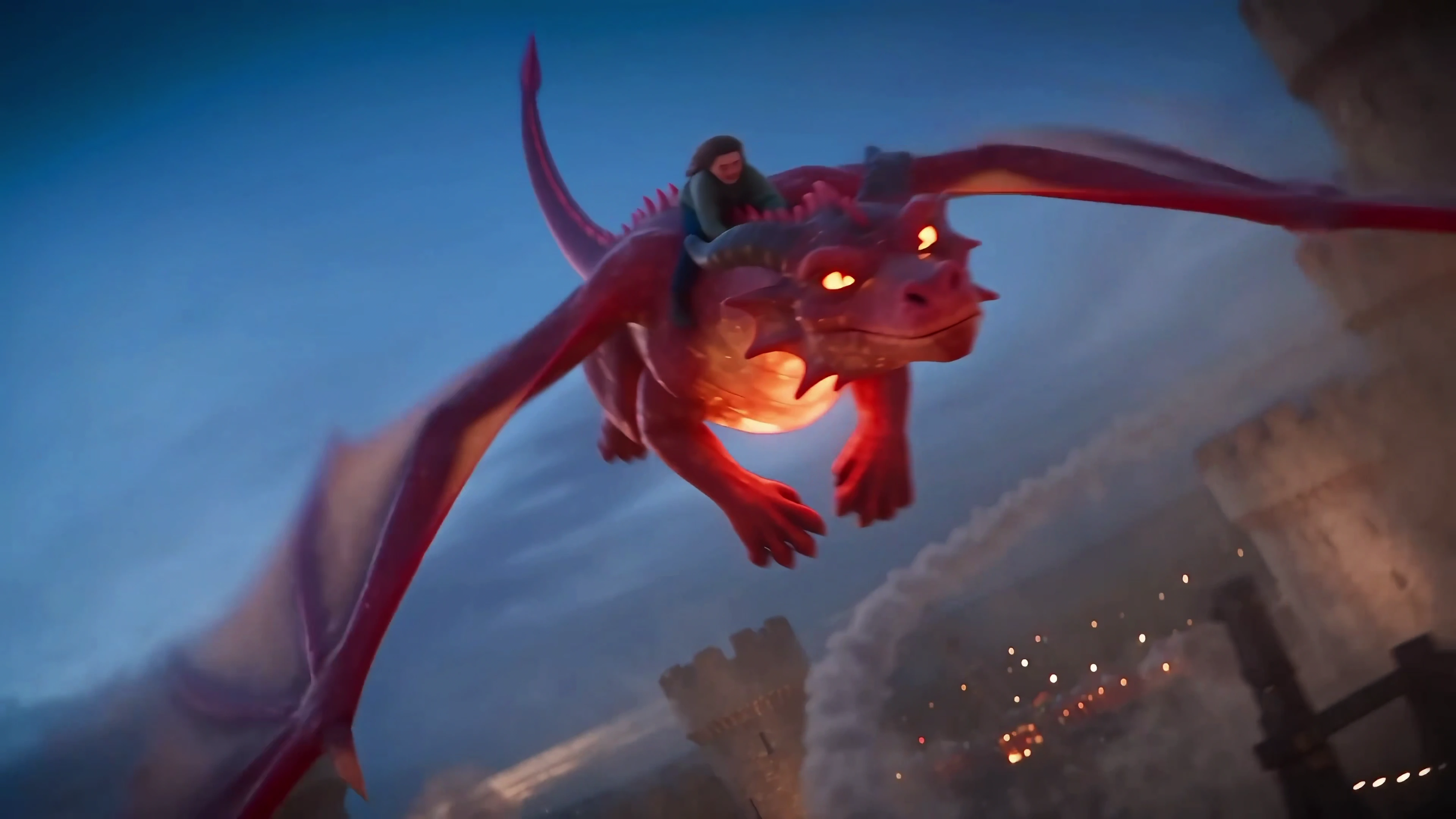
 More Than an AI VideoGeneratorYour All-in-OneVideo AgentFlova AI
 More Than an AI Video GeneratorYour All-in-One Video Agent
Smarter. More Adaptive. Bring Ideas to Life.
From cinematic short dramas and music videos to short films and polished AI video ads, Flova handles the whole production from storyboard to final cut. It can create them in a wide range of styles, from anime and 3D to Pixar-style visuals and looks inspired by Wes Anderson, Miyazaki, and Shinkai.
From first idea to final cut, Flova puts everything you need to create AI videos in one place.
Bring your ideas, assets, and creative methods into one workspace. Flova helps you explore different directions, keep your visuals consistent, and turn the pieces into a complete video.
You shouldn’t need a whole production team to make a video you’re proud of. Flova gives you the support to take on bigger ideas and see them through.
Create images, video, and audio in one place. Flova assembles them on a timeline you can review and edit.
Reuse character references, scene images, and style notes to help keep faces, outfits, and locations consistent from one shot to the next.
Use an existing Flova Skill or create your own to recreate trending videos with your products, characters, or visuals.
Use an existing Skill or create your own to recreate trending videos with your products, characters, or visuals.
Flova Agent picks the right models. Fine-tune each image, clip, and audio track to build a complete story that makes sense from start to finish.
Your Workflow, Every Project
A Flova Skill is a reusable creative method that guides the Flova Agent through a task. It captures how you like to work, whether that’s a full video production process or a focused method for writing shot prompts, checking character consistency, or organizing project assets. You can add reference materials, refine a Skill over time, and combine multiple Skills in one project.
Flova offers a wide range of Skills for product ads, short dramas, anime, music videos, documentaries, social videos, e-commerce visuals, and cinematic effects. Each one gives Flova Agent a ready-to-use workflow for planning, creating, and editing that type of content. You can use a featured Skill, customize it, or create your own.
A Flova Skill lets you save a creative method and use it again. It can include the steps, visual style, model preferences, and editing rules you want the Agent to follow. New creators can start with methods that have worked before, while experienced creators can save and refine their own approach. This means less time repeating instructions and more consistency across projects.
Flova brings the entire video production workflow into one AI video agent—from planning and storyboarding to asset creation, editing, and final export. The eight capabilities below bring together AI video tools, reusable assets, and flexible ways to create and collaborate—all in one place.
Creating videos with Flova is as simple as sharing an idea. Pick a Flova Skill, chat with the AI Agent, and watch your idea turn into a finished video. With text to video, Flova makes the entire creative process faster and easier.
From first idea to final cut, Flova puts everything you need to create AI videos in one place.
From solo projects to team workflows, Flova offers flexible plans for the way you create. Available models, concurrency limits, and capacity vary by plan tier. Check your pricing page for the latest details.
Independent creators, freelancers, and individual users
Subscription per individual account
View Personal PlansCreating campaign videos used to mean jumping between script, image, and editing tools all day. With Flova, I can start with one brief, shape the storyboard, and build the visuals in the same workflow. It makes the whole process feel a lot less scattered.
Ava MorganSocial Media ManagerI used to put off making product videos because every little step needed a different tool. Now I just give Flova my product images and explain the kind of ad I want. It helps build the concept, plan the shots, and turn everything into a polished video without all the usual back-and-forth.
Ethan BrooksE-commerce Brand OwnerWhat I really like about Flova is that it doesn’t take creative control away from me. I can review the storyboard and prompts before anything is generated, make changes where I need to, and then move forward. It feels collaborative instead of random.
Sophie BennettFreelance FilmmakerMost of my videos start as a messy collection of notes and half-finished ideas. Flova helps me turn that into an actual visual story, from planning the scenes to creating the final clips. Honestly, it feels more like working with a creative partner than operating another AI tool.
Daniel ReedYouTube CreatorKeeping the same characters, visual style, and overall feel across a project used to take a lot of manual work. Flova makes it much easier to organize my references and reuse the workflows that already match my taste. I spend less time repeating instructions and more time refining the idea.
Chloe MartinCreative DirectorI’d never made a video before, so things like storyboards, prompts, and shot planning felt pretty overwhelming. With Flova Skills, I just picked the type of video I wanted and followed the workflow step by step. I was honestly surprised by how quickly my rough idea turned into a video I was happy to share.
Lauren MitchellFirst-Time Video CreatorFlova AI is an AI video creation agent that helps take your project from an early idea to a finished cut. Tell Flova what you want to make, or upload your own reference files, and it can plan the workflow, create assets, build scenes, and help you refine the result in one workspace.
Flova is for beginners, creators, freelancers, and brands that want a simpler way to make videos. It helps turn ideas into social videos, product ads, short films, and more.
Flova can help with multi-step projects such as product ads, social clips, script-to-video content, short dramas, and narrative films. Depending on the skill you choose, it can handle script analysis, character and scene planning, storyboards, asset generation, video creation, and timeline assembly. You can review and adjust the project as it moves forward.
A Flova Skill is a reusable video workflow. It tells the Flova Agent how to plan, create, and edit a specific type of video. You can use a ready-made Skill or create your own. Reuse it anytime, so you don’t have to explain the same process again.
Yes. You can try Flova’s full core creation workflow without a paid plan. Bonus credits can be used to generate images, 720p videos, music, and voiceovers. Free accounts have limits on models, resolution, and advanced features. Check your account’s model list and the credit cost shown before generation for the latest details.