
เริ่มสร้างสรรค์ได้ในสองขั้นตอน
เลือก Agent ของคุณ
ติดตั้งปลั๊กอิน Flova
คัดลอกคำสั่งสร้างสรรค์
คัดลอกคำสั่งไปยังเอเจนต์ แล้วเพิ่มเนื้อหาและสื่ออ้างอิงของคุณ
ขั้นตอนสร้างสรรค์
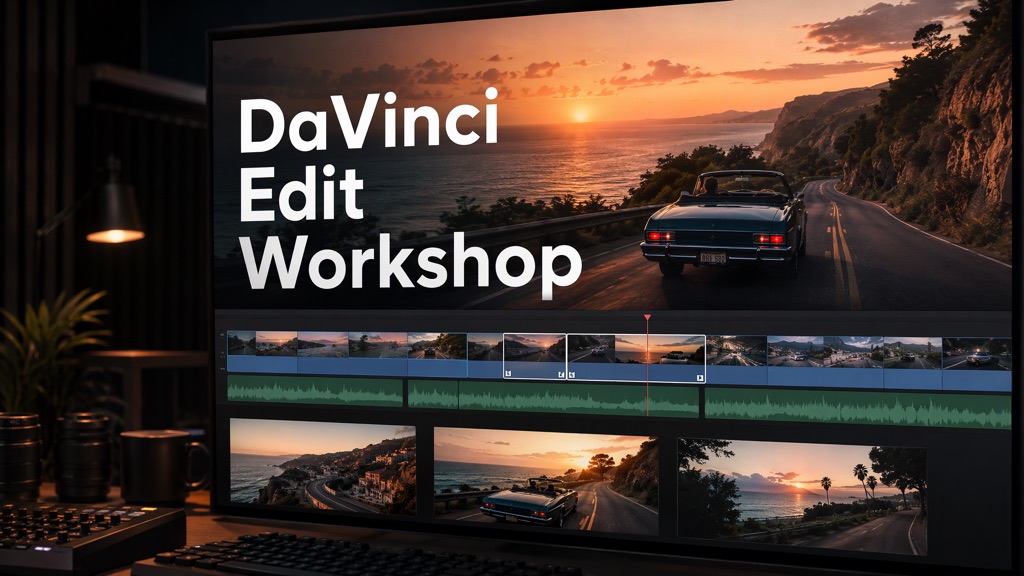
 Edit the footage
Arrange shots and adjust cut points and sound.
Generate additional assets
Create additional visuals, voiceovers, or music needed for the edit.
- Export the finished video
Export the video and retain the editable DaVinci Resolve project.