
Start creating in two steps.
Choose your agent
Install the Flova plugin
Copy creative instruction
Copy the instruction into your agent, then add your content and references.
Creative process
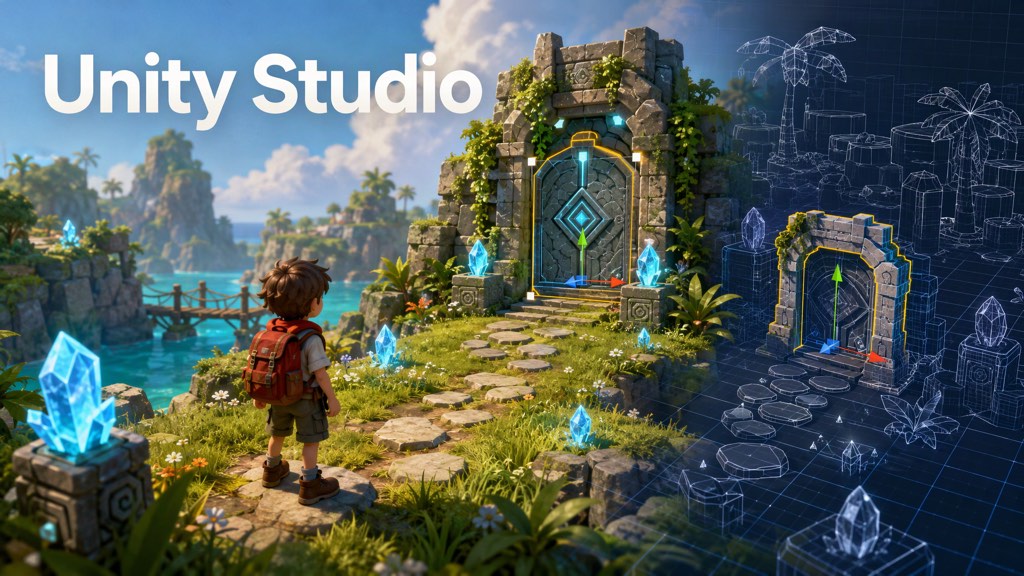
 Build an interactive prototype
Use simple objects to test movement and interactions in the scene.
Generate art and audio
Create scene textures, interface images, and audio assets.
- Complete the scene
Add final assets, lighting, and cameras, then export the game and project.