
Start creating in two steps.
Choose your agent
Install the Flova plugin
Copy creative instruction
Copy the instruction into your agent, then add your content and references.
Creative process
 Extract key frames
Sample frames by shot and organize spatial clues from the original footage.
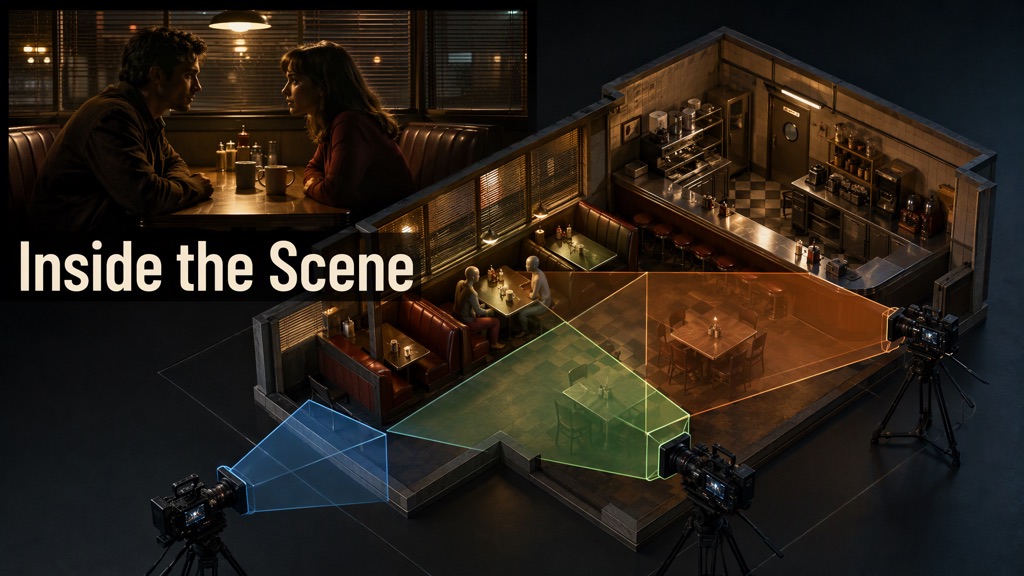
 Build a 3D film set
Position the scene, characters, and cameras, adjusting against the reference.
- Create a comparison video
Synchronize the original footage, shot timeline, and overhead set view.