
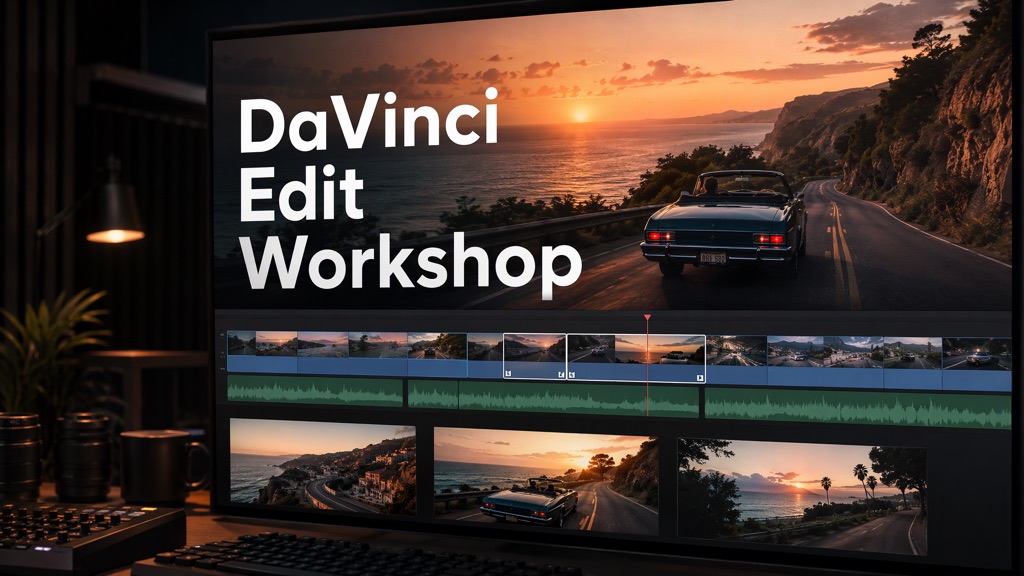
Start creating in two steps.
Choose your agent
Install the Flova plugin
Copy creative instruction
Copy the instruction into your agent, then add your content and references.
Creative process
 Edit the footage
Arrange shots and adjust cut points and sound.
Generate additional assets
Create additional visuals, voiceovers, or music needed for the edit.
- Export the finished video
Export the video and retain the editable DaVinci Resolve project.