
Start creating in two steps.
Choose your agent
Install the Flova plugin
Copy creative instruction
Copy the instruction into your agent, then add your content and references.
Creative process
Generate temporary dialogue
Create voiceovers from the script to plan action and shot duration.
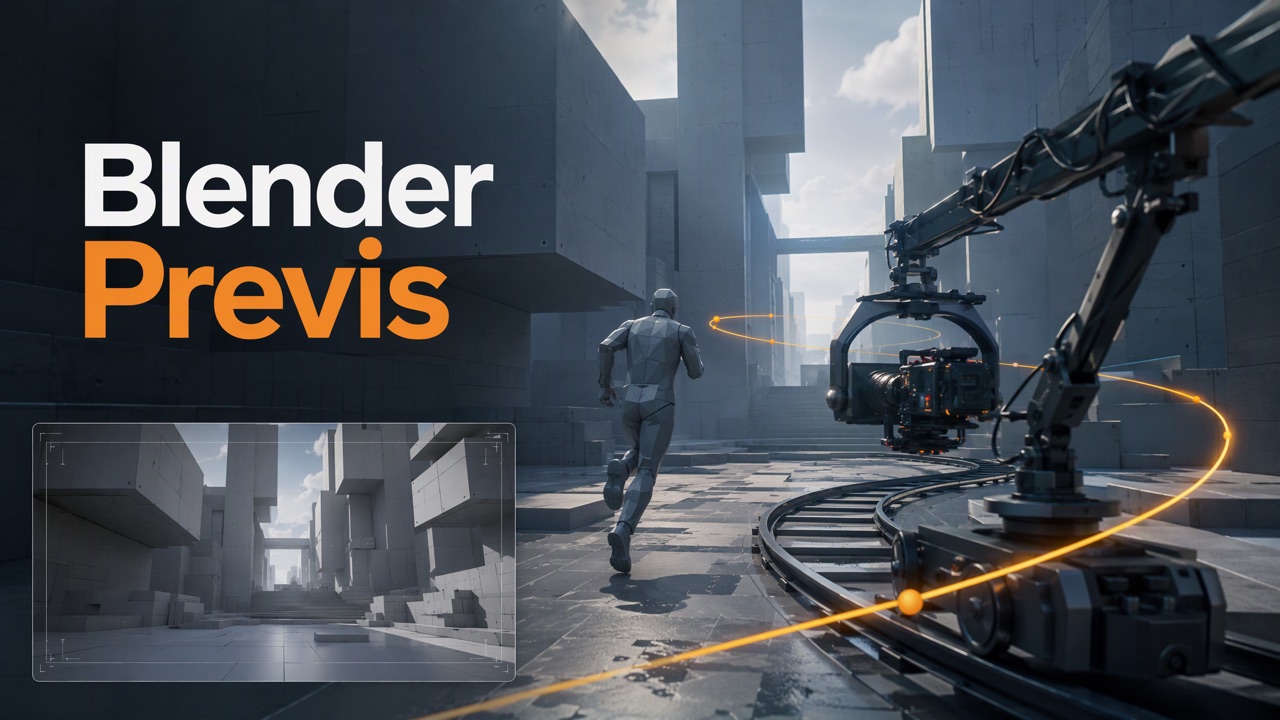
 Create an animatic
Use a simplified scene to demonstrate character blocking and camera movement.
 Assemble the previs
Join shots in order, mix temporary voice and retain shot numbers.