
2 ステップで創作を開始。
Agent を選択
Flova プラグインをインストール
制作指示をコピー
指示をエージェントにコピーし、内容や参考素材を追加してください。
制作の流れ
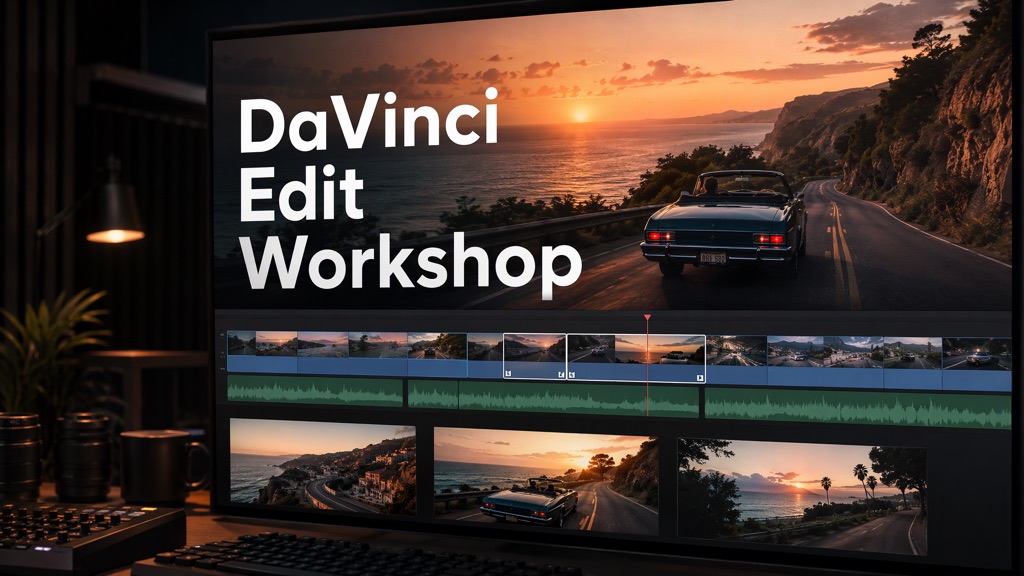
 Edit the footage
Arrange shots and adjust cut points and sound.
Generate additional assets
Create additional visuals, voiceovers, or music needed for the edit.
- Export the finished video
Export the video and retain the editable DaVinci Resolve project.